LGA 771 and LGA 775 CPU table: Xeon and Core 2 chips side by side
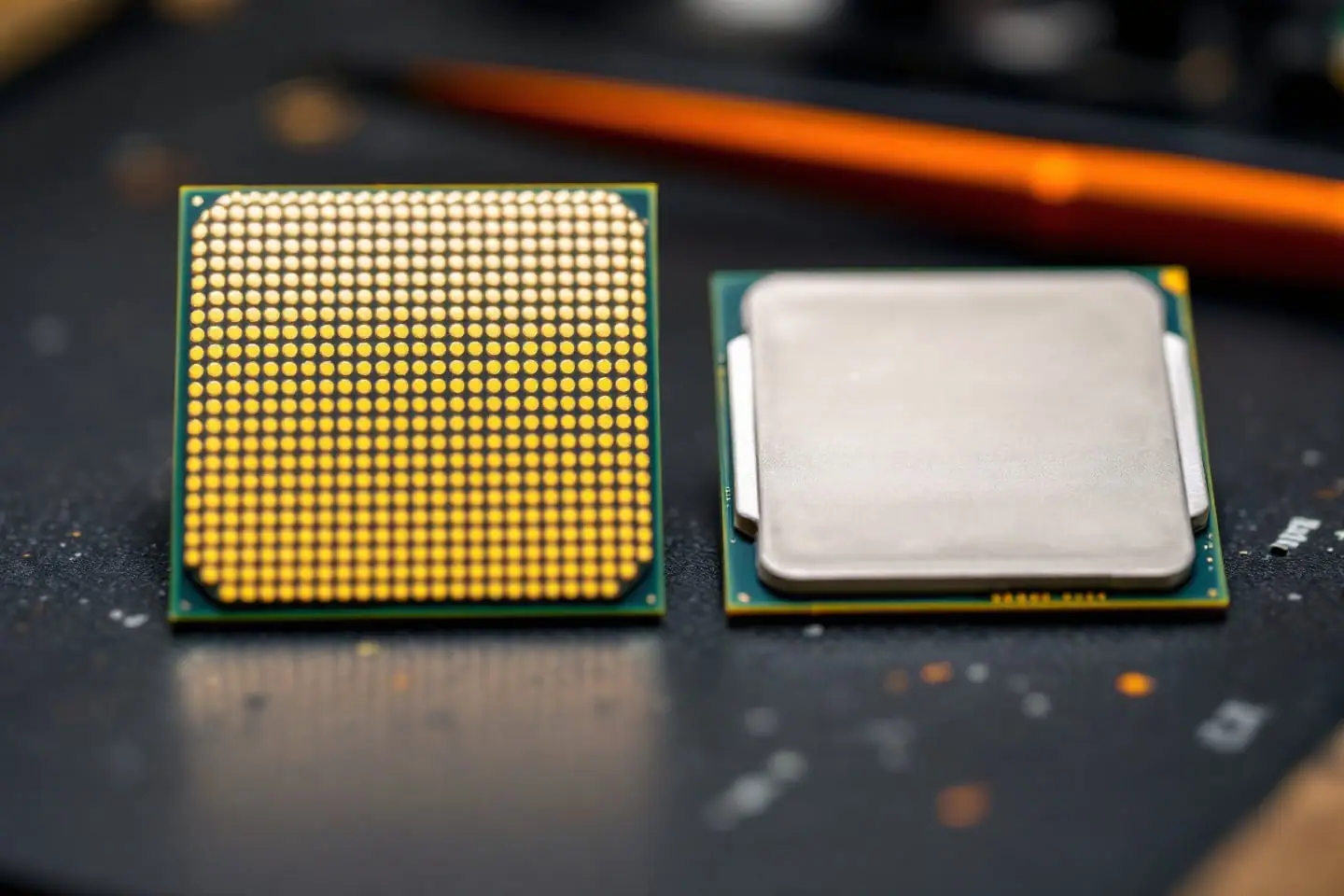
LGA 771 Xeons and LGA 775 Core 2 chips are close relatives. Intel built both from the same 65 nm and 45 nm cores, sold the server versions on Socket J (LGA 771) and the desktop versions on Socket T (LGA 775), and gave them different names, steppings and heat ratings. Put them in one table and the family resemblance is hard to miss: a Xeon E5450 and a Core 2 Quad Q9650 read almost the same across the row.
That resemblance is the whole reason the LGA 771 to 775 mod exists. An LGA 771 chip does not fit a desktop board as shipped. With an adapter sticker, two small socket tabs removed and matching microcode in the BIOS, many of them run in one. This page lists both sockets so you can weigh a modded Xeon against a chip that drops in natively.
Filters above the table narrow it by socket, FSB and process. A filtered view keeps its settings in the address (for example ?filter=socket-lga-771,fsb-1333,node-45nm), so you can bookmark it or paste it into a forum post. We leave out what these chips sell for: used listings move too fast for a printed figure to stay true.
AllLGA 771LGA 775FSB 1333FSB 160045 nm65 nmXeon only
| Model | Socket | Cores | Clock (GHz) | FSB (MT/s) | L2 cache | TDP (W) | Process | Codename | Mod |
|---|---|---|---|---|---|---|---|---|---|
| Xeon X5492 | LGA 771 | 4 | 3.4 | 1600 | 12 MB (2 x 6 MB) | 150 | 45 nm | Harpertown | Adapter |
| Core 2 Extreme QX9770 | LGA 775 | 4 | 3.2 | 1600 | 12 MB (2 x 6 MB) | 136 | 45 nm | Yorkfield | Native |
| Core 2 Extreme QX9775 | LGA 771 | 4 | 3.2 | 1600 | 12 MB (2 x 6 MB) | 150 | 45 nm | Yorkfield | Adapter |
| Xeon X5482 | LGA 771 | 4 | 3.2 | 1600 | 12 MB (2 x 6 MB) | 150 | 45 nm | Harpertown | Adapter |
| Xeon E5472 | LGA 771 | 4 | 3.0 | 1600 | 12 MB (2 x 6 MB) | 80 | 45 nm | Harpertown | Adapter |
| Xeon X5472 | LGA 771 | 4 | 3.0 | 1600 | 12 MB (2 x 6 MB) | 120 | 45 nm | Harpertown | Adapter |
| Xeon E5462 | LGA 771 | 4 | 2.8 | 1600 | 12 MB (2 x 6 MB) | 80 | 45 nm | Harpertown | Adapter |
Reading the columns
| Column | What it tells you | What it means on an old board |
|---|---|---|
| Model | Intel's model number, linked to the chip's own page | The sSpec code on the lid, listed on that page, pins down the exact stepping |
| Socket | LGA 771 (Socket J) or LGA 775 (Socket T) | Decides whether you need the adapter |
| Cores | 2 or 4 | Every quad here is two dual-core dies in one package |
| Clock (GHz) | Stock clock: bus clock times multiplier | What you get with the board at default settings |
| FSB (MT/s) | Front-side bus rate: 1066, 1333 or 1600 | Your chipset has to support it |
| L2 cache | Total L2 in the package | On the quads, 12 MB is two 6 MB caches, one per die |
| TDP (W) | Thermal design power, the heat a cooler is sized for | A cooling rating, not the draw at the wall |
| Process (nm) | 65 nm (Core) or 45 nm (Penryn) | The 45 nm chips add SSE4.1 instructions |
| Codename | Intel's development name | Rows with one codename share a die and a stepping list |
| Mod | "adapter" for LGA 771, "native" for LGA 775 | The work between unboxing and first boot |
The FSB figure is quad-pumped: 1333 MT/s is a 333 MHz bus clock carrying four transfers per cycle. Multiply that clock by the chip's multiplier and you get the Clock column, so 333 x 9 = 3.0 GHz for an E5450 and 333 x 8.5 = 2.83 GHz for an E5440. Now say your board tops out at 1066 MT/s, a 266 MHz clock. A 9x chip on that board either runs at 266 x 9 = 2.4 GHz or refuses to start, depending on the BIOS. Settle the chipset question first with our board support guide.
Xeon and desktop twins
Many rows have a twin on the other socket: same clock, same bus, same cache, same process. What differs is the TDP class, the stepping list and the socket.
| Xeon (LGA 771) | Desktop twin (LGA 775) | Clock | FSB | L2 | TDP, Xeon vs desktop |
|---|---|---|---|---|---|
| E5450 | Q9650 | 3.0 GHz | 1333 | 12 MB | 80 W vs 95 W |
| E5440 | Q9550 | 2.83 GHz | 1333 | 12 MB | 80 W vs 95 W |
| E5430 | Q9450 | 2.66 GHz | 1333 | 12 MB | 80 W vs 95 W |
| X5260 | E8600 | 3.33 GHz | 1333 | 6 MB | 80 W vs 65 W |
| 5160 | E6850 | 3.0 GHz | 1333 | 4 MB | 80 W vs 65 W |
The first three pairs are 45 nm quads (Harpertown against Yorkfield). The last two are dual-cores, and there the TDP gap runs the other way. Read TDP as a rating class Intel assigned to a product line, not a measurement of the chip in your hand.
Twins still differ in what they ask of you. The Xeon needs the adapter, the sticker and a BIOS that carries microcode for its CPUID; the desktop chip needs only a BIOS that lists it. Neither will raise its multiplier above stock. Only the Core 2 Extreme rows in the table ship without that upper lock, so overclocking any other chip here means raising the FSB.
Picking a row
- Find your chipset's highest supported FSB and whether the board maker lists 45 nm quads at all.
- Filter the table to that bus speed, for example
fsb-1333. - Decide between adapter and native. If the Mod column says adapter, page 3 of the mod guide covers which Xeon classes suit which boards.
- Compare the TDP with your cooler using the TDP headroom check.
- Open the chip's page, note the stepping, and confirm the BIOS has microcode for it.
For the server chips alone, with their family history, see the list of LGA 771 Xeons. The desktop quads and Extreme chips have their own lineup page.
When two rows tie on clock, bus and cache and your cooler is small, let the TDP column break the tie: the E5450 is rated 80 W and the Q9650 95 W, and a cooler sized for 95 W covers either one.

Marek writes the socket-mod and Xeon pages. He likes boards with too many jumpers, keeps a drawer of LGA 775 chips sorted by stepping, and reads Intel spec updates the way other people read box scores.