How to delid an Intel CPU: tools, risks and what you actually gain
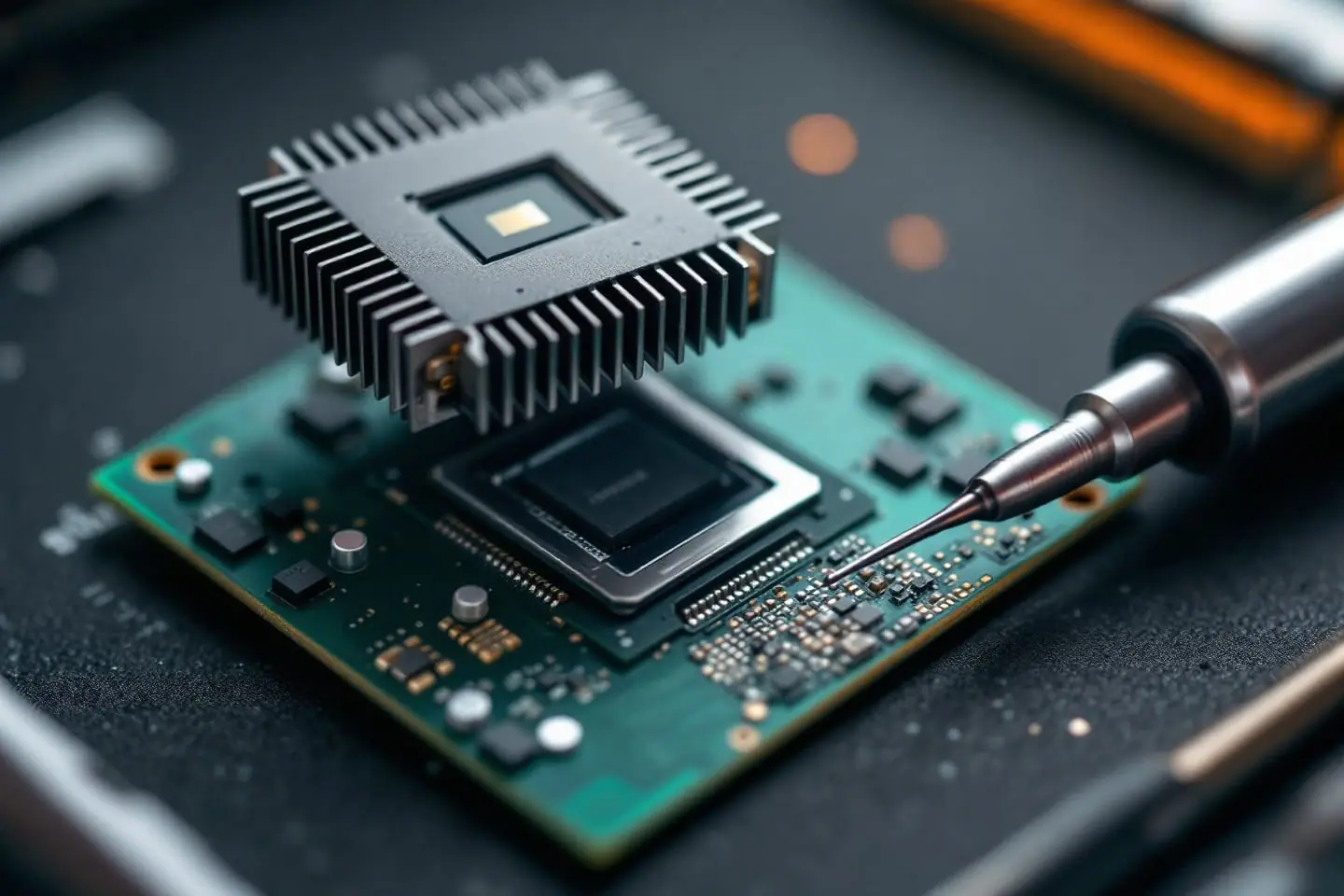
Delidding means taking the lid off a processor. The lid is the integrated heat spreader (IHS): the nickel-plated copper plate stamped with the model name that your cooler actually touches. Under it sits the silicon die, the small rectangle where all the heat is made, and between the two is a thermal interface material (TIM). On some Intel generations that layer is a paste that conducts heat poorly. Replace it with something better and the die can run a lot cooler at the same clocks. On other generations the layer is solder, and the arithmetic changes completely.
This piece covers which chips are which, how the lid comes off, what to put back, and what the published measurements say you get for the risk.
What is under the lid
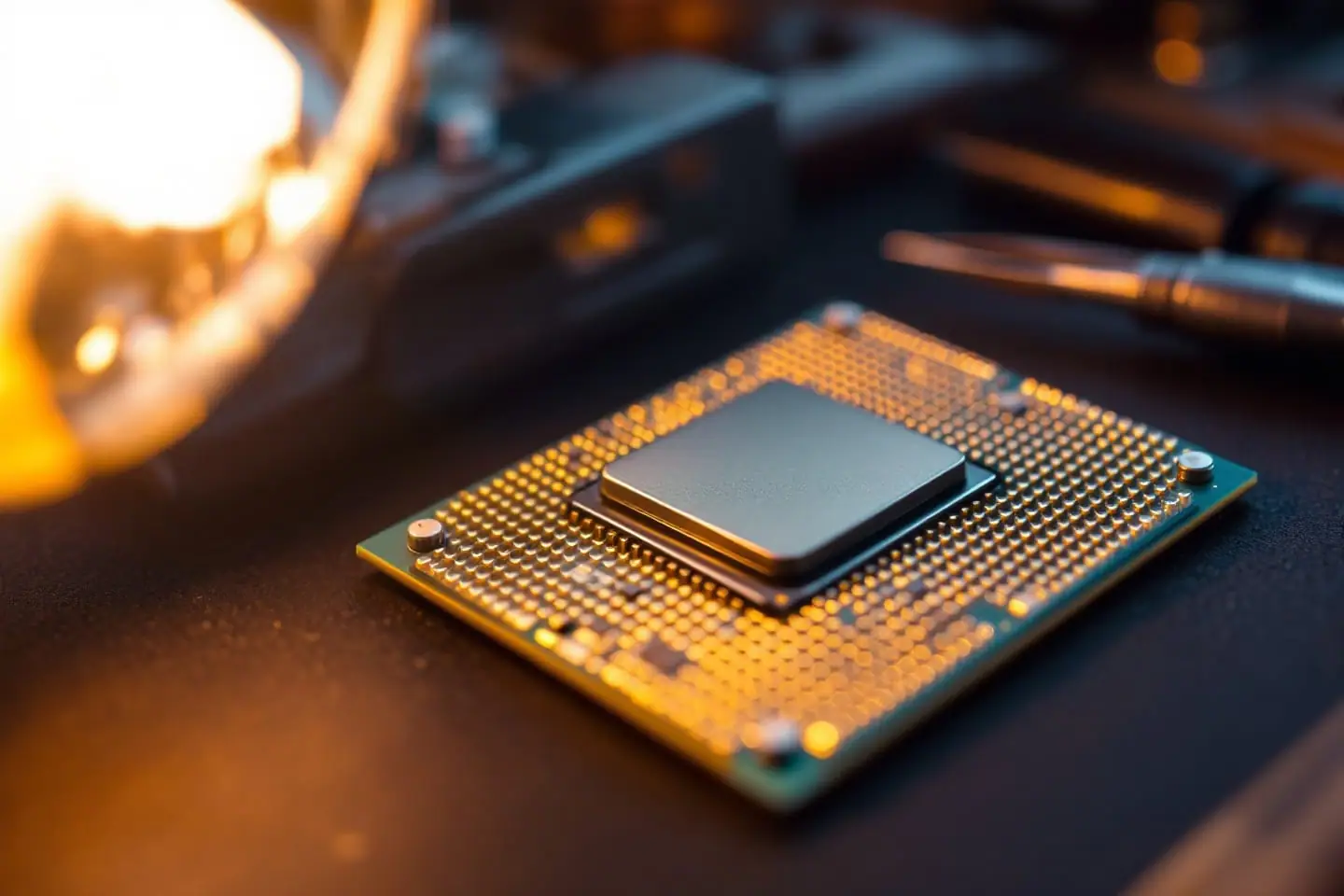
Turn a desktop Intel chip over in your head and work upward. At the bottom is the green fiberglass substrate with the gold contact pads. On top of it sits the die, a sliver of silicon smaller than a postage stamp on mainstream parts. A ring of black silicone adhesive holds the IHS onto the substrate around the die, and the TIM fills the thin gap between the die and the underside of the lid.
That gap is the whole story. Heat has to leave the die through the TIM, spread through the copper lid, cross a second layer of paste under your cooler and finally reach the heatsink. If the first layer is a weak paste, it becomes the bottleneck, and no cooler on top can fully fix it.
Paste or solder: which Intel chips are candidates
Intel has switched between the two more than once on its mainstream desktop line. The short version:
| Generation (desktop) | Under the IHS | Delid worth considering? |
|---|---|---|
| Sandy Bridge, 2nd gen (2011) | Fluxless solder | No, little to gain |
| Ivy Bridge, 3rd gen (2012) | Paste | Yes, the chip that started the trend |
| Haswell and Devil's Canyon, 4th gen | Paste (Devil's Canyon K parts got an improved polymer TIM) | Yes, for overclockers |
| Skylake, Kaby Lake, Coffee Lake (6th to 8th gen) | Paste | Yes, the main delid era |
| Coffee Lake Refresh K parts, 9th gen (2018) | Solder (Intel calls it STIM) | Rarely, see below |
| Later K-series flagships (for example i9-11900K, i9-14900K) | Solder | Only for experts chasing a few degrees |
Two notes before you buy anything. First, Intel's October 2018 announcement tied solder to the three K-series 9th gen launch chips (i5-9600K, i7-9700K, i9-9900K); do not assume a locked part from a soldered generation got the same treatment, and look up a teardown of your exact model. Second, mobile chips are a different case: most of them have no lid at all and the cooler already sits on the bare die. If you are not sure what you have, read the sSpec off the lid and look it up (our guide to finding the CPUID, stepping or sSpec walks through it).
Why soldered chips are a different job
Solder is already a good conductor, so replacing it buys much less. Gamers Nexus put numbers on this when the i9-9900K launched: Intel's solder came out only 4 to 5 degrees better than a good paste. In a follow-up from October 2018 they scraped the indium off, lapped the inside of the lid smooth and applied liquid metal, and measured roughly 4 more degrees in a Blender load, from about 64.4 to 60 degrees above ambient.
The risk goes up at the same time. Indium solder grips the lid; a paste chip lets go with modest force. Tom's Hardware reported in April 2021 that der8auer needed a torque wrench on his delid tool and then had to warm a Core i9-11900K in an oven before its lid would move, with tiny capacitors sitting right beside the lid edge. He did get 10 to 12 degrees back. In October 2023, Club386 summarized his i9-14900K run: average load temperature fell from 93.1 to 83.2 °C after swapping the indium for liquid metal, at around 294 W. So soldered chips can improve, but mostly when they are pushed to extreme power, and the scraping step is exactly where a slip kills the chip (Gamers Nexus did theirs with a knife and warned as much). Never take a razor blade to a soldered chip: cutting the adhesive ring does nothing while the indium still holds the lid to the die, so the blade only adds another way to slip into the substrate.
Ways to get the lid off
There are three common methods, in descending order of how much we would trust them:
- A purpose-made delid tool. A machined block holds the substrate while a screw or slider pushes the lid sideways until the adhesive shears. Each tool is made for a specific package size and capacitor layout, so a tool sized for Kaby Lake and Coffee Lake is not automatically right for anything else. Thermal Grizzly's Delid-Die-Mate and the Rockit Cool kits are the best known.
- The vise method. The lid goes in a bench vise, a block of wood takes a sharp tap, and the substrate slides off. People have done it many times. It is also the method most likely to fling a chip across the room or crack the substrate if the jaws grip the wrong part.
- The blade method. A thin razor cuts through the black adhesive around the lid. It works on paste chips when done with great patience, but a blade that goes a fraction of a millimeter too deep cuts traces or capacitors. We do not recommend it, and on soldered chips it should never be tried.
Delidding a paste chip with a tool
- Check the tool's compatibility list against your exact chip, then read the maker's instructions once without the CPU in hand.
- Warm the chip slightly if the instructions allow it (a few minutes under a desk lamp is enough); the silicone adhesive yields more cleanly.
- Seat the CPU in the tool in the orientation shown, with nothing pressing on the substrate's capacitors.
- Turn the screw slowly. You will feel resistance build, then a soft give as the adhesive shears. Stop as soon as the lid moves.
- Lift the lid straight up. Do not drag it across the die.
Cleaning the die and the lid
Old Intel paste wipes off the die with a lint-free swab and 99 percent isopropyl alcohol. The black adhesive is the slow part. Peel it from the substrate with a plastic card or a fingernail, never metal, and take it off the lid rim completely so the lid sits as low as it did from the factory. Any leftover rubber raises the lid and leaves a thicker gap than before, which undoes the point of the exercise. Finish with a final alcohol wipe on the die and the inside of the lid, and let both dry.
Putting it back: relid or direct die
Relidding
Relidding is the usual route. You put a new TIM on the die, put the lid back on and either glue it with a thin bead of high-temperature silicone or let the socket's retention lever clamp it in place. Many owners skip the glue so the lid can come off again later; others glue it so it cannot shift when the cooler goes on. Both work if the lid is centered.
For the TIM, liquid metal is the popular choice because it is far thinner and more conductive than paste. The lid is nickel-plated copper, which Thermal Grizzly lists as compatible with its Conductonaut. Spread a very thin film on the die and on the matching patch of the lid, cover any exposed capacitors near the die with Kapton tape or a coat of clear nail polish (community practice, not something Intel documents), and never let liquid metal touch an aluminium part. A good non-conductive paste is the gentler option: smaller gains, no short-circuit risk.
Direct die
Direct die means leaving the lid off and mounting the cooler straight on the silicon. It removes a whole layer, but it is not for a standard cooler. A bare die is a thin, brittle slab that chips at the corners under uneven pressure, and a stock cooler's mounting is designed around the extra height of the lid. Direct-die setups use a frame or spacer that controls height and pressure. If you go this way, tighten in a cross pattern a little at a time, and stop the moment you feel firm contact.
What you actually gain
The cleanest published numbers for a paste chip come from Gamers Nexus's October 2017 review of the Core i7-8700K. With the CPU locked at 4.9 GHz and 1.4 V in Blender on a 280 mm liquid cooler, Intel's paste gave a 76 °C average core temperature; after a delid and Conductonaut it was about 52.6 °C, close to 24 degrees lower. At a gentler 4.7 GHz and 1.35 V in Prime95 the gap shrank to about 10 degrees. They also measured 10 to 20 W less on the CPU power rails at the same clocks, which fits the idea that a cooler die leaks less current.
Read those two results together. The gain scales with how hard you push the chip. Run a Kaby Lake or Coffee Lake part at stock and you may see a modest drop and quieter fans; run it at high voltage and the delid can be the difference between throttling and holding the overclock.
A cooler die does not make a better chip. It buys headroom: lower fan speeds at the same clocks, or a little more voltage before the temperature limit. If you are sizing a cooler around an overclock, the cooler TDP headroom check gives a rough idea of how much extra heat a voltage bump adds.
Is it worth doing on your chip?
A quick test before you order a tool:
- Paste chip, overclocked, hitting its temperature limit: a good candidate. This is what delid tools were made for.
- Paste chip at stock: possible, but a better cooler or a fresh layer of paste on the lid may get you most of what you want with no risk.
- Soldered chip: leave it alone unless you are chasing benchmark records and can afford to lose the chip.
- Old Core 2 or Xeon on an LGA 775 board: the heat problem is usually the cooler, not the lid. Start with the LGA 771 to 775 adapter guide and our Core 2 Quad PC notes instead.
If the answer is yes, set aside an afternoon, clear the bench, and leave the liquid metal capped until the very last step.
Sources and further reading
- Intel Newsroom, Intel Announces World's Best Gaming Processor: New 9th Gen Intel Core i9-9900K (October 8, 2018, archived copy; mentions solder thermal interface material)
- Gamers Nexus, Intel i7-8700K Review vs. Ryzen: Streaming, Gaming, Delidding (October 5, 2017, delid and liquid metal results)
- Gamers Nexus, Intel i9-9900K Delid with Liquid Metal and 5.4GHz Overclock (October 24, 2018, solder removal and lapping)
- Tom's Hardware, Popular Overclocker Delids Core i9-11900K with Impressive Results (April 7, 2021)
- Club386, You can reduce your i9-14900K temps by 13°C using this method (October 23, 2023)
- Thermal Grizzly, Conductonaut product page and quick guide (aluminium warning, nickel-plated copper compatibility)
- Wikipedia, Ivy Bridge (microarchitecture) and Sandy Bridge (background on the move from solder to paste)

Corey handles cooling: thermal paste, pads, delidding and liquid metal. He explains where the heat goes in plain numbers and is suspicious of any cooler box that prints a wattage without saying how it was measured.