Choosing a CPU air cooler: towers, low-profile and what the numbers mean
Choosing a CPU air cooler comes down to three checks and one judgment. The checks: it has to mount on your socket, fit under your side panel and clear your memory. The judgment: it needs enough fin area and fan to move your chip's real sustained power at a noise you can live with. For most desktops that means a single tower with a 120 mm fan. Large high-power chips justify a bigger tower, small cases force a low-profile top-down cooler, and an all-in-one liquid cooler (AIO) earns its place mainly when a tall tower will not fit or the chip runs near its power limit for long stretches.
How a CPU air cooler moves heat
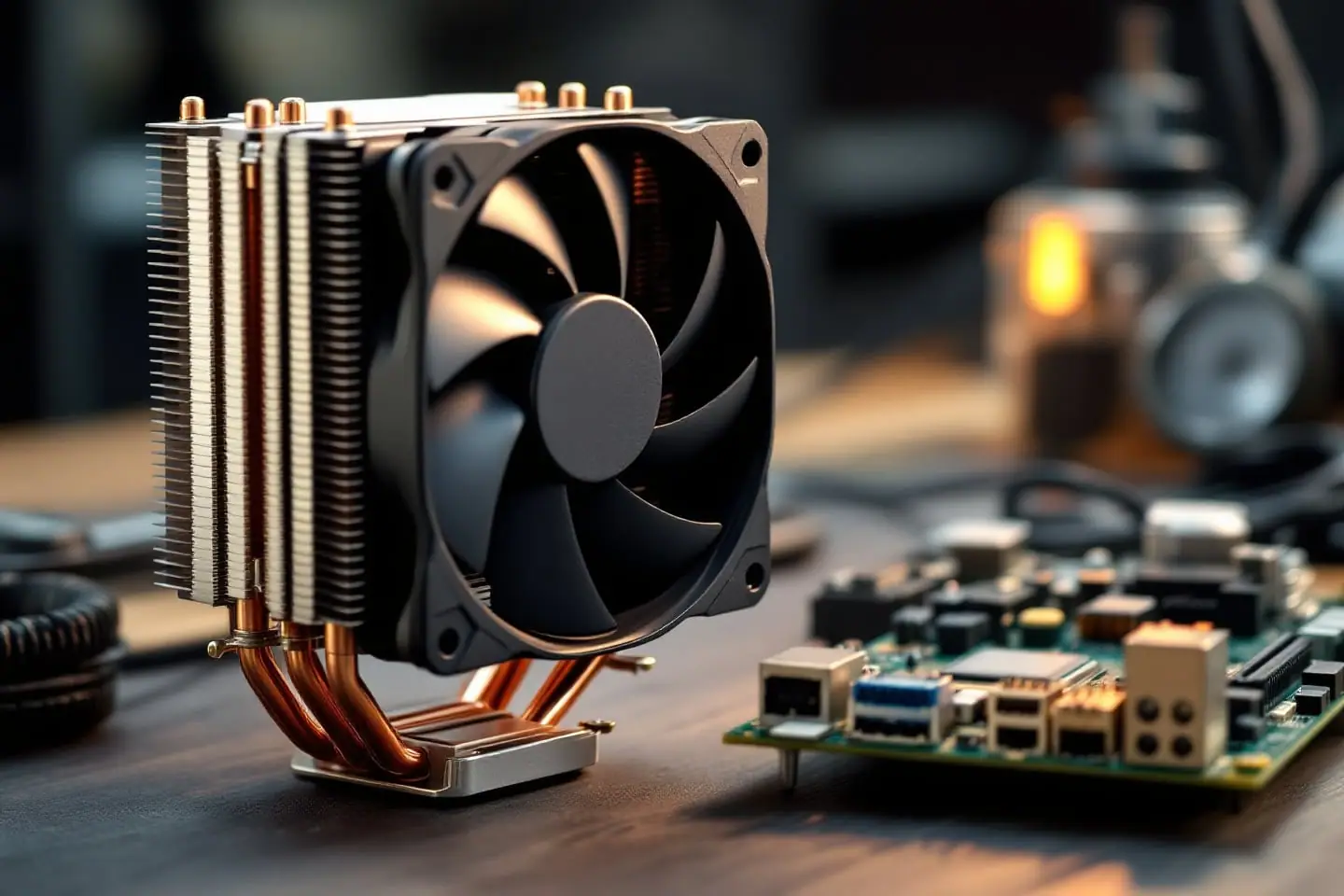
Every air cooler is a chain of four parts, and the weakest link sets the result.
- The base sits on the processor's heat spreader. It is usually nickel-plated copper. Some budget towers skip the plate and press the heat pipes flat so they touch the CPU directly; Cooler Master's Hyper 212 Black Edition lists its base as "Direct Contact".
- The heat pipes carry heat from the base up into the fins. Each is a sealed tube, usually copper with a little water inside. Heat at the base boils the water, the vapor travels to the cooler end and condenses, and a wick lining the tube brings the liquid back. That phase change moves heat far better than a solid copper rod of the same size.
- The fin stack is a block of thin aluminum plates threaded onto the pipes. It is the surface that actually hands the heat to the air.
- The fan pushes air through the fins and out of the cooler.
Upgrade one link and the others still limit you. Six heat pipes feeding a small fin stack, or a big fin stack with a weak fan, waste most of what the extra metal could do.
Tower, top-down and low-profile
| Type | Typical height | Airflow | Suits | Trade-offs |
|---|---|---|---|---|
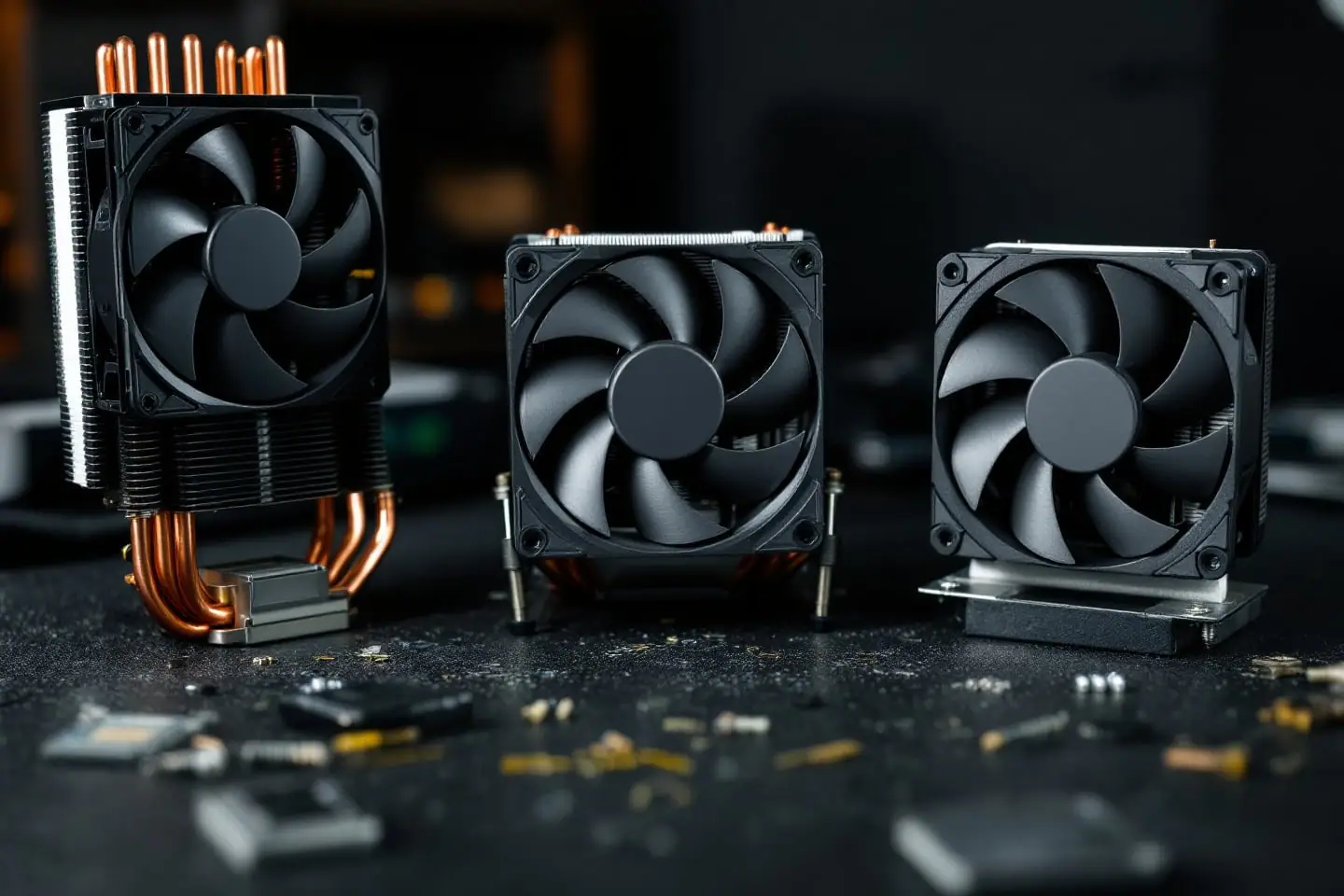
| Single tower, 120 mm fan | About 150 to 160 mm | Front to back, toward the rear exhaust | Most desktops | Needs case height; front fan can meet tall RAM |
| Large or dual tower | Similar height, much wider | Front to back | High-power chips at low fan speeds | Weight, RAM clearance, board removal for the backplate |
| Compact tower, 92 to 100 mm fan | Shorter | Front to back | Mid-range chips, smaller cases | Less fin area, fans spin faster for the same heat |
| Top-down | Low to medium | Down onto the board | Stock coolers, small cases | Recirculates warm case air; less capacity |
| Low-profile top-down | Under about 70 mm | Down onto the board | Small form factor and media PCs | The least capacity of all |
Some figures from makers' pages give a sense of scale. Cooler Master lists the Hyper 212 Black Edition, a common single tower, at 158.8 mm tall with four heat pipes and a 120 mm fan. Thermalright lists its Peerless Assassin 120 SE at 155 mm tall with six 6 mm heat pipes and a 730 g heatsink. At the other end, its AXP90-X36 low-profile cooler has a 21 mm heatsink with four 6 mm pipes under a 15 mm thick 92 mm fan, 230 g in total. Arctic describes its Freezer 7 X as a compact cooler with one 100 mm fan.
Top-down coolers have one real advantage: they blow across the voltage regulators and memory around the socket. Intel's own reference coolers for LGA1156 and LGA1155 were top-down designs built on an aluminum extrusion about 25 mm tall, with an aluminum or a copper core depending on the processor's TDP. That shape is fine for the chip it ships with and little else.
What the numbers on the spec sheet mean
Heat pipe count and diameter. More pipes, or fatter ones, can carry more heat from the base, but only if the fins and fan can shed it. Count is a hint, not a rating.
Fin thickness and spacing. Thermalright lists the AXP90-X36's fins at 0.3 mm thick with a 1.6 mm gap. Denser fins give more surface area but resist airflow more, so they need a fan with more pressure. A slow, quiet fan prefers wider gaps.
Fan size and speed. A bigger fan moves the same air at a lower speed, and lower speed usually means less noise.
Airflow and static pressure. Airflow in CFM (cubic feet per minute) is measured with nothing in front of the fan. A fin stack is very much in front of the fan, so static pressure (quoted in mm of water) tells you more about how well a fan pushes through fins. Thermalright quotes the Peerless Assassin's fan at 1550 rpm, 66.17 CFM and 1.53 mm H2O. Those are maximums.
Noise in dBA. Maker figures have no shared test method: distance, room and fan speed are each maker's choice. Compare within one maker's range at best, and treat reviews that measure several coolers the same way as the better guide.
Weight. Intel's LGA1155 design guide sets a 500 g maximum heatsink mass for that socket, fan and fasteners included, evaluated with Intel's push-pin attach. Coolers above that weight bolt through a backplate. A 730 g heatsink with fans on top is a good reason to support the PC carefully, or take the cooler off, before shipping it.
Watt ratings. There is no shared standard behind "rated for 200 W". Our piece on sizing a cooler by TDP explains why, and the cooler TDP headroom check turns your chip's power into a target.
Socket support and mounting
Check the socket list for your exact socket, then check what is in the box.
- Intel LGA 1700 and later use a 78 mm square of holes, against 75 mm for LGA 1150 through LGA 1200. Some LGA 1700 boards keep extra holes for old coolers, but a cooler mounted that way can press with the wrong force on a socket of different height, and contact suffers.
- AMD AM5 uses a 54 x 90 mm pattern and the same 6-32 screw threads as AM4, so many AM4 coolers carry over. The backplate on AM5 boards is not removable, though, so an AM4 cooler that brings its own backplate will not fit without the maker's upgrade kit.
- Older sockets are dropping off lists. LGA 775 has its own hole spacing and its own shortlist; see CPU coolers that still fit LGA 775.
- Kits sold separately. Even current products can need one. Arctic's Liquid Freezer III, for instance, needs a separate kit for LGA1200 and LGA115X.
If the cooler bolts through a backplate and your case has no cutout behind the socket, plan to take the motherboard out.
Case, RAM and board clearance
Your case maker publishes a maximum CPU cooler height. Treat it as an upper limit, and measure if the case is old or the figure is missing: board surface to the inside of the side panel, minus a few millimeters for cables and the panel's own ribs. Thermalright's pages carry the same warning in their own words: make sure the case clears the cooler and leave room for tall memory.
Memory is the usual collision. A tower's front fan sits over the first DIMM slot on many boards. Most towers let you slide the fan up its clips, which buys clearance at the cost of total height. Some coolers offset the fin stack toward the rear to leave the slots clear. Low-profile coolers fail the other way: a wide 92 or 120 mm fan can overhang the DIMMs and the voltage regulator heatsinks, so check both on the board's layout drawing.
Orientation matters too. Point a tower so it blows toward the rear exhaust fan. A tower blowing up into a roof with no exhaust, or sideways into a closed panel, cooks in its own air.
When an AIO makes sense
An AIO moves the fin area off the motherboard to a radiator on a case fan mount. It makes sense when:
- The case cannot fit a tall tower but has a 240 mm or larger radiator mount.
- The chip runs near its maximum turbo power for long stretches. Intel lists the Core i9-12900K at 125 W base power and 241 W maximum turbo power, and many boards let it hold the higher figure for as long as the load lasts.
- You want the CPU's heat to leave the case directly through the roof instead of heating the graphics card's air.
The costs are real. A pump is a moving part, and when it fails the loop stops carrying heat to the radiator; a tower with a dead fan still has passive fin area. Air in a sealed loop collects at the highest point, so the usual mounting advice is to keep the pump below the top of the radiator. The board also loses the air a cooler would blow across the socket area. Arctic fits a 60 mm fan for the socket area on its Liquid Freezer III for exactly that reason. For chips that sit nearer 100 W in sustained work, a decent tower usually does the job with fewer parts.
Three kinds of pick
- A tower air cooler for current sockets, single tower, 120 mm fan, four to six heat pipes and a backplate mount. It suits most builds, including fast chips at moderate fan speeds, in any case with about 160 mm of clearance.
- A compact single-tower air cooler with a 92 to 120 mm fan. It suits mid-range chips in compact or older cases where a full tower will not close the panel.
- A low-profile top-down CPU cooler. It suits small form factor and media machines with chips around 65 W, and it is the only kind that fits many slim cases.
We chose these categories from makers' specifications and published reviews, not from hands-on testing of our own. Whatever you buy, a correct mount and a thin even layer of paste matter as much as the metal; our notes on how much thermal paste to use and repasting step by step cover both.
Quick answers
What is the best CPU cooler for my build?
There is no single answer. The best CPU cooler for a given build is the one that passes the three fit checks with room to spare and handles your chip's sustained power, from the headroom tool, at a fan speed you find quiet.
Do more heat pipes always mean better cooling?
No. They help only when the fin stack and fan can shed the extra heat. A six-pipe cooler with a small, dense fin stack and a slow fan can lose to a four-pipe cooler with more fin area.
Is a low-profile cooler enough for a gaming CPU?
For a 65 W class chip, usually. For a chip that boosts well past 100 W, expect high temperatures, a loud fan and lower sustained clocks. If the case allows anything taller, take it.
Sources and further reading
- Cooler Master, Hyper 212 Black Edition (height, heat pipes, fan size, direct-contact base)
- Thermalright, Peerless Assassin 120 SE and AXP90-X36 (heat pipes, fins, fan figures, weights, clearance note)
- Arctic, Freezer 7 X and Liquid Freezer III 240 (compact tower, separate LGA115X kit, VRM fan)
- Intel, 2nd Generation Intel Core and LGA1155 Socket: Thermal Mechanical Specifications and Design Guidelines, document 324644-004, May 2011 (500 g heatsink mass limit, reference top-down coolers)
- Intel, Core i9-12900K specifications (maximum turbo power)
- Wikipedia, Heat pipe, LGA 1700 and Socket AM5 (background on heat pipes, hole spacing and the AM5 backplate)

Corey handles cooling: thermal paste, pads, delidding and liquid metal. He explains where the heat goes in plain numbers and is suspicious of any cooler box that prints a wattage without saying how it was measured.