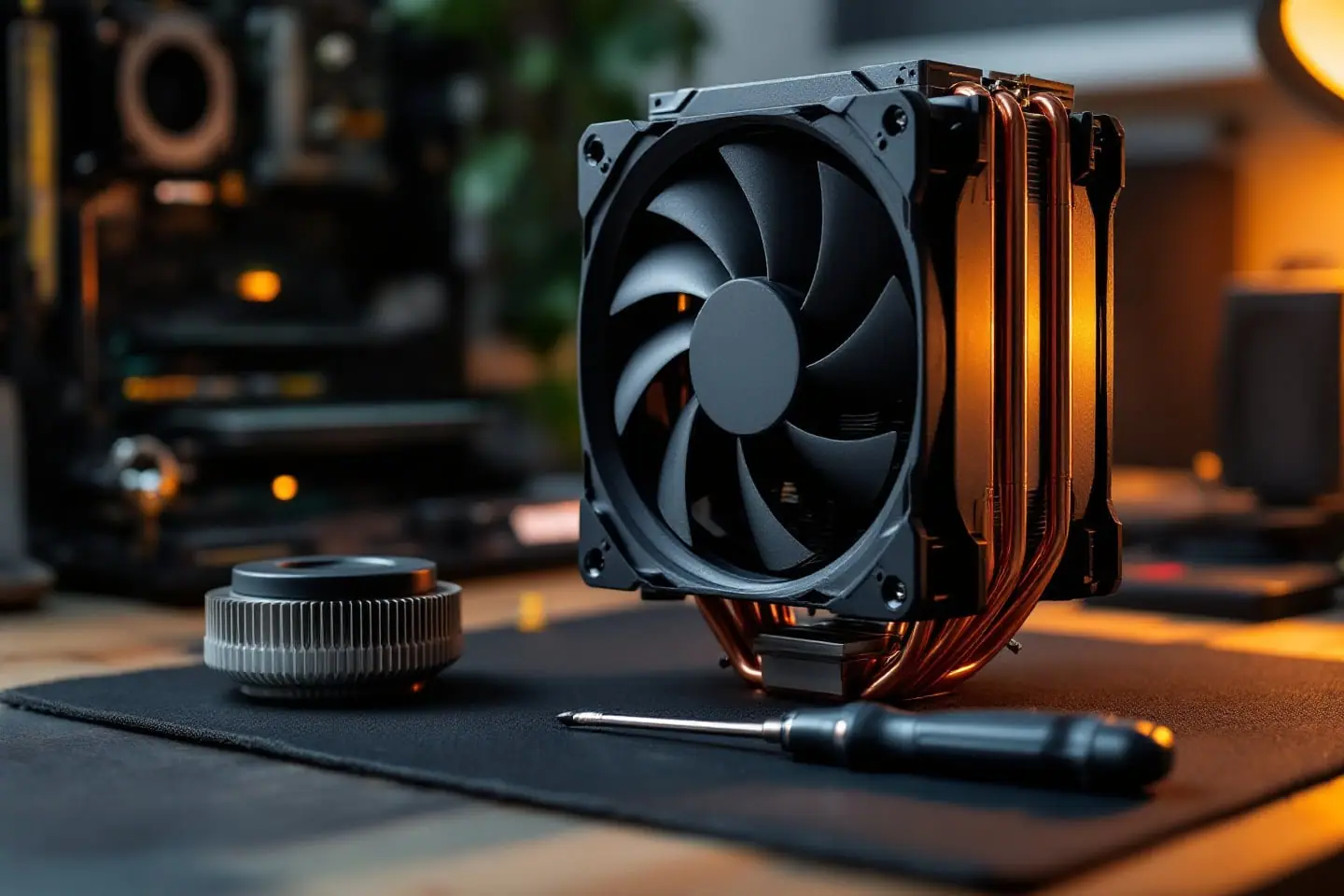
How much thermal paste on a CPU? Amounts by chip size
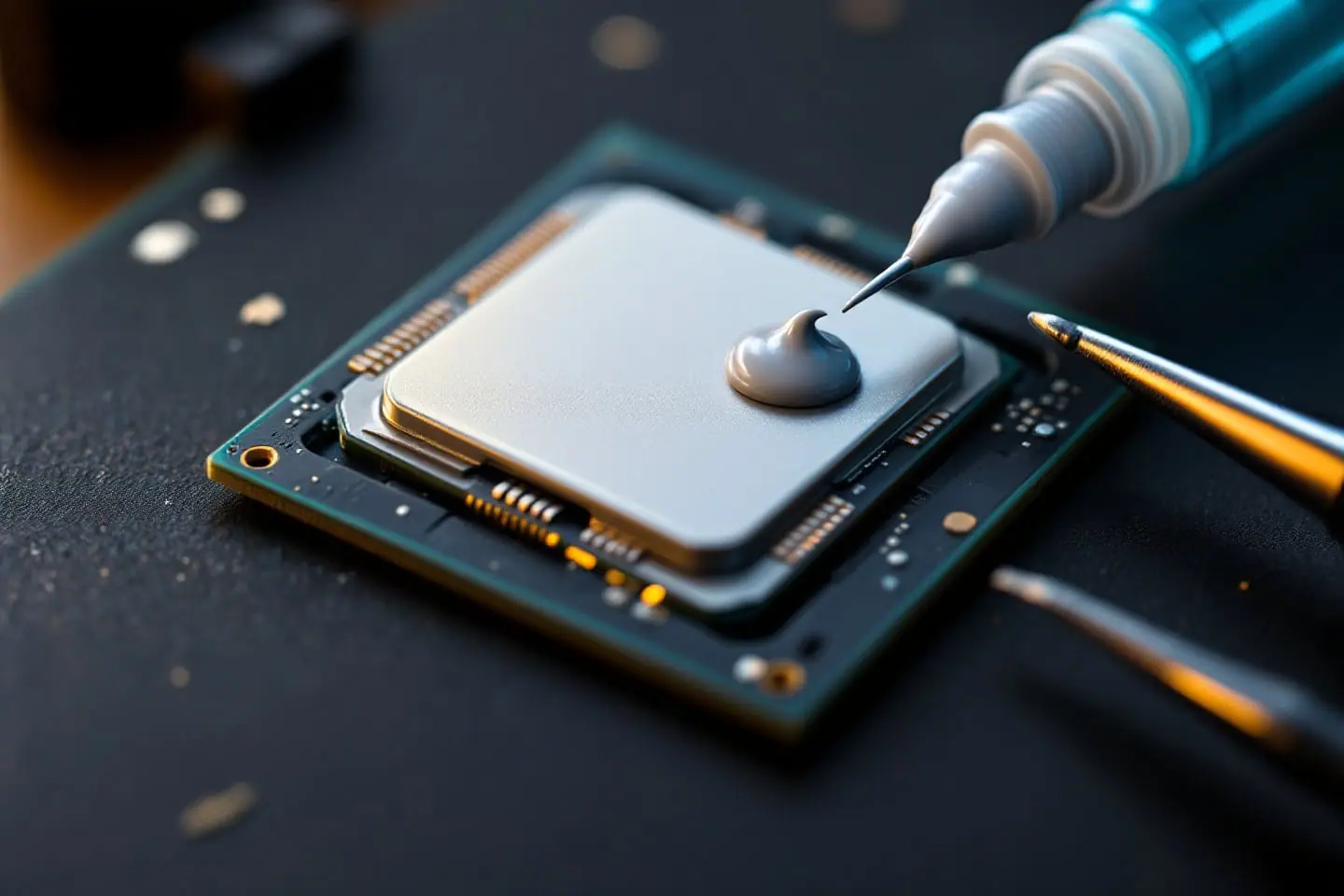
For most desktop processors, a single bead of paste about 4 mm across (a small pea, roughly 0.03 ml) in the center of the heat spreader is enough, and the cooler's pressure spreads it into a thin layer. Long rectangular lids such as LGA 1700 want a line or a thin X so the paste reaches the ends. Very large workstation lids want an X carried out to the corners, and a bare laptop die gets a thin film that covers all of it. How much thermal paste on a CPU turns out to be less of a gamble than forum threads suggest: published tests show a wide safe window and only one way of getting it badly wrong.
From the Parts bin
 Thermalright Peerless Assassin 120 SECoolerGrab it on Amazon
 ARCTIC MX-4 thermal paste (4 g)TIMGrab it on Amazon
 Amazon Basics 99% isopropyl alcoholCleanupGrab it on Amazon
Parts links can earn us a commission. As an Amazon Associate I earn from qualifying purchases. See the whole bin.
What one dot actually holds
"Pea-sized" is a vague unit, and a garden pea is far bigger than what you want. A round bead of paste holds about 0.52 x d x d x d, where d is its diameter (that factor is pi divided by 6), so you can check every line of this table by hand:
| Bead diameter | Volume | What it means |
|---|---|---|
| 3 mm | 14 mm³ (0.014 ml) | On the thin side for a desktop lid |
| 4 mm | 33 mm³ (0.033 ml) | The usual desktop dose |
| 5 mm | 65 mm³ (0.065 ml) | Generous; good for bigger or rectangular lids |
| 6 mm | 112 mm³ (0.11 ml) | Near the top of the range tests found harmless |
Now see where it goes. Say a 4 mm bead spreads into a patch 25 mm on each side under the cooler. That patch is 625 mm², so the average layer works out to 33 divided by 625, about 0.05 mm, roughly half the thickness of a sheet of printer paper. Paste should only fill the microscopic gaps between two metal faces, because it moves heat far less well than the copper on either side of it.
How much thermal paste on a CPU, by chip size
Package sizes come from the socket articles on Wikipedia. The lid is a little smaller than the package, but the shape is what matters.
| Chip family | Package | Amount | Pattern |
|---|---|---|---|
| LGA 775 and LGA 771 (Core 2, Xeon 5400 series), LGA 1155 to LGA 1200 | 37.5 x 37.5 mm | 4 mm bead | One dot in the center |
| AM4 and AM5 (Ryzen) | 40 x 40 mm | 4 to 5 mm bead | Dot, or a small X |
| LGA 1700 and LGA 1851 | 37.5 x 45 mm | About a 5 mm bead's worth | Line along the long side, or a thin X |
| Threadripper on sTR5 and similar | 58.5 x 75.4 mm | Several times the desktop dose | X to the corners, or a thin full spread |
| Laptop and GPU bare dies | The die only | A rice grain or less | Thin film covering the whole die |
Small square lids: Core 2, modded Xeons and mainstream Intel
The LGA 775 chips, and the LGA 771 Xeons that people move onto those boards (our LGA 771 to 775 adapter guide covers that job), sit in a 37.5 mm square package. One 4 mm bead in the middle is right. A Core 2 Quad or a quad-core Xeon of that era carries two dies side by side under the lid, both close to the center, so a central bead spreads over both of them without any help.
Ryzen on AM4 and AM5
On chiplet-based Ryzen parts the hot dies do not sit dead center, so a slightly fuller bead or a small X makes sure the spread reaches them. AM5 lids have notches along their sides with small components inside, and owners commonly report paste squeezing into them when they overdo it. With non-conductive paste that is untidy rather than dangerous.
Long lids: LGA 1700 and LGA 1851
A dot spreads into a rough circle, and a circle inside a 37.5 by 45 mm rectangle leaves the short ends bare. A line along the long axis, or a thin X, puts paste where the circle would not reach. Keep the total volume near a 5 mm bead. If a careful spread still shows heavy edges and a thin middle, the lid may be bowing under the socket's loading mechanism, which the Wikipedia article on LGA 1700 describes along with the aftermarket contact frames sold to fix it. More paste does not cure that.
Very large lids: HEDT and Threadripper
Several dies are spread across a big plate, and every one needs cover; Gamers Nexus notes that full lid coverage helps on Threadripper. Puget Systems suggests the same X used on desktops, with slightly thicker lines carried across the entire surface. The cooler's cold plate has to be big enough to cover the lid as well, or no amount of paste will make up for it.
Laptops and other bare dies
A laptop CPU usually has no lid at all, so paste sits on bare silicon. Thermal Grizzly's instructions for its Kryonaut paste say to cover the whole die with a thin layer and not to press on the exposed die edges. The same page says the paste is not meant to bridge gaps larger than 0.2 mm; the memory chips and voltage regulators around the die take thermal pads, not a thick blob of paste. The laptop section of our repasting guide covers pads and screw order.
Too little and too much are not equally bad
Three published tests looked at amounts on desktop chips, and they agree more than they disagree.
- HWCooling.net, 2017: Ľubomír Samák ran a Core i7-5930K at 4.5 GHz and about 250 W under a Scythe Fuma, using Noctua NT-H1. Amounts of 0.033, 0.066 and 0.1 ml gave nearly identical results. The smallest dose, 0.01 ml, was the worst: the dot covered less than half the lid. At 0.15 ml the excess was pushed over the edges and did not act as a significant insulator, but the article calls it wasteful and warns that paste reaching the socket can cause serious trouble.
- Gamers Nexus, July 2018: Patrick Lathan and Steve Burke used a delidded i7-8086K at 5.1 GHz with Kryonaut under a Kraken X62. A big blob, a pea dot that left one corner bare, a thin spread and a deliberate overload that oozed onto the socket cover all landed within about a degree of each other, near 58 degrees over ambient. Their caution was about conductive pastes, where excess can short the small components around the socket.
- Puget Systems, 2012: Matt Bach's i7-3770K run with Arctic MX-2 found the two overloaded applications, a double-size dot and a thick line, at the bottom of the results.
Read together: too little paste is the real failure, because a bare patch is an air gap right where heat needs to cross. Too much ordinary paste costs a cleanup and, at worst, a small penalty; too much conductive compound can cost a board. When unsure, err slightly generous, and use a non-conductive paste so the mistake stays harmless.
Dot, line, X or spread
Intel's own advice is a single amount in the center of the lid, left for the cooler to spread, because spreading by hand can trap air bubbles. The tests above mostly back that up. Puget found the X slightly ahead of the spread and the dot, by fractions of a degree. HWCooling found the cross a little better than the drop at the smallest useful amount, since it covers more area, but at larger amounts the cross piled paste into the corners and starved the middle, so the drop came out ahead. Manual spreading took longer while gaining "virtually no additional cooling performance," in Samák's words.
The tube has the final say. Thermal Grizzly tells you to spread Kryonaut slowly into a thin layer with its spatula, while Arctic says MX-6 cannot be spread with a spatula at all and relies on the cooler's pressure. Both can be right for their own paste, so read the instructions before you choose a pattern.
Applying the bead and seating the cooler
- Clean the lid and the cooler base to bare metal with 90 to 99 percent isopropyl alcohol on a lint-free wipe, and let both dry.
- Check a fresh cooler for a clear protective film on its base. It is thin and easy to miss.
- Press the syringe slowly until a bead of the right size sits in the center, or lay a line or X as the table suggests. Lift the tip straight up.
- Lower the cooler straight down onto the chip. Do not slide or twist it into place, which drags paste around and traps air.
- Start every screw by hand, then tighten them a few turns at a time in a diagonal order until they stop.
- Reconnect the fan to the CPU fan header.
If a boxed cooler came with paste already applied and you are fitting it for the first time, use it as it is; that is the amount its maker chose. Once the cooler has been lifted off, Intel's advice is to clean both faces and apply fresh paste rather than reuse what is there.
Checking the spread
You can check your amount in two ways, and the first one costs a little paste.
Start with an imprint. Mount the cooler, leave the PC off, then remove the cooler again with a gentle twist and look at both faces. A good result is a thin, even film covering the middle of the lid and reaching close to its edges. Bare metal over the center means you used too little. A ring of paste squeezed over the lid edge means too much. Clean both surfaces and apply a fresh bead before the final mount, adjusted by what you saw.
Then check temperatures. Run the same steady load before and after the job, and compare the temperature above room temperature rather than the raw number. A sound spread on a sound cooler should match or beat the old figure. If the paste looks perfect and temperatures are still high, the cooler may simply be too small for the chip; the cooler TDP headroom check and our notes on sizing a CPU cooler by TDP help you find out.
Quick answers
Can I put fresh paste on top of the old layer?
No. Old paste that has been lifted holds air pockets and dried edges. Clean down to bare metal first.
Does the amount matter more with liquid metal?
Very much more, and in the other direction: a pinhead-sized drop painted into a film, with every surrounding component masked. Our liquid metal vs thermal paste comparison explains why it is a separate job.
Whatever you settle on, write the bead size next to your before and after temperatures and keep the note with the PC. Next time the cooler comes off, you will know whether the amount was right rather than guessing again.
Sources and further reading
- Intel, How to Apply Thermal Paste and How It Works (amount, letting the cooler spread it, reapplying after removal)
- Ľubomír Samák, HWCooling.net, Spreading a thermal paste: how and how much? (September 14, 2017; amounts from 0.01 to 0.15 ml)
- Patrick Lathan and Steve Burke, Gamers Nexus, Too Much Thermal Paste: Benchmark of Thermal Paste Application and Quantity (July 27, 2018)
- Matt Bach, Puget Systems, Thermal Paste Application Techniques (November 12, 2012)
- Thermal Grizzly, Kryonaut product page and FAQ (spatula application, laptop dies, 0.2 mm gap limit)
- Arctic, MX-6 product page (application by cooler pressure only)
- Wikipedia, LGA 775, LGA 1700, Socket AM5 and Socket sTR5 (package dimensions, LGA 1700 lid bending)

Corey handles cooling: thermal paste, pads, delidding and liquid metal. He explains where the heat goes in plain numbers and is suspicious of any cooler box that prints a wattage without saying how it was measured.