How to get the CPUID, stepping or sSpec for an Intel CPU
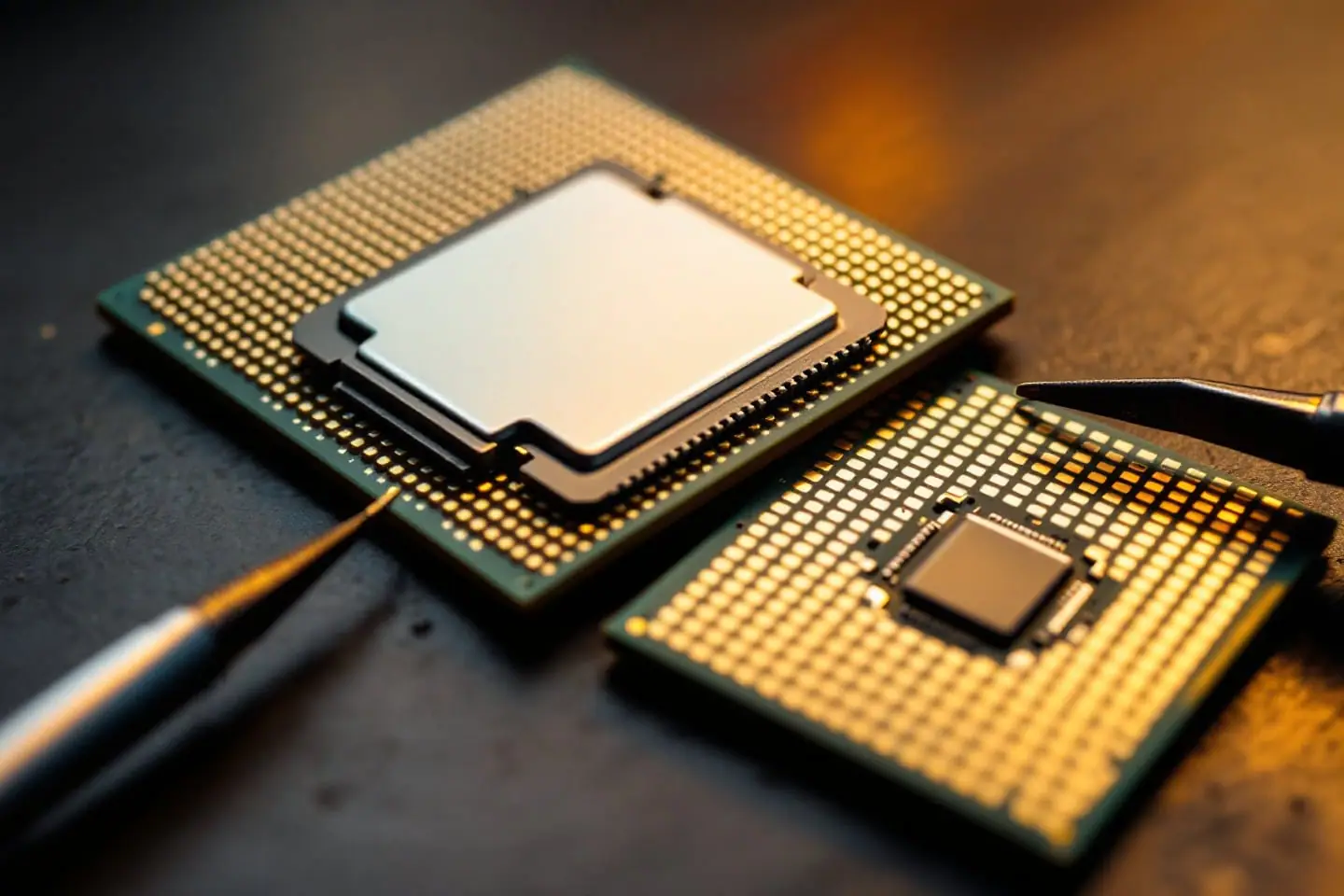
Three labels describe an Intel processor at three levels of detail, and different parts of an old PC care about different ones. The BIOS looks up microcode by CPUID signature. Board makers' support lists split chips by stepping. Intel's ordering tables, and anyone selling you a used chip, use the sSpec. If you are planning a BIOS update or the LGA 771 Xeon mod, you want all three.
Three names for one chip
The CPUID signature is the number a processor returns when software runs the CPUID instruction with EAX set to 1. It packs the family, model and stepping into one 32-bit value, usually written in hex without leading zeros: 1067A for a late 45 nm Core 2 Quad or Xeon 5400. Microcode tables in a BIOS, and microcode file names, are indexed by it.
The stepping is the revision of the silicon. Software sees it as a number, the lowest four bits of the signature. Intel's documents give it a letter-and-digit name such as B3, G0, C0 or E0. A new stepping fixes errata and sometimes adds features; the E0 stepping of Intel's 45 nm Penryn family, for example, added the XSAVE and XRSTOR instructions.
The sSpec (Intel also writes S-spec) is a five-character specification code such as SLANQ or SLBBM. It pins down one exact product: model number, stepping, clock, cache, bus speed and power rating. The two codes just named are both a Xeon E5450 at 3.00 GHz: SLANQ is the C0 stepping, SLBBM the E0. The sSpec is printed on the chip. No CPUID function returns it, so any program that shows one has inferred it from the other values.
Reading the heat spreader
On LGA 771 and LGA 775 chips the markings are laser-etched into the IHS (integrated heat spreader, the metal lid). The layout varies a little between families, but expect the brand and model number, a line pairing the sSpec with the country of assembly, a line with clock, cache and bus speed (on an E5450 it reads along the lines of 3.00GHZ/12M/1333), and a batch code. For chips of this era the sSpec is the five-character group that starts with SL.
The etching is shallow. Tilt the chip under a lamp until the letters catch the light, and use a loupe. Old thermal paste hides everything, so wipe it off with isopropyl alcohol on a lint-free cloth first. If the chip is already in a working PC under a cooler, software is quicker than pulling it.
Once you have the code, look it up. Wikipedia's lists of Xeon and Core desktop processors carry sSpec and stepping columns for every model; Intel's own product pages used to list the same ordering codes, but some pages for chips this old now lead to an error page. A few examples, checked against those lists:
| Chip | sSpec | Stepping | CPUID |
|---|---|---|---|
| Xeon E5450 | SLANQ | C0 | 10676 |
| Xeon E5450 | SLBBM | E0 | 1067A |
| Core 2 Quad Q9650 | SLB8W | E0 | 1067A |
| Core 2 Quad Q6600 | SL9UM | B3 | 6F7 |
| Core 2 Quad Q6600 | SLACR | G0 | 6FB |
The E5450, Q9650 and Q6600 pages in our database cover the chips themselves.
Software on Windows
CPU-Z is the usual answer. Its CPU tab shows six fields: Family, Model, Stepping, Ext. Family, Ext. Model and Revision. The first five are hex values taken straight from the signature, and Revision is CPU-Z's translation into Intel's stepping name. An E0 Xeon E5450 reads Family 6, Model 7, Stepping A, Ext. Family 6, Ext. Model 17 and Revision E0. CPU-Z versions since 2.11 also show the loaded microcode revision in the BIOS section of the Mainboard tab. HWiNFO reports the same signature fields and stepping name in its CPU details if you already use it.
Without extra software, PowerShell gets the signature from the firmware tables:
Get-CimInstance Win32_Processor | Select-Object Name, Caption, ProcessorId
Caption reads like Intel64 Family 6 Model 23 Stepping 10. Those values are decimal: 23 is hex 17 and 10 is hex A. ProcessorId is 16 hex digits made of two values that Microsoft's documentation describes as the EAX and EDX results of CPUID with EAX set to 1. As printed, the feature flags (EDX) come first and the signature (EAX) is the last eight digits, so an E0 chip ends in 0001067A.
The registry holds the same Caption string, readable from a plain Command Prompt:
reg query "HKLM\HARDWARE\DESCRIPTION\System\CentralProcessor\0" /v Identifier
Software on Linux
grep -E '^(cpu family|model|stepping|microcode)' /proc/cpuinfo | sort -u
lscpu | grep -E 'Family|Model|Stepping'
/proc/cpuinfo prints one block per logical CPU, so sort -u folds the repeats. An E0 E5450 shows cpu family : 6, model : 23 and stepping : 10, decimal like Windows, plus the model name string. The microcode line is the revision currently loaded, in hex. Intel's Linux file for 1067A chips carries revision A0B, dated September 28, 2010, so with Intel's microcode package installed you would typically see 0xa0b, or a later revision if the BIOS already loaded one.
For the full picture, Todd Allen's cpuid tool (packaged as cpuid in Debian and Ubuntu) decodes every leaf. cpuid -1 limits the output to the first CPU. It breaks the signature into family, model, stepping id, extended family and extended model, and adds a (synth) line naming the exact chip as well as the tool can work it out from those values; its manual lists the cases where that fails.
Decoding 1067A by hand
The README of Intel's Linux microcode repository lays out the signature bits, and the CPUID entry in Intel's Software Developer's Manual has the same table. Here is 0x0001067A split into its fields:
| Bits | Field | Value in 0x0001067A |
|---|---|---|
| 31 to 28 | Reserved | 0 |
| 27 to 20 | Extended family | 00 |
| 19 to 16 | Extended model | 1 |
| 15 to 14 | Reserved | 0 |
| 13 to 12 | Processor type | 0 |
| 11 to 8 | Family | 6 |
| 7 to 4 | Model | 7 |
| 3 to 0 | Stepping ID | A |
Read the hex right to left and each digit lands in a field: A is the stepping, 7 the model, 6 the family, 0 the type, 1 the extended model.
Then apply two rules. The extended family is added to the family only when the family field is F, so this chip stays family 6. When the family is 6 or F, the displayed model is the extended model shifted four bits left plus the model: 1 x 16 + 7 = 23, which is hex 17. The stepping is A, decimal 10.
So Linux says family 6, model 23, stepping 10; Windows says Family 6 Model 23 Stepping 10; CPU-Z says Ext. Model 17, Stepping A. Same chip, three spellings. Try the Q6600 G0 as a check: 6FB gives family 6, extended model 0, model F, so model 15 and stepping 11.
Signatures and microcode file names
Intel's Linux repository names each microcode file family-model-stepping, two hex digits each, so every 1067A chip is served by a file called 06-17-0a. That file can hold updates for several platform IDs, the 8-bit mask that separates, for example, a Xeon from a desktop chip with the same signature; Intel's current copy holds three updates, all revision A0B, for platform masks 11, 44 and A0. The community CPUMicrocodes collection on GitHub names individual updates by signature, platform mask, revision and date instead, as in cpu1067A_plat44_ver00000A0E_2015-07-29. BIOS tools such as AMI's MMTool list their patches by the same signature, shown as a CPUID column.
| Signature | Linux file | Linux model / stepping | Stepping name | Example chips |
|---|---|---|---|---|
| 6F7 | 06-0f-07 | 15 / 7 | B3 | Q6600 SL9UM, Xeon 5300 |
| 6FB | 06-0f-0b | 15 / 11 | G0 | Q6600 SLACR, Xeon 5100 and 5300 |
| 10676 | 06-17-06 | 23 / 6 | C0 (M0 on 3 MB dies) | E5450 SLANQ, Xeon 5200 |
| 10677 | 06-17-07 | 23 / 7 | C1 (M1 on 3 MB dies) | Q9550 C1, Xeon 3300 |
| 1067A | 06-17-0a | 23 / 10 | E0 (R0 on 3 MB dies) | E5450 SLBBM, Q9650 SLB8W |
Note the stepping names in the 10676 row. One signature covers both the full 6 MB die (C0) and the cut-down 3 MB die (M0), so the CPUID alone cannot tell them apart; the sSpec on the lid can. Our LGA 771 microcode guide explains platform IDs and why a Xeon needs its own entry even when the signature matches a Core 2 Quad.
Why C0 versus E0 matters for the LGA 771 mod
A Xeon in an LGA 775 board only runs properly when the BIOS holds microcode for its exact signature and platform ID. Board support lists show how much the stepping matters: on one G31 board, Gigabyte lists the C0 Core 2 Duo E8400 from BIOS F4 but the E0 version only from F7. The same split applies to an E5450, where a SLANQ (10676) and a SLBBM (1067A) need different microcode. A board whose BIOS updates stopped while C0 chips were current may carry 10676 microcode and nothing for 1067A.
So match the stepping you buy to the steppings your board's BIOS already knows, or plan the microcode work before the chip arrives. Page 3 of our LGA 771 to 775 guide turns that into a decision table, the AMI microcode guide covers adding a missing patch, and checking your motherboard's CPU support shows where the per-stepping BIOS versions are listed.
Checking a used chip before you buy
Ask the seller for a sharp photo of the lid with the sSpec readable, then look it up in the list of LGA 771 Xeons or the Wikipedia tables. If the machine still runs, a CPU-Z screenshot of the CPU tab answers the same question. A seller who cannot show either is selling a chip of unknown stepping, so assume it is the one your BIOS lacks and budget the time for a BIOS update.

Marek writes the socket-mod and Xeon pages. He likes boards with too many jumpers, keeps a drawer of LGA 775 chips sorted by stepping, and reads Intel spec updates the way other people read box scores.