Reading Xeon sSpec codes before you buy a used chip
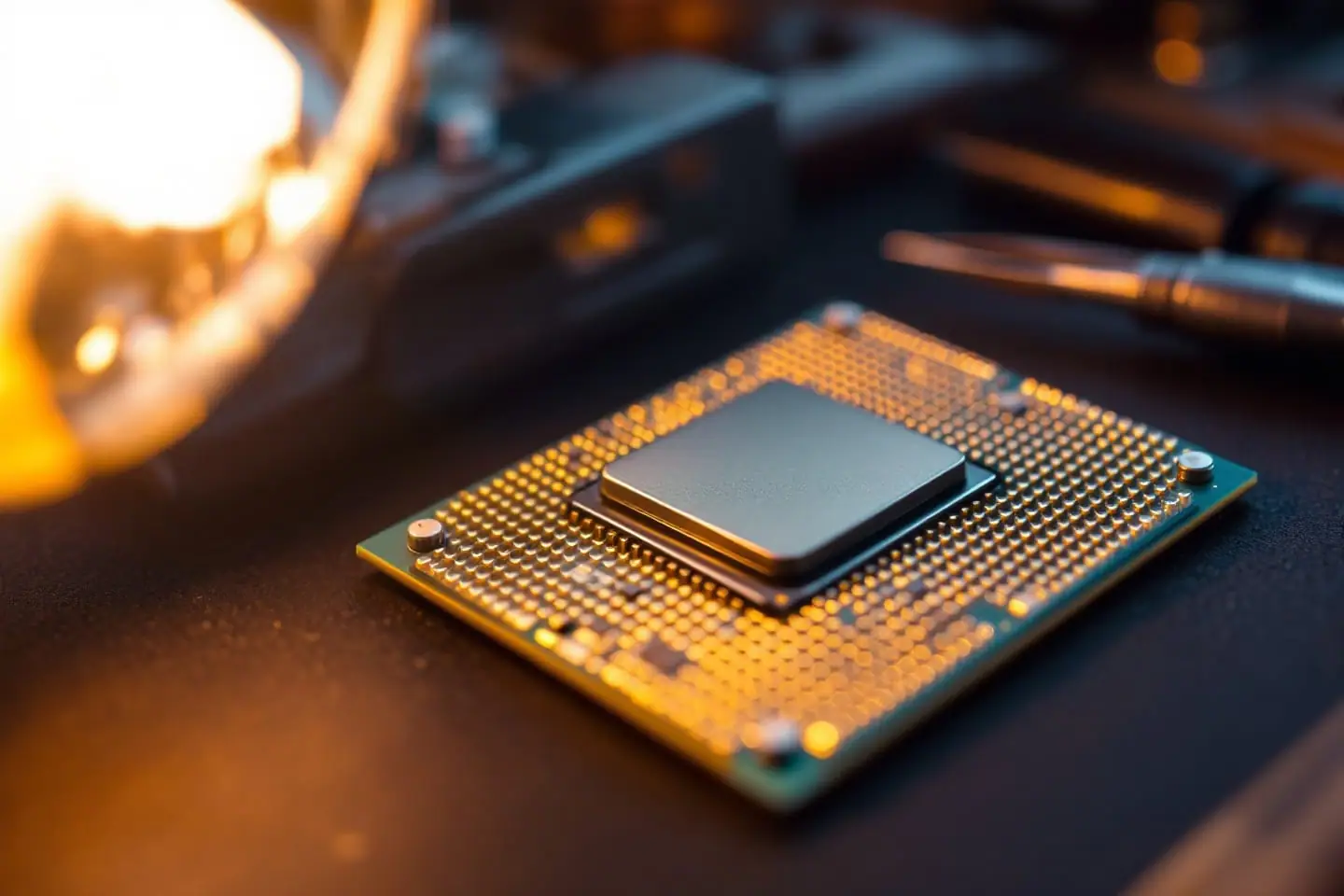
A used Xeon listing usually gives you a model number, a blurry photo and a promise that it worked when it was pulled. For the LGA 771 to 775 mod, the model number alone is not enough. Two chips with the same name can need different microcode, and two chips with the same clock speed can differ by 40 W of rated heat. The answers are etched on the lid, in five short lines, and you can read most of them from a decent photo before you pay.
This piece is about that photo, and the questions to ask when it is missing. If you want the background on what a CPUID or stepping is and how to read them in software, our guide to finding the CPUID, stepping or sSpec covers it. Here we stay on the buying side.
The five lines on a 5400-series lid
Intel's specification update for the Xeon 5400 series includes a drawing of the top-side markings. Its example lid reads, from top to bottom:
| Line | Intel's example | What it tells you |
|---|---|---|
| 1 | 2.66GHz/12M/1333 | Core clock, L2 cache, bus speed in MT/s |
| 2 | Intel Xeon | Brand |
| 3 | SXXX XXXXX | The sSpec, then a second group |
| 4 | i (M) © '07 x54XX | The model number, after Intel's mark and copyright year |
| 5 | (FPO) | The lot code |
Below those lines sit an ATPO number and a serial number. They identify the batch and the individual unit, which is useful for warranty records and nothing else to you. On retail chips the second group on line 3 is commonly the country of assembly, such as MALAY, but the sSpec is the part that matters: five characters, starting with SL on chips of this era.
Desktop Core 2 Quads are laid out differently, which helps when a seller mixes up photos. Intel's Q9000 datasheet shows the model on top, the brand second, the sSpec third and the speed line fourth, and the speed line carries an extra field: 2.83GHZ/2M/1333/05A in its example. That last code names the voltage regulator class the chip was designed for (05A for the 95 W quads, 05B for the 130 W QX9650). Xeon lids do not carry it. If the photo shows a fourth field after the bus speed, you are looking at a desktop chip, not a Xeon.
Line 1 is not enough on its own
The speed line is the easiest to read in a poor photo, and it is the one most likely to mislead. Three pairs from Wikipedia's Harpertown table make the point:
| Speed line | Model | TDP | Model | TDP |
|---|---|---|---|---|
| 3.00GHz/12M/1333 | E5450 | 80 W | X5450 | 120 W |
| 2.50GHz/12M/1333 | L5420 | 50 W | E5420 | 80 W |
| 2.33GHz/12M/1333 | L5410 | 50 W | E5410 | 80 W |
An E5450 and an X5450 have the same clock, the same cache, the same bus and the same 9x multiplier, and the lid lines that tell them apart are line 4 and the sSpec. TDP (thermal design power, the heat a cooler and voltage regulator must be built to handle) is not printed on a Xeon at all. You get it by looking up the sSpec. That matters because a board validated for 95 W quads can take an 80 W E-series part comfortably, while a 120 W X-series part asks a good deal more of its voltage regulators, as page 2 of our LGA 771 to 775 guide explains.
The bus speed in line 1 needs the same care. A 1600 part on a board that tops out at 1333 runs at the lower bus with its multiplier unchanged. Take an E5472, a 7.5x chip rated at 3.00 GHz on a 400 MHz bus (400 x 7.5 = 3,000 MHz). On a 333 MHz bus it becomes 333 x 7.5 = 2,500 MHz, so you would pay for a 3.00 GHz part and run a 2.50 GHz one. The L5408 is rated for a 1066 bus, the odd one out among the low-voltage quads.
C0 or E0, from the sSpec alone
Harpertown shipped in two steppings, C0 and E0 (a stepping is a revision of the silicon). They report different CPUID signatures, 10676 and 1067A, and a desktop BIOS needs microcode for the exact one you install. That is why the stepping is the question to settle before you buy, not after.
You do not need software for it. In Wikipedia's tables for the 45 nm dual-processor Xeons, every C0 sSpec begins SLA (SLANQ, SLASB, SLARP) and every E0 sSpec begins SLBB for the quad-core 5400 series or SLBA for the dual-core 5200 series. A few models came only in E0: the X5470, the L5430, the X5492 and the dual-core X5270. Intel's archived ARK page for the X5470 lists a single sSpec, SLBBF, at stepping E0.
If a listing quotes an ordering code instead of a photo, the same split shows up there. ARK's tray codes for the E5450 are EU80574KJ080N for the C0 part and AT80574KJ080N for the E0 part, and Wikipedia's table shows the EU prefix on every C0 Harpertown and AT on every E0 one. The boxed codes (BX80574E5450A and P) cover both steppings, so a retail box tells you nothing about which chip is inside.
Which to prefer? For most desktop boards that list a Q9550 or Q9650 in E0 form, the E0 Xeon matches microcode the BIOS already carries, so it is the one to buy. Intel's own specification update also marks a handful of C0 errata as fixed in E0, including one involving virtual machine exits, which is a small point in E0's favor if the machine will run VMs. If your board's last BIOS predates E0 chips, a C0 part with an SLA code may be the easier fit. Page 3 of the LGA 771 to 775 guide has the full decision table.
Engineering and qualification samples
Some used chips were never retail products. Intel's specification update notes that codes in its sSpec column beginning with Q are "for qualification only." In practice you will see these offered as ES (engineering sample) or QS (qualification sample) chips, sometimes with the model line replaced by different wording, sometimes with no model at all. Intel's support pages say there is no difference between the two: both are engineering samples.
Skip them for this mod. Wikipedia's article on engineering samples sums up the problem: they are generally not authorized for resale, can behave unpredictably, can have compatibility issues and come with no warranty. The practical issue on an LGA 775 board is microcode. A sample may be an early stepping, or report a CPUID, that no retail BIOS ever carried an update for. You would be adding a microcode project to a chip whose behavior nobody documented. A chip with a Q code, or a lid with no SL code, is a pass unless you want that project.
What a good listing photo shows
Ask for the lid shot at an angle, with a lamp or flashlight low and to one side. The etching on these lids is shallow, and a straight-on phone photo under ceiling light often washes it out. All five lines should be readable, the SL code above all. Old paste smeared across the lid hides exactly the line you need. If the seller has the chip in hand, a wipe with isopropyl alcohol takes care of it, and our piece on cleaning thermal paste with isopropyl alcohol shows the method.
Then look at the pad side. An LGA chip has no pins, but the 771 gold pads can be scratched through or corroded, and a dead pad is a dead contact. A leftover adapter sticker is not a problem in itself; it means someone already ran the mod, and the sticker can come off. Lids lapped flat are a different matter. Lapping grinds the markings away, and a chip with no readable sSpec is a chip of unknown stepping and TDP.
Questions to send the seller
When the photos fall short, a short message usually settles it. These are the questions worth asking, in order:
- Can you send a sharp photo of the lid, lit from the side, with the sSpec line readable?
- Can you send a photo of the gold pads on the underside?
- What machine was it pulled from, and did that machine boot and run with it? A named server or workstation model also tells you the chip ran on its rated bus.
- If it is still installed, can you send a CPU-Z screenshot of the CPU tab? That shows the stepping, the signature and the bus in one image.
- Has the lid been lapped, sanded or removed?
- Is it an engineering or qualification sample, or does any code on it start with Q?
- For a pair destined for a dual-socket board: are both chips the same sSpec?
- If it does not boot in a board that supports it, can it go back?
A seller who answers the first four with photos is usually selling exactly what the title says. A seller who answers none of them is selling a chip of unknown stepping, and you should assume it is the one your BIOS lacks.
Putting it together
Say a listing shows a clear lid: line 1 reads 3.00GHz/12M/1333, line 4 ends in E5450, and the sSpec is SLBBM. That is an 80 W E0 part with CPUID 1067A on a 333 MHz bus, the straight swap for a board that lists the Q9650. Change one character, SLASB, and the same speed line belongs to a 120 W C0 X5450 instead: different heat, different microcode. Run the code you read through our LGA 771 to 775 compatibility checker along with your board's chipset, and you will know before the parcel ships whether the evening will be a CPU swap or a BIOS project.
Sources and further reading
- Intel, Quad-Core Intel Xeon Processor 5400 Series Specification Update, document 318585 (archived copy): component markings, identification table and qualification-sample note
- Intel, Core 2 Extreme QX9000 and Core 2 Quad Q9000 Series Datasheet, document 318726 (archived copy): desktop top-side markings and VR configurations
- Intel ARK, archived copies: Xeon E5450 specifications and Xeon X5470 specifications
- Intel Support, What is the difference between ES (engineering sample) and QS (qualification sample) processors?
- Wikipedia, background: List of Intel Xeon processors (Core-based) and Engineering sample

Marek writes the socket-mod and Xeon pages. He likes boards with too many jumpers, keeps a drawer of LGA 775 chips sorted by stepping, and reads Intel spec updates the way other people read box scores.