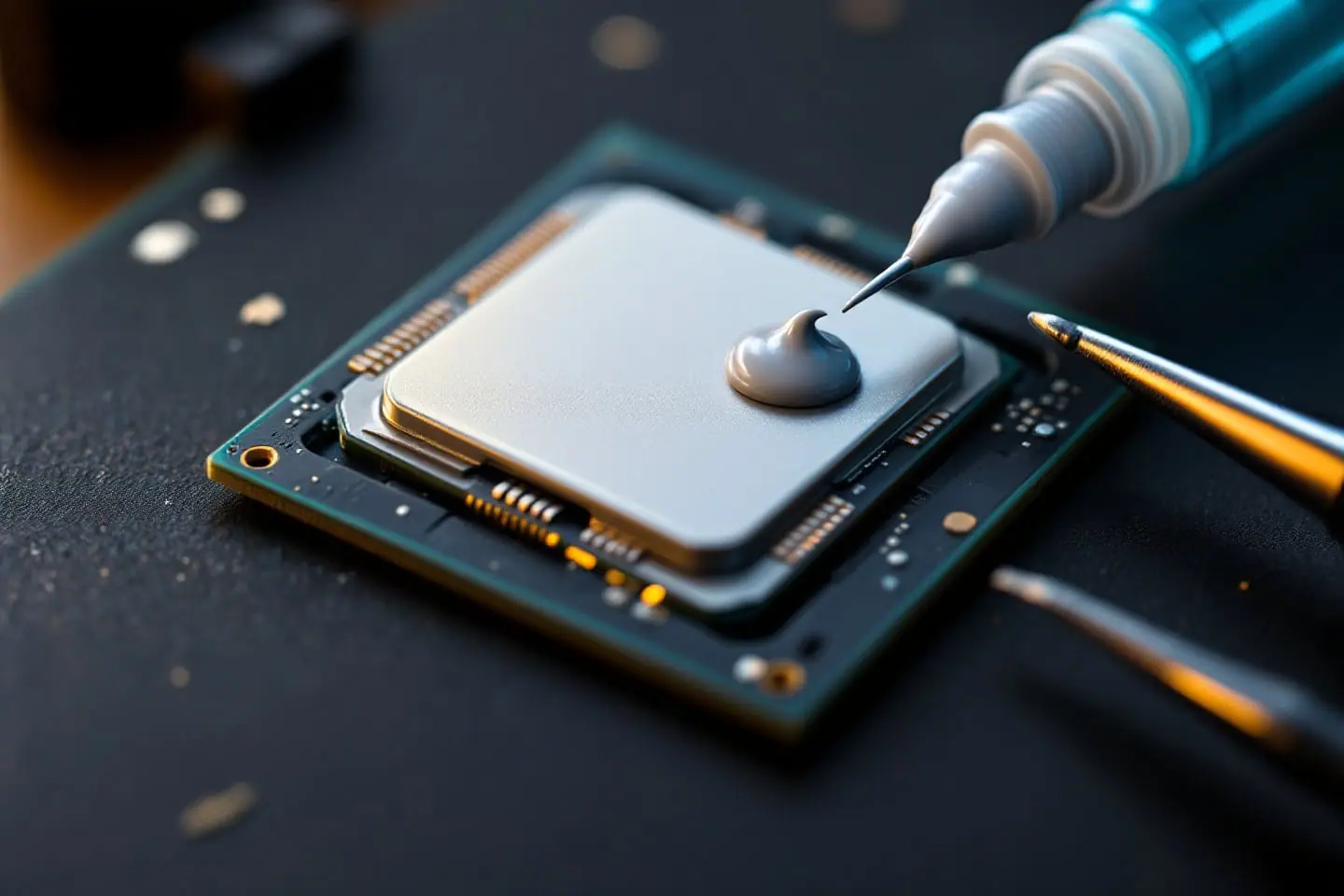
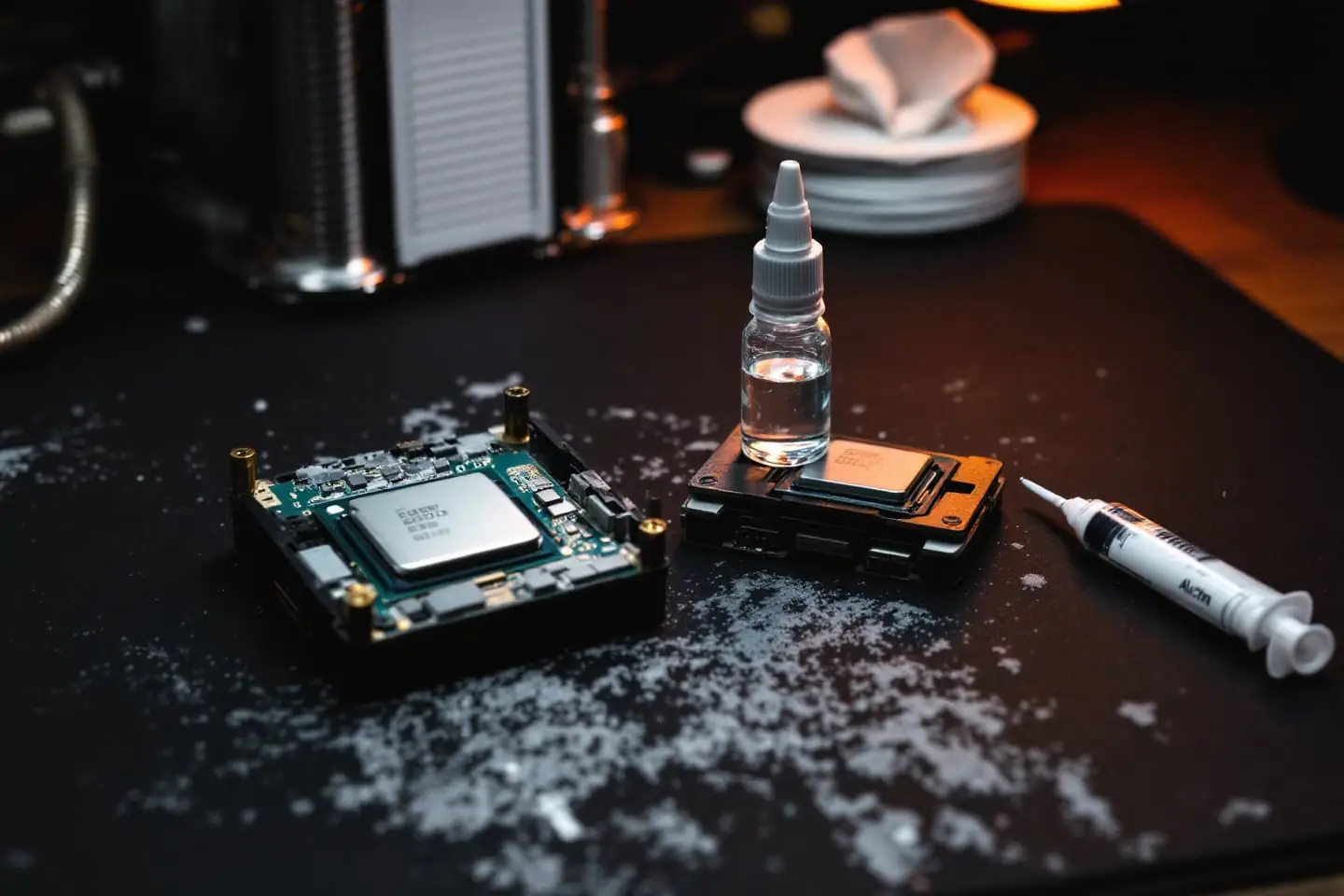
Cleaning thermal paste with isopropyl alcohol, step by step
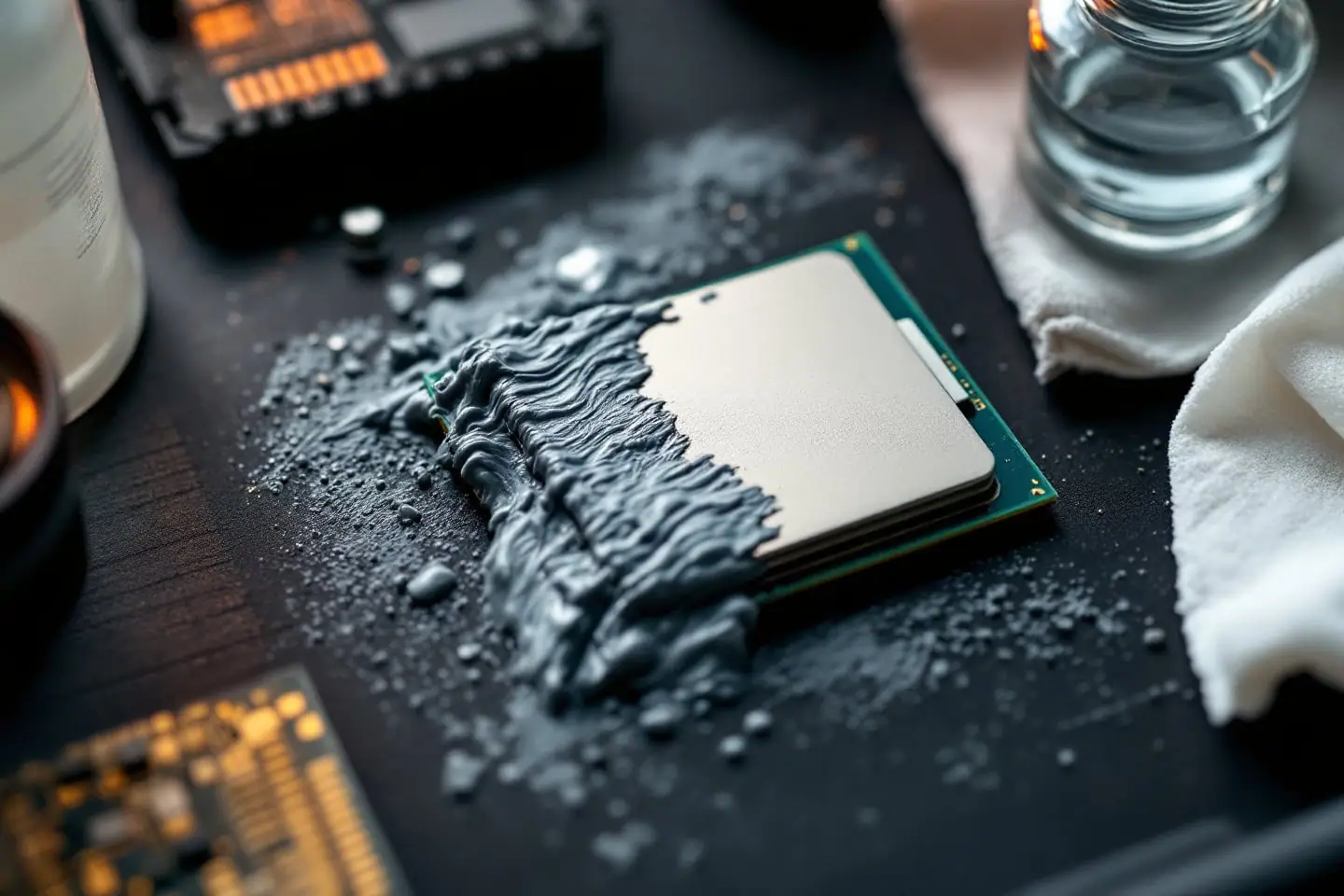
Lift the bulk of the old paste with a dry lint-free wipe, then clean what is left with 90 to 99 percent isopropyl alcohol on a fresh wipe, repeating until a wipe comes away clean, and let the surface dry for a few minutes before fresh paste goes on. That is the whole job when you use isopropyl alcohol for cleaning thermal paste: the alcohol loosens the paste so a wipe can lift it, then evaporates without leaving water behind. The rest of this guide covers the parts that cause trouble, such as which wipes shed, what to do when paste has crept into the socket or onto the CPU's contacts, why liquid metal needs a different approach, and which solvents to keep well away from your board.
From the Parts bin
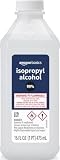 Amazon Basics 99% isopropyl alcoholCleanupGrab it on Amazon
 Thermalright Peerless Assassin 120 SECoolerGrab it on Amazon
 ARCTIC MX-4 thermal paste (4 g)TIMGrab it on Amazon
Parts links can earn us a commission. As an Amazon Associate I earn from qualifying purchases. See the whole bin.
Why 90 to 99 percent isopropyl alcohol
The bottle in most medicine cabinets is rubbing alcohol. In the US, isopropyl rubbing alcohol made to the USP standard is about 70 percent isopropanol by volume, and the rest is mostly water. Some brands also add color or fragrance oils such as wintergreen. Water evaporates slowly, and oils do not evaporate at all, so a 70 percent wipe can leave a film on the lid and a damp patch anywhere near contacts.
Stronger alcohol avoids both problems. Retail isopropyl runs up to 99 percent, and at that strength there is almost nothing in the bottle except alcohol. It boils at 82.6 °C, well below water, and evaporates quickly at room temperature, which is why it is so widely used on electrical contacts. Wikipedia's article on isopropyl alcohol lists removing thermal paste from CPU heatsinks among its everyday uses, and Intel's own guide to applying thermal paste names isopropyl alcohol for the cleanup.
The same property makes it a fire risk. Isopropyl alcohol has a flash point of about 12 °C (53 °F), so an ordinary room is warm enough for its vapor to ignite, and the vapor is heavier than air, so it pools low on a bench. Use a small amount, keep the cap on between wipes and open a window.
| Cleaner | Use it for | Notes |
|---|---|---|
| 99 percent isopropyl alcohol | Everything, including near contacts | Leaves practically nothing behind |
| 90 to 91 percent isopropyl alcohol | Lids and cooler bases | Fine on bare metal; give it longer to dry |
| 70 percent rubbing alcohol | Metal surfaces, only if nothing else is at hand | About 30 percent water, may contain oils or color |
| Limonene cleaner (Arctic MX Cleaner) | Stubborn paste and thermal pad residue | Alcohol-free and citrus-based; many builders finish with an alcohol wipe |
| Acetone-based remover (Thermal Grizzly TG Remove) | Liquid metal residue, degreasing | Maker says to keep it off sensitive plastics, acrylic, markings and adhesives |
| Nail polish remover | Nothing on a PC | Solvent plus oils and fragrance |
Lint-free wipes, coffee filters or paper towels
What you wipe with matters almost as much as the alcohol, because any fiber left on the lid ends up inside the next layer of paste. Intel suggests a microfiber cloth or a paper towel that does not shed. In practice the options rank like this:
- Lint-free wipes. Made for optics, labs and electronics, they are the best choice because they are designed not to shed. Fold one into a pad and you get a clean face for every pass.
- Coffee filters. A long-standing hobbyist favorite: thin, tight paper that sheds very little. Fine for the lid and the cooler base, though a little stiff.
- Paper towels. Fine for the first dry wipe that lifts the bulk. Textured kitchen towels shed fibers when wet, so do not use them for the final pass.
- Microfiber cloth. Works, but it holds paste in its weave. Keep one just for this and wash it out.
- Cotton balls and ordinary cotton swabs. They shed. Swabs are especially bad near an LGA socket, where loose fibers snag on the tiny spring contacts.
We list these from makers' specifications and published reviews, not from hands-on trials of our own. The rest of the basic bench kit is in the parts bin.
Cleaning the CPU lid and cooler base, step by step
- Run the PC under load for a few minutes, then shut down. Warm paste is softer and lets go of the cooler more easily.
- Power off, unplug and ground yourself as described in the risk note above. Our anti-static basics explain the grounding part.
- Remove the cooler with a gentle twist before lifting, so a pin-grid CPU is not pulled out of its socket. Lay the cooler on its side, base up, on a sheet of paper.
- For a plain repaste, leave the CPU latched in its socket. If paste has already run over the edge of the lid, take the CPU out and clean it on the mat instead.
- Lift the bulk with a dry wipe, pushing toward the center of the lid so nothing goes over the edge. Hard, crusty paste from an old PC softens if you lay an alcohol-dampened wipe on it for a minute; a plastic card lifts what remains. Never use metal.
- Dampen a fresh wipe with alcohol (damp, not dripping) and clean in small circles. Change to a clean face or a fresh wipe each pass until one comes away with no grey on it. Do not pour alcohol onto a CPU that is still in its socket.
- Clean out the engraved lettering and the lid edges with a soft brush and a drop of alcohol, then wipe again.
- Do the same on the cooler base. Machined grooves and the gaps between heat pipes on direct-touch coolers hold paste, so brush along them rather than across.
- Finish both surfaces with one last wipe of 99 percent alcohol and keep your fingers off them; skin oil is one more film for the paste to sit on.
- Let everything dry (see below), then apply fresh paste. Our guide to how much thermal paste to use on a CPU covers amounts and patterns by chip size.
The repasting walkthrough puts these steps into the full job, from the baseline temperature reading to the first boot.
Paste in the socket or on the pads
On the CPU's contacts
Intel desktop chips and AMD's AM5 parts have flat gold pads underneath. A film of non-conductive paste on a pad is not a short circuit, but it is an insulator, and it can stop that pad from making contact. Clean the pads with a dampened lint-free wipe, using light strokes in one direction, and let the chip dry fully before it goes back in.
Older AMD chips (AM4 and earlier) have pins instead. Use a soft brush dipped in 99 percent alcohol and brush along the rows of pins, never across them, then check from the side that every row is still straight. A cloth snags on pins and bends them.
Be thorough with silver-filled pastes. Arctic Silver describes its Arctic Silver 5 as "very slightly capacitive" and tells users to keep it away from traces, pins and leads, so any of it on the contacts has to come off completely.
In the motherboard's socket
An LGA socket on the board holds hundreds of small spring contacts that bend if anything catches on them. Neither Intel nor the board makers publish a cleaning procedure for paste in the socket, so what follows is common community practice rather than official advice:
- Paste on the plastic frame or the load plate, outside the contact field: wipe it off with a dampened wipe and leave the contacts alone.
- A blob on the contacts themselves: dab it, do not scrub. Use a soft, clean brush wetted with 99 percent alcohol and work in the direction the contacts lean, a little at a time, then inspect with a flashlight and a magnifier.
- A small smear of non-conductive paste on the frame beside the contacts is better left than chased with a brush.
- Do not blow compressed air at a blob of paste; it spreads it further.
Thermal Grizzly's instructions for its pastes say to keep cleaning agents out of sockets and connectors and to let surfaces dry completely, which is the right attitude: as little liquid in the socket as you can manage.
Liquid metal residue is a different job
Liquid metal is not a paste. It is a gallium-based alloy that is liquid at room temperature, alcohol does not dissolve it, and it conducts electricity. You have to collect it physically. Wear gloves, put paper under the part, and gather the beads with a lint-free swab or draw them back into the applicator's plastic needle. Thermal Grizzly packs lint-free industrial swabs and cleaning pads with its Conductonaut for exactly this. Then work the remaining film off with the pads and finish with an alcohol wipe.
For a stubborn film, Thermal Grizzly sells TG Remove, an acetone-based cleaner it says works on liquid metal as well as ordinary paste. Its own page warns to keep it away from sensitive plastics, acrylic, markings and adhesives, so use it on the lid and cold plate only, applied to a cloth rather than the part.
Expect a stain. Thermal Grizzly says Conductonaut may leave optical residues and that, if the metal diffuses into a heat spreader, the engraved markings can become illegible. Treat that dull grey patch as permanent and cosmetic; sanding it off only removes plating. Before reassembly, check every tiny component around the die under a bright light for stray beads. Our liquid metal vs thermal paste comparison and the delidding guide cover where liquid metal belongs in the first place.
How long to let it dry
A thin film of 99 percent alcohol on bare metal is gone quickly at room temperature, but there is no prize for rushing. We use simple rules: five minutes for wiped lids and cooler bases, and half an hour or more for anything where alcohol reached a socket, ran between pins or crept under a component. Lower-strength alcohol and a cold room both need longer. If the dry surface looks streaky, there is still residue on it; give it one more wipe with 99 percent and wait again.
What not to use
- Acetone near plastics. Wikipedia describes acetone as a good solvent for many plastics and notes it may attack polystyrene parts, and Thermal Grizzly's acetone-based cleaner carries its own warning about sensitive plastics and acrylic. Keep it away from the socket body, fan frames and clear side panels. Its flash point, about minus 20 °C, also makes it more flammable than isopropyl alcohol.
- Nail polish remover, which adds oils and fragrance to the solvent.
- Window cleaner, household sprays or water, which leave residue and moisture.
- Razor blades, metal scrapers, scouring pads or sandpaper. They scratch the lid and the cooler base and leave the surfaces less flat than they were.
When the last wipe comes away white and the lid shows a clean reflection, the cleaning is done. Put the cap back on the alcohol, set the wipes aside, and move on to the fresh paste.
Sources and further reading
- Intel, How to Apply Thermal Paste and How It Works (isopropyl alcohol, wipes that do not shed, drying before reapplying)
- Thermal Grizzly, Kryonaut product page and FAQ (dry wipe first, then isopropyl alcohol; keeping cleaners out of sockets)
- Thermal Grizzly, TG Remove (acetone-based cleaner for paste and liquid metal, plastics warning)
- Thermal Grizzly, Conductonaut product page (included swabs and cleaning pads, staining)
- Arctic, MX Cleaner (limonene-based, alcohol-free wipes)
- Arctic Silver, Arctic Silver 5 (capacitance warning for silver-filled paste)
- Wikipedia, Isopropyl alcohol, Rubbing alcohol and Acetone (boiling and flash points, USP strength, plastics)
Wondering whether a cooler is enough? check the headroom with the cooler TDP calculator.

Corey handles cooling: thermal paste, pads, delidding and liquid metal. He explains where the heat goes in plain numbers and is suspicious of any cooler box that prints a wattage without saying how it was measured.