Anti-static basics for home builders: what actually protects your parts
Everyone has felt a static shock from a door handle in January. What most people never feel is the much smaller discharge that can still hurt a memory stick or a motherboard chipset. That gap is the whole reason anti-static habits exist, and the good news is that they are cheap and quick once you know what each one does.
What ESD is
Electrostatic discharge (ESD) is the sudden flow of charge between two objects at different electrical potentials. You build up charge by contact and separation: shoes on carpet, a sleeve sliding over a desk, peeling tape off a roll. Your body holds that charge until you touch something conductive at a different potential, and then it equalizes almost instantly. If the path runs through a chip, the current flows through structures a fraction of a hair's width across.
The ESD Association describes two outcomes. A catastrophic failure stops the device working outright. A latent defect leaves it partly degraded but still functional, and the association notes that latent damage is hard to prove or detect. Dell's service documentation goes further and estimates that around 80 percent of ESD-related failures it sees are the intermittent kind, such as a memory module that throws errors weeks after a shock. That is Dell's figure for its own field service, not an industry measurement, but it explains why a clean first boot proves very little.
How much charge it takes
Here is the ESD Association's own table of typical static voltages, at dry and humid conditions:
| How the charge is generated | 10 to 25% relative humidity | 65 to 90% relative humidity |
|---|---|---|
| Walking across carpet | 35,000 V | 1,500 V |
| Walking across vinyl tile | 12,000 V | 250 V |
| Worker at a bench | 6,000 V | 100 V |
| Poly bag picked up from a bench | 20,000 V | 1,200 V |
| Chair with urethane foam | 18,000 V | 1,500 V |
Now set that against the parts. The ESD Association says many devices are susceptible below 100 V. Its technology roadmap sets component design targets of 1,000 V for the human body model (a charged person touching a part) and 250 V for the charged device model (a charged part discharging when it touches metal), and treats those as safe levels only when basic ESD controls are in place.
What about the shock you can feel? Training material commonly says it takes roughly 3,000 V before you notice a discharge at all, with higher figures for hearing or seeing a spark. Treat those numbers loosely. On the ESD Association's own forum, practitioners point out that no official document or study pins them down and that perception varies from person to person. The useful takeaway survives the uncertainty: a discharge you never feel can be ten or twenty times the level that harms a sensitive part, and walking across carpet in a dry winter room can put several hundred times that level on your body.
The realistic risk at home
None of this means parts die every time someone builds a PC on the living room floor. Modern chips have protection structures built in, and plenty of people build with no precautions and never notice a problem. The catch is the word notice. A latent defect looks like flaky memory or a USB port that drops out months later, and nobody connects it to the build.
The risk climbs in predictable conditions: dry winter air from forced-air heating, carpet, synthetic clothing, a foam office chair, and parts left out of their packaging. It also matters more on old hardware, where a replacement LGA 775 board with the right chipset and BIOS can be hard to find.
Wrist straps
A wrist strap is a conductive band on your skin and a coiled cord ending in a clip. The ESD Association explains that it keeps you at the same potential as whatever it is clipped to, so no discharge can happen between you and that object, and charge drains away instead of building up.
The cord has a resistor in it, most commonly 1 megohm according to the ESD Association, rated at least a quarter watt and 250 V. It is there for your safety: static drains through a megohm almost instantly, but if you touch something live, the resistor limits the current through your body. You can check an old strap with a multimeter on its resistance range; from the band's contact to the clip it should read close to 1 megohm. Dell recommends testing straps regularly because the internal wires break with wear.
Apple's electrical safety page for its desktops and displays goes the other way and tells owners not to wear an ESD wrist strap at all, alongside warnings not to touch the power supply or logic board while the machine is plugged in. That is advice about personal safety around mains-powered parts, and it shows the trade-off the resistor exists to manage. For an unplugged tower with an enclosed ATX supply, a strap is the standard tool.
Three details matter more than the brand:
- Clip to bare metal. Dell's instructions say to connect the bonding wire to bare metal, never to a painted or plastic surface. On a PC case that means an unpainted screw hole, the drive cage, or the bare edge of the rear panel.
- Skin contact. The band must be snug against skin, and Dell asks technicians to remove watches, bracelets and rings.
- Wired only. Cordless straps do nothing useful. Dell no longer allows them in field service, and Wikipedia's summary notes that professional ESD standards all require wired straps.
Plugged in and switched off, or unplugged?
This is the most argued point in home building, and both sides have a reason.
The case for leaving the power supply plugged in with its rear switch off: the switch interrupts the mains feed, but the cord's earth pin keeps the case bonded to the building's ground. Posters in a long-running AnandTech forum thread argue exactly this, and it lines up with the ESD Association's guidance that the preferred ground point is the equipment grounding conductor, the third wire of the electrical system. Clip a strap to that case and you are connected to earth, not just to the case.
The case for unplugging: Dell's service steps say to disconnect the computer from its outlet and then hold the power button to drain the board. An ATX supply feeds +5 V standby to the board whenever it is plugged in and its switch is on, so one forgotten rocker switch means you are seating memory into a live board. Some supplies have no rear switch at all, and the earth argument only holds if the outlet's ground is actually wired correctly. Most important, the ESD Association states that protection does not need a connection to earth as long as everything in the system is at the same potential. A strap clipped to an unplugged case puts you, the case and the board at one potential, which is the condition that prevents a discharge.
Our recommendation is to unplug, hold the power button for a few seconds, and clip the strap to bare chassis metal. If you prefer the plugged-in method, confirm the rear switch is off and that no standby LED is lit on the board before you reach in. Either way, the supply itself stays closed; our power supply guide explains why.
Mats
A dissipative mat gives parts a safe place to sit. Dell describes its field service mat as dissipative and says parts are safe on it once the mat and your strap are bonded to the same bare metal on the system. The ESD Association specifies work surfaces with a resistance to ground between 1 megohm and 1,000 megohms, high enough that charge bleeds away gently rather than in a spark. At home, run the mat's cord to the same point as your strap. A towel or carpet is not a substitute.
Humidity, carpet and clothing
Look at the table again: the same walk across carpet makes 35,000 V in dry air and 1,500 V in humid air. Moisture on surfaces lets charge leak away. The ESD Association adds that charge still builds at high humidity, so a humid summer day lowers the risk without removing it.
You cannot control the weather, but you can control the room. Build on a hard floor rather than carpet, sit on a wooden or metal chair rather than a foam one, and wear cotton rather than fleece or wool. The ESD Association points out that clothing is usually insulated from your body, so a wrist strap drains your skin but not your sweater. Dell's service guide asks technicians to keep foam and other plastics at least 30 cm (12 inches) away from sensitive parts while they work.
Handling parts by the edges
Dell's guidance matches what motherboard manuals say: hold a card by its edges or its metal bracket, hold a processor by its edges, and do not touch contacts or pins. In practice:
- Pick up memory by the short ends, never the gold fingers.
- Lift a CPU by the sides of its package. On an LGA 775 or 771 chip the gold pads underneath are the contacts, and the socket pins on the board are even more fragile (see page 4 of our LGA 771 guide for protecting them during the mod).
- Hold a motherboard by its edges or mounting holes, never by the heatsinks or the CPU socket.
Anti-static bags: inside and outside
Not all bags labeled anti-static protect the same way. Wikipedia's summary of the main types, with the voltage that reaches the inside when a 1,000 V discharge hits the outside:
| Bag | What it does | Inside voltage from a 1,000 V hit |
|---|---|---|
| Pink poly | Low charging and dissipative, little shielding | About 800 V |
| Black poly | More conductive, a little shielding, conducts from outside to inside | About 600 V |
| Silvery shielding bag | Low charging, dissipative, metal layer forms a shield | About 20 V |
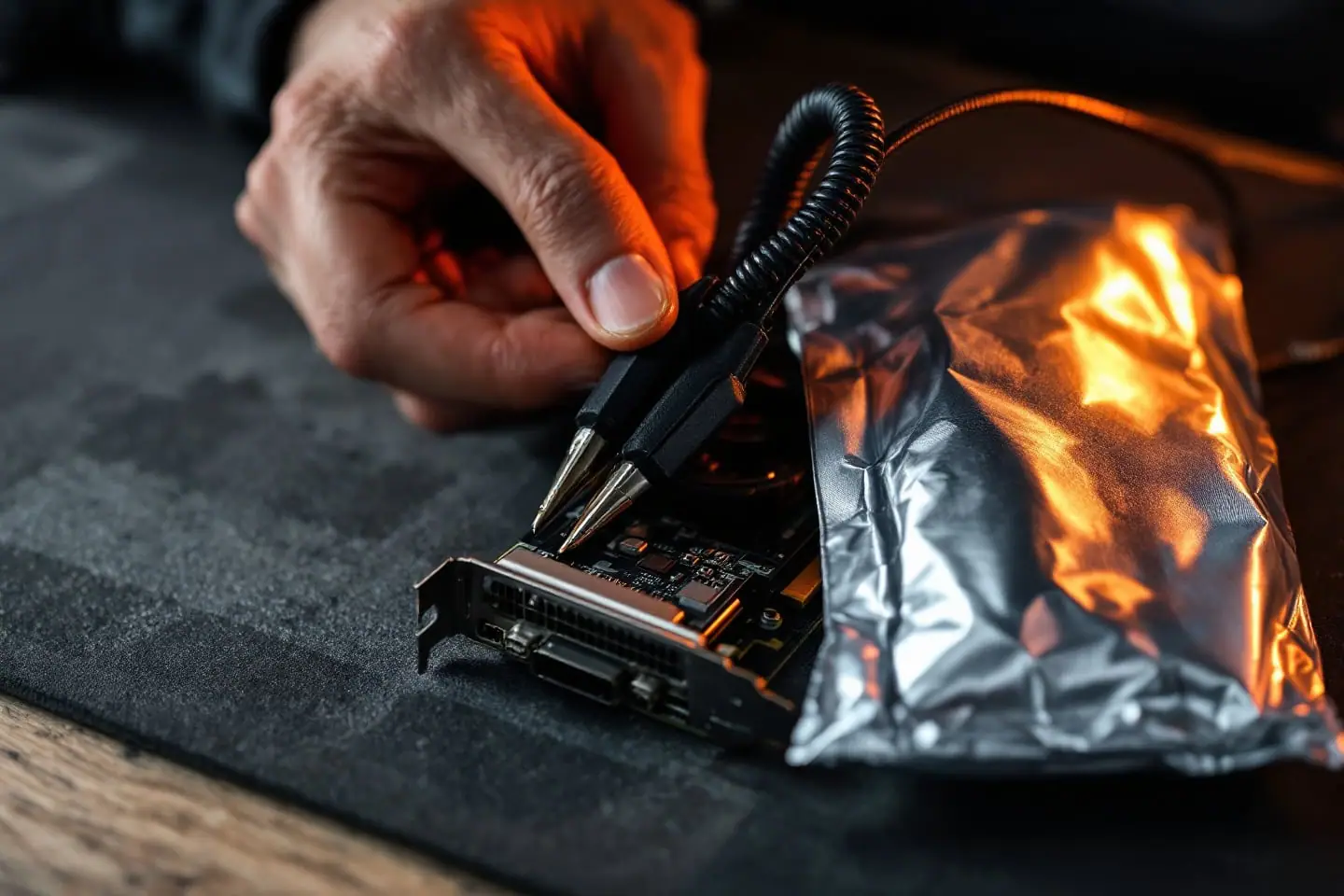
The ESD Association describes shielding packaging as a low-charging inner layer with an outer layer in the conductive or dissipative range. The protection is for what is inside. Dell states the practical rule plainly: never put parts on top of an ESD bag, because only the inside is shielded. The usual community explanation adds that the outer surface can be conductive enough to bridge contacts on the underside of a board, so do not assemble or test a motherboard sitting on its bag. Use the mat instead, and keep the silvery bags for spare parts, remembering Wikipedia's note that any puncture compromises the shield.
A pre-build checklist
- Clear a table on a hard floor and move bubble wrap, foam and plastic bags at least 30 cm away.
- Change into cotton, roll up your sleeves and take off your watch and rings.
- Unplug the PC and hold the power button for a few seconds.
- Put the strap on bare skin and clip it to unpainted metal on the case; bond the mat to the same point.
- Leave each part in its bag until you need it, and touch the case before you open the bag.
- Handle everything by the edges, and set parts down on the mat or back inside their bag, never on top.
- If you get up and walk around, touch the case again before you pick up a part.
- Unclip the strap before you plug the machine in for the first boot.
A wired strap with a resistor in the cord and a dissipative mat with its own ground lead cover nearly every home job, and ESD-safe tweezers help with small jumpers and screws inside the case.
The same habits apply to fitting a SATA SSD in an old desktop, repasting a CPU or clipping onto a BIOS chip with a CH341A programmer. Keep the strap in the tray with your screwdrivers and it gets used every time.
Sources and further reading
- ESD Association: Fundamentals of ESD, Part 1: An introduction to ESD (static voltage table, damage thresholds, latent defects)
- ESD Association: Part 2: Principles of ESD control and Part 3: Basic ESD control procedures and materials (wrist straps, grounding, work surfaces, packaging, clothing)
- ESD Association forum: Perceptions of ESD charge
- Dell: OptiPlex XE3 installation guide, safety and ESD protection sections
- Apple Support: Mac desktops and Apple displays electrical safety
- Wikipedia: Antistatic bag and Antistatic device, for background
- AnandTech forums: Static (community discussion of grounding through a plugged-in power supply)

Ananya writes about builds and upgrades: power supplies, storage, memory and the order to do things in. She has a soft spot for reviving family PCs and a firm view that the cheapest upgrade is the one you can return.