CPU coolers that still fit LGA 775
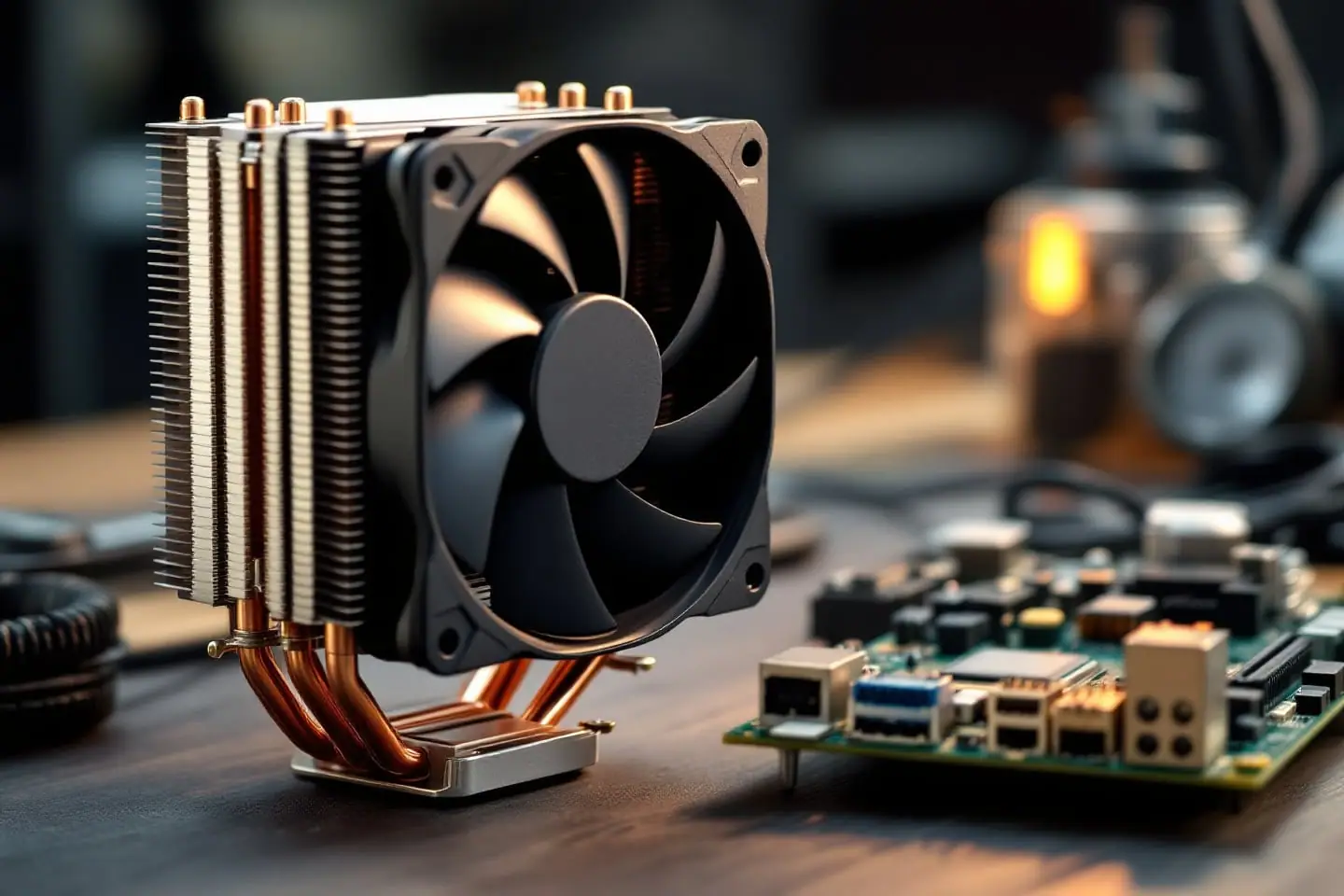
A CPU cooler for LGA 775 has to land on a 72 mm square of mounting holes around the socket. Intel's later mainstream desktop sockets, LGA 1156 through LGA 1200, moved those holes out to 75 mm, so a cooler or bracket made only for them will not line up. The short answer: look for "775" by name in the cooler's socket list or manual, check whether it mounts with push pins or a backplate, and measure height and RAM clearance before you buy. A healthy stock Intel cooler still handles a chip at or under its rating. For a 95 W quad or a 120 W modded Xeon, a single tower with a proper LGA 775 mount is the usual answer.
LGA 775 cooler hole spacing: 72 mm against 75 mm
Intel's thermal and mechanical design guide for the 775-land Pentium 4 (document 302553, the same socket the Core 2 chips and modded Xeons use) states its retention assumptions plainly: a 72 mm by 72 mm mounting hole span and no board stiffening device such as a backing plate. For LGA 1156 and 1155, Intel's LGA1155 design guide (document 324644) dimensions the heatsink holes at 75.00 mm in both directions on a drawing titled for both sockets, and Intel's own integration notes say the same fan heatsinks fit both if the processor TDP matches.
| Socket | Heatsink hole square | Where the figure comes from |
|---|---|---|
| LGA 775 | 72 x 72 mm | Intel design guide 302553 |
| LGA 1156, LGA 1155 | 75 x 75 mm | Intel design guide 324644 keep-in drawing |
| LGA 1150, LGA 1151, LGA 1200 | 75 x 75 mm | Wikipedia socket articles (background) |
| LGA 1700 | 78 x 78 mm | Wikipedia socket article (background) |
Three millimeters sounds like nothing. Each hole on a 75 mm socket sits 1.5 mm further out in both directions, so its center moves about 2.1 mm along the diagonal (the square root of 1.5 squared plus 1.5 squared). A push pin or a bracket screw built for one pattern simply will not drop into the other. Some cooler makers solved this with slotted or multi-position brackets. The socket list is where they tell you whether they did.
Push pins or a backplate
Intel's reference cooler for the socket attaches with a metal clip and four plastic fasteners: the familiar push pins that spread open inside the board holes. The design guide gives the reasoning. A stiff clip with a moderate preload (43 lb plus or minus 10 in the reference design, inside an allowed 18 to 70 lb) holds the package down and limits upward board flex during shocks, protecting the socket's solder joints. Intel's recommended maximum heatsink mass for the socket is 450 g, fan included, clip and pins not.
Compare that with a large current tower. Thermalright lists its Peerless Assassin 120 SE at 730 g for the heatsink alone, before fans. Nothing like that belongs on push pins. Heavier towers bring a steel backplate and screws instead, and that changes how load reaches the board: Intel's guide asks designers to evaluate coolers that use backing plates carefully, because a plate that holds the board flat can push the clamp force on the package past its limit. Follow the cooler maker's 775 instructions to the letter, tighten screws in a cross pattern a little at a time, and stop where the manual says to stop.
Many cases from the 775 era have no cutout in the motherboard tray behind the socket, so a backplate cooler means taking the board out. Push pins go in from the top, although it is kinder to the board to support it from behind while you press.
How to seat push pins without bending the board
- Check that all four pin caps are turned to the install position, not the release position the arrow on each cap points to.
- Lower the cooler straight onto the processor with the four pins over the four holes and the fan cable toward the CPU fan header.
- Press two diagonally opposite pins until each clicks, then the other two. Keep pressure even.
- Look at the back of the board: each pin's tip should have passed through and spread. A pin that looks seated from above can be hanging on by one leg.
- To remove, turn each cap in the arrow direction and lift the pins straight up.
If a pin's legs are whitened, cracked or bent, replace the pins or the cooler. A cooler held by three pins tilts and leaves part of the heat spreader without contact.
Reading a cooler's socket list
Socket lists use shorthand, and the shorthand is where people get caught.
- "775" has to appear by name. "LGA115X" means 1150, 1151, 1155 and 1156. It does not include 775, and the hole spacing above is why.
- Check the manual, not only the product page. The manual shows which bracket and which holes in it are for 775. If the PDF does not show a 775 step, the box probably does not contain the parts.
- Watch revisions. A cooler sold under the same name for many years can drop 775 in a later revision. Match the manual to the revision you are actually buying.
- In the box or a separate kit. Some makers sell older socket brackets separately. Find out whether that kit is still available before you plan around it.
- LGA 771 is not LGA 775. If you run a Xeon in a 775 board through the adapter mod, the cooler mounts to the 775 board. You need the 775 hardware, not the server socket's (page 1 of the LGA 771 to 775 guide explains the mod).
Cooler Master's page for its long-running Hyper 212 Black Edition does not list 775, nor do the two current Thermalright models we looked up, and Arctic's Freezer 7 X page talks about current sockets (LGA 1700, LGA 1851, AM5). The last LGA 775 processors went out of production in 2011, and a bracket for a retired socket is one more part to make and pack. Older stock and secondhand coolers with their original 775 hardware are often the realistic option.
Stock Intel coolers for LGA 775
The cooler that came with a boxed Core 2 is a fine starting point at stock clocks. Intel's reference design for the socket is an extruded heatsink with a copper core inserted, the clip and four push pins, and a four-wire PWM fan with a thermistor in the hub. It stands at most 71.12 mm above the board, and Intel asks for at least 81.28 mm of space above the board so the fan can breathe. Almost any desktop case clears that.
The limit is the rating. Boxed coolers were sized for the chip in the box. A 95 W Core 2 Quad Q9650 cooler running a 120 W Xeon is being asked for more than it was built to move, before any overclock. Our guide to sizing a cooler by TDP walks through that case, and the cooler TDP headroom check does the arithmetic for an overclock.
If you reuse a stock cooler from a parts bin:
- Do not scrape. Wipe the old pad or paste off with alcohol and lint-free wipes, the way the isopropyl cleaning guide describes, and apply fresh non-conductive thermal paste.
- Spin the fan by hand. A gritty or wobbling fan is due for retirement.
- Check the pins, as above.
- Do not borrow an LGA 1156 or 1155 stock cooler. It looks almost identical and uses the same style of push pins, but the holes are 75 mm apart.
One more trap belongs to office machines. Many prebuilt desktops of the period used the BTX form factor, cooled by what Intel calls a thermal module assembly: heatsink, fan and duct as one unit, up to 900 g in Intel's BTX test setups. That is a different fitting problem, and an ATX cooler's 775 bracket says nothing about it.
Height, RAM and board clearance
A single 120 mm tower is tall. Cooler Master lists the Hyper 212 Black Edition at 158.8 mm, more than twice the height of Intel's reference cooler. Measure from the motherboard surface to the inside of the side panel, subtract a few millimeters, and compare that with the cooler's height including the fan. Old office towers and slim cases often fail this test outright.
Then look sideways. On most LGA 775 boards the DIMM slots sit close to the socket, and DDR2 or DDR3 modules with tall heat spreaders reach up exactly where a tower's front fan wants to be. Most towers let you slide the fan up its clips to clear a tall module, at the cost of total height. Which slots you can give up depends on your board's channel layout; the DDR2 and DDR3 notes for LGA 775 boards cover what the chipsets use.
Also check:
- The chipset heatsink. On these boards the northbridge sits near the socket and runs warm. A top-down stock cooler blows across it. A tower does not, so some case airflow over that corner helps.
- The power stage. The same goes for the voltage regulator heatsinks, which matter a great deal with 120 W Xeons (page 2 of the LGA guide covers VRM limits).
- Orientation. A tower should blow toward the rear exhaust fan. Some 775 brackets allow only one orientation, so check the manual's drawings against your board layout.
Matching a cooler to the machine
| What you are cooling | Sensible choice | Watch for |
|---|---|---|
| A 65 W dual core at stock | The stock push-pin cooler, cleaned and repasted | Cracked pins, a noisy fan |
| A 95 W quad or 80 W Xeon at stock | A compact cooler with LGA 775 mounting, or a single tower | Height in small cases |
| A 120 W Xeon, or any overclock | A single tower whose socket list includes LGA 775 and that bolts through a backplate | Board removal, RAM clearance, VRM airflow |
For most 775 builds, the right pick is a single-tower cooler with a 120 mm fan whose socket list still includes LGA 775 and that bolts through its own backplate. It suits quads, modded Xeons and mild overclocks in a standard ATX case. A compact cooler with LGA 775 mounting suits slim cases and stock dual cores or quads. Both need a tube of decent paste.
Check the socket list and manual of the exact model before ordering, for the reasons above.
Once it is mounted, run a long all-core load and watch the temperatures for twenty minutes. If they climb steadily without leveling off, look at the mount before the cooler: an uneven pin or an under-tightened backplate screw is the usual culprit.
Sources and further reading
- Intel, Pentium 4 Processor on 90 nm Process in the 775-Land LGA Package: Thermal and Mechanical Design Guidelines, document 302553-004, November 2005 (72 mm span, preload, 450 g guideline, push pins, backing plates, height)
- Intel, 2nd Generation Intel Core Processor Family Desktop and LGA1155 Socket: Thermal Mechanical Specifications and Design Guidelines, document 324644-004, May 2011 (75.00 mm hole spacing for LGA1156 and 1155, boxed coolers on push pins)
- Intel, Processor Integration Overview for LGA1155- and LGA1156-Based Intel Processors (same fan heatsinks across both sockets)
- Intel, Intel 946 Express Chipset Family Thermal and Mechanical Design Guidelines, document 313085-001, June 2006 (BTX thermal module assembly test mass)
- Wikipedia, LGA 775, LGA 1200 and LGA 1700 (background)
- Cooler Master, Hyper 212 Black Edition (socket list and height)
- Thermalright, Peerless Assassin 120 SE (heatsink mass and socket list)
- Arctic, Freezer 7 X (current socket support)

Ananya writes about builds and upgrades: power supplies, storage, memory and the order to do things in. She has a soft spot for reviving family PCs and a firm view that the cheapest upgrade is the one you can return.