DDR2 vs DDR3 on LGA 775 boards: what your chipset can really use
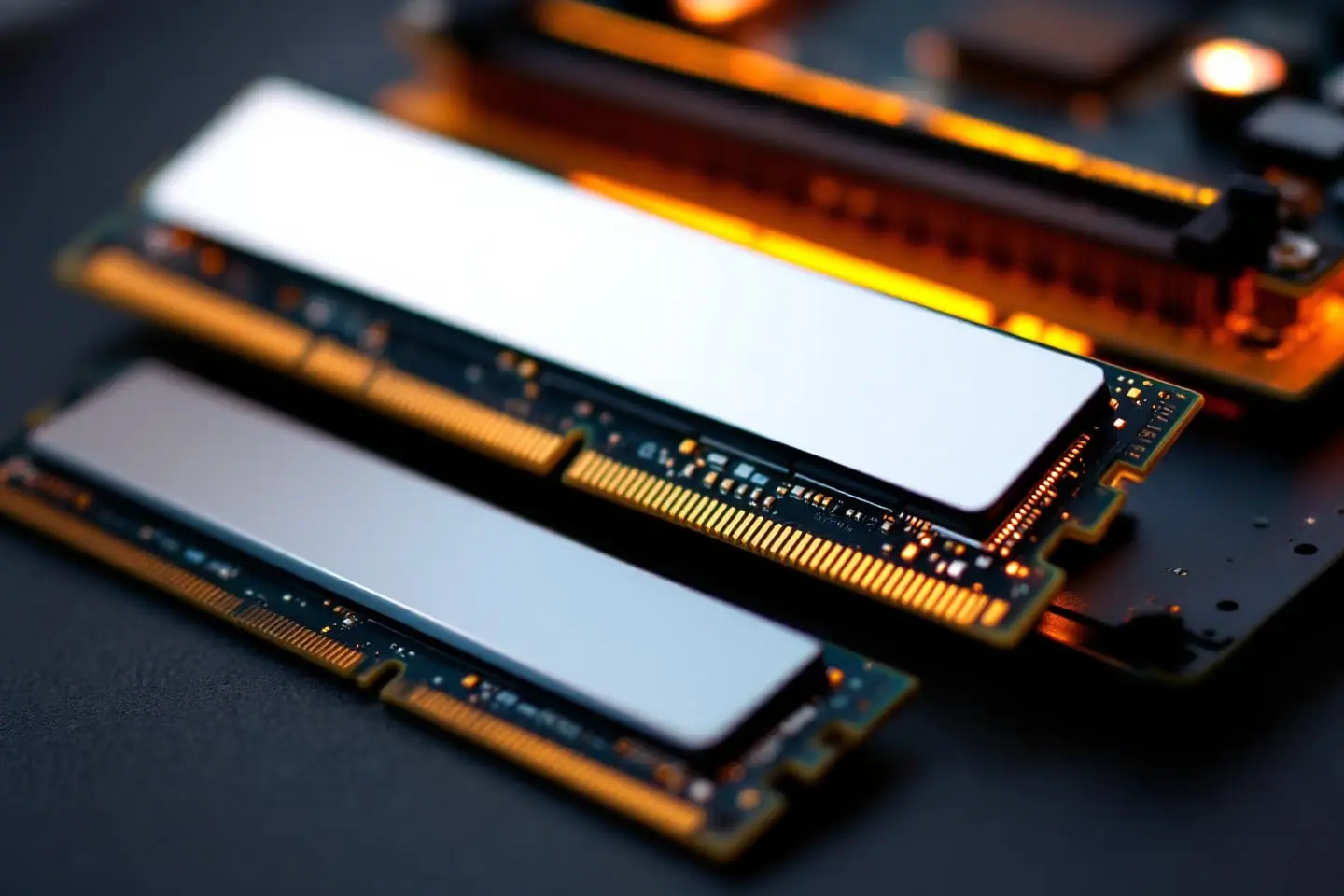
On an LGA 775 machine the processor has no say in what memory you can use. The memory controller sits in the northbridge, which Intel calls the MCH (memory controller hub, or GMCH when it has integrated graphics). A Q9650 runs the same with DDR2 or DDR3; the chipset and the slots soldered to the board decide everything. So the useful question is not which memory is better, but which memory your chipset was built for, and how much of it. If you are still deciding whether the machine deserves an upgrade at all, start with what a Core 2 Quad PC is still good for.
What each chipset takes
The table follows Intel's chipset datasheets and product briefs, with Wikipedia's chipset list filling in the older 9xx parts. Speeds are the official ones; plenty of boards run faster memory as an overclock.
| Chipset | DDR2 | DDR3 | Ceiling per Intel's documents | Notes |
|---|---|---|---|---|
| 945 and 946 families | 400 to 667 (by model) | - | 2 GB to 4 GB | Some cannot map all of 4 GB (Wikipedia) |
| P965, G965, Q965 | 533 to 800 | - | 8 GB | From Wikipedia's chipset list |
| P31, G31 | 667, 800 | - | 4 GB | G31 brief: quad cores officially at 1066 MT/s FSB |
| P35, G33 | 667, 800 | 800, 1066 | 8 GB | 512 Mb and 1 Gb chips only |
| G35, Q35, Q33 | 667, 800 | - | 8 GB | DDR3 is listed only for G33 and P35 |
| G41 | 667, 800 | 800, 1066 | 8 GB DDR2, 4 GB DDR3 | One DIMM per channel, so two slots |
| P43, P45, G43, G45, Q43, Q45, B43 | 667, 800 | 800, 1066 | 16 GB DDR2, 8 GB DDR3 | 2 Gb chips allowed for DDR2 only |
| X48 | Board dependent | 800 to 1333, 1600 with XMP | 8 GB | Datasheet is written around DDR3 |
The X48 row needs a word. Intel's X48 datasheet describes a DDR3 controller, but its block diagram labels both channels DDR2/3, and board makers sold X48 boards in both flavors. The X38 before it follows the same pattern according to Wikipedia's list. Check the manual for your exact board, which is the rule for every row here: a board can support less than its chipset, and its BIOS always has the final say.
Where the ceilings come from
Every module is a set of DRAM chips, and its capacity is simply the number of chips times the density of each one. A standard non-ECC rank is 64 bits wide, which takes eight chips that are 8 bits wide (x8). A double-sided module usually carries two ranks, so sixteen chips.
DIMM capacity = number of chips x chip density / 8 bits per byte

16 chips x 1 Gb = 16 Gb = 2 GB   (largest DIMM on the 3 Series and X48)
16 chips x 2 Gb = 32 Gb = 4 GB   (largest DDR2 DIMM on the 4 Series)
 8 chips x 4 Gb = 32 Gb = 4 GB   (a "high-density" 4 GB stick)
Intel's 3 Series datasheet lists 512 Mb and 1 Gb chips for both DDR2 and DDR3, and states the largest capacity as 8 GB with four double-sided x8 modules. The X48 datasheet gives the same 1 Gb limit and 8 GB figure. The 4 Series adds 2 Gb chips for DDR2 only, which is where its 16 GB comes from; DDR3 on the 4 Series stays at 512 Mb and 1 Gb, which means 2 GB modules and 8 GB in four slots. The G41 has the same rules with half the slots: two 4 GB DDR2 modules for 8 GB, or two 2 GB DDR3 modules for 4 GB. The G43 comes in versions with one or two DIMMs per channel, so check which one your board carries.
The 4 GB per DIMM trap, and its cousins
The chip arithmetic explains most "the board will not boot with this RAM" stories on these machines.
- A 2 GB DDR2 module can be sixteen 1 Gb chips or eight 2 Gb chips. The first kind is inside every listing above. The second needs 2 Gb support, which Intel lists only for the 4 Series. Owners commonly report that the eight-chip version is not detected, or shows half its capacity, on older Intel chipsets.
- A 4 GB DDR3 module built from sixteen 2 Gb chips is outside Intel's DDR3 list for every FSB chipset. Even so, some board makers added support in their BIOS and rate G41 or P45 DDR3 boards for more than Intel's table allows. If your board's memory support list includes such modules, that list is the document that counts.
- A 4 GB DDR3 module with eight 4 Gb chips, and every 8 GB DDR3 module, depends on 4 Gb chips that no chipset in this generation lists. Expect trouble. A thread on ASRock's forum about a single 8 GB stick in a G41M-VS3 board shows the typical symptom, fans spinning and no picture, and the replies point straight at the module size and chip density.
To check a module before you buy, count the chips in the photos (eight or sixteen on a non-ECC stick), look up the chip part number if it is readable, or ask the seller for an SPD readout from a utility. Listings marked "AMD only" are a common sign of high-density modules.
One more limit sits above all of this: a 32-bit operating system cannot use a full 4 GB, because device address space takes part of it. Wikipedia notes that some 945 chipsets also cannot remap memory above that point, so part of 4 GB stays out of reach even on a 64-bit system.
FSB:DRAM ratios, and why DDR3 often changes little
On this platform the memory and the CPU never talk directly. Requests go across the front-side bus to the northbridge and back, and the bus is usually the narrow part. Intel's own numbers make the point:
| Link | Peak bandwidth | Source |
|---|---|---|
| FSB at 1333 MT/s | 10.6 GB/s | Intel X48 datasheet |
| FSB at 1600 MT/s | 12.8 GB/s | Intel X48 datasheet |
| Dual-channel DDR2-800 | 12.8 GB/s | Intel 4 Series datasheet |
| Dual-channel DDR3-1066 | 17 GB/s | Intel 3 Series datasheet |
At a stock 1333 MT/s bus, dual-channel DDR2-800 can already deliver more than the CPU can pull across the FSB. Faster DDR3 widens the memory side of a pipe whose narrow end is somewhere else.
The ratio is how the board links the two clocks. The FSB clock is a quarter of the MT/s figure (333 MHz for a 1333 bus), and the DRAM clock is half the memory's rating (400 MHz for DDR2-800). At a 333 MHz FSB that gives DDR2-667 at 1:1, DDR2-800 at 5:6, DDR3-1066 at 5:8 and DDR3-1333 at 1:2. The FSB overclock calculator works these out for other bus speeds.
Latency barely moves either. First-word latency in nanoseconds is the CAS latency (CL) in cycles times 2,000, divided by the data rate:
DDR2-800  at CL5:  5 x 2000 / 800  = 12.5 ns
DDR3-1066 at CL7:  7 x 2000 / 1066 = 13.1 ns
DDR3-1333 at CL9:  9 x 2000 / 1333 = 13.5 ns
Those are example timings, not a survey of modules, but they show why a bigger number on the label does not make the first word arrive any sooner.
When DDR3 does earn its place
- FSB overclocking. Push the bus to 400 MHz and DDR2-800 has to run at 1:1 to stay on its rating. DDR3 rated for 1600 can run at 1:2 at the same bus speed, leaving more room above the 1:1 point. Our piece on overclocking a Xeon on an LGA 775 board walks through that math.
- Integrated graphics. The G41 and G45 graphics use system memory, so the GPU shares memory bandwidth with the CPU. Faster memory can help there more than it helps the processor.
- Voltage. Intel specifies 1.8 V for DDR2 and 1.5 V for DDR3 on these chipsets, so DDR3 draws a little less power for the same capacity.
- What you already own. If the drawer is full of DDR3, or the board only has DDR3 slots, the decision is made.
A caution for X48 owners chasing speed: Intel's X48 datasheet supports DDR3-1600 only with XMP modules at 1.9 V, and only one single-rank DIMM per channel. Fast and full are not on offer at the same time.
Combo boards
Because the 3 and 4 Series controllers speak both standards, some boards carry two DDR2 slots and two DDR3 slots. The chipset still drives one type at a time, so you fill one set or the other, never both; the manual says which. You cannot put a stick in the wrong slot by accident. DDR2 and DDR3 DIMMs both have 240 pins, but the key notch sits in a different place and the two are electrically incompatible.
Buying used RAM sanely
- Confirm the board model and chipset first. The same steps used to check whether a motherboard supports a processor identify the board, and the chipset table on our compatibility page covers the Xeon side.
- Buy the speed the chipset lists: DDR2-800 (PC2-6400) or DDR3-1066 (PC3-8500) on the 3 and 4 Series. Faster modules usually fall back to a slower standard speed, but not every enthusiast kit does so cleanly.
- Match chip density to the chipset using the rules above, and skip high-density modules unless your board's own list includes them.
- Buy matched pairs. Intel's 4 Series datasheet describes symmetric dual-channel mode as needing the same total memory in each channel; with unequal channels and Intel's Flex Memory mode enabled, the controller runs the extra memory single-channel.
- Read the voltage on the label. Kits rated above the standard 1.8 V or 1.5 V need that set by hand in the BIOS.
- Test before you trust. One full pass of Memtest86+ from a USB stick is the minimum, and an overnight run is better.
Say you have a P45 board with four DDR2 slots and two 2 GB sticks fitted. Two more matched 2 GB DDR2-800 modules built from 1 Gb chips take you to 8 GB with nothing left to argue about. Going to 16 GB means four 4 GB DDR2 modules built from 2 Gb chips, and that is the point where the board's memory support list, not this table, gets the final word.
Sources and further reading
- Intel, Intel 4 Series Chipset Family Datasheet, document 319970 (archived copy): memory interface, Table 1 and section 13.2
- Intel, Intel 3 Series Express Chipset Family Datasheet, document 316966 (archived copy)
- Intel, Intel X48 Express Chipset Datasheet, document 319122 (archived copy)
- Intel, Intel G31 Express Chipset product brief (archived copy)
- Wikipedia, background: List of Intel chipsets, Core 2 chipsets section and DDR3 SDRAM
- ASRock forum, community thread: No display after installing 8GBx1 on G41M-VS3
- Memtest86+, the open-source memory tester

Marek writes the socket-mod and Xeon pages. He likes boards with too many jumpers, keeps a drawer of LGA 775 chips sorted by stepping, and reads Intel spec updates the way other people read box scores.