The best AIO CPU coolers, and when an air tower is the better buy
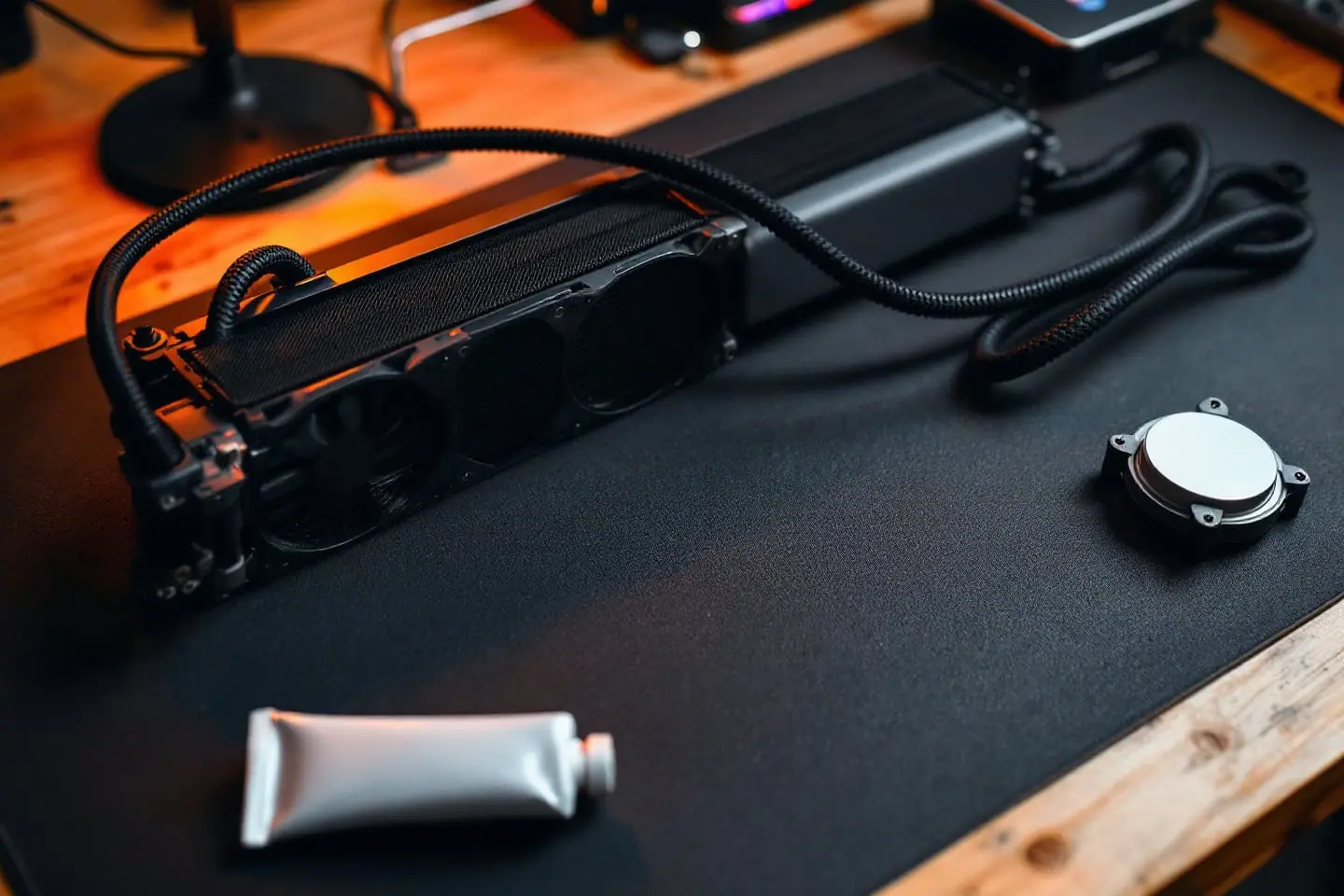
If your case has a 360 mm radiator mount and your chip holds high power for minutes at a time, shortlist the ARCTIC Liquid Freezer III Pro 360 A-RGB first: a thick radiator, a contact frame for Intel's current sockets and a small fan for the board's power stages. If the case only takes 240 mm, the Liquid Freezer III Pro 240 A-RGB keeps the same pump block and frame. The Thermalright Aqua Elite 240 V3 is the plainer option, and the only one of the three that lists older Intel sockets without a separate kit.
First, ask whether you need liquid at all. An all-in-one liquid cooler (AIO: pump, block, hoses and radiator sealed at the factory) earns its place when a tall tower will not fit or the chip runs near its maximum turbo power through long jobs. For most gaming builds a dual tower such as the Thermalright Peerless Assassin 120 SE does the work with no pump to wear out.
Five checks before you buy
240 or 360 mm
The size names the fan positions: a 240 carries two 120 mm fans, a 360 carries three. On ARCTIC's drawings the 360 radiator measures 398 x 120 mm and the 240 measures 277 x 120 mm. That is 47,760 against 33,240 square millimeters, about 44 percent more face area, plus one more fan. More area lets the fans spin slower for the same heat, so a 360 pays off as a quieter machine under long loads rather than a much colder one at idle.
Work out the load first. Intel lists the Core Ultra 9 285K at 125 W base power and 250 W maximum turbo power, and a board with open power limits lets it hold the higher figure for as long as a render runs. That is 360 territory. A chip that games well below its turbo ceiling is not. The cooler TDP headroom check turns your chip's figures into a target, and our piece on sizing a cooler by TDP explains why a watt rating on a box means little.
Where the radiator goes
The pump should never be the highest point of the loop. Every AIO leaves the factory with a small air pocket, and air rises. NZXT's mounting guide states the rule: keep the top of the radiator above the pump, or the air settles in the pump housing and brings rattling, warmer temperatures and a shorter pump life. A roof mount with the fans exhausting meets the rule in nearly every tower case. A front mount works if the radiator's top edge sits above the CPU block. A bottom mount puts the pump above the radiator, so skip it.
Thickness and clearance
ARCTIC's Liquid Freezer III Pro radiators are 38 mm thick, and its drawing puts radiator plus fans at 66 mm. Say a case lists 380 mm of graphics card length with nothing in the front: a 66 mm stack mounted there cuts that to 314 mm. On the roof, the same 66 mm has to clear your memory and the board's heatsinks.
The flip side: ARCTIC's pump housing is 68.5 mm tall and Thermalright's V3 pump 53 mm, so a narrow case that cannot close over a 155 mm tower may still take an AIO.
Contact frames on LGA 1700 and 1851
Intel's stock loading mechanism on these sockets clamps the processor along two edges, and owners commonly report a slightly bowed heat spreader with weaker contact in the middle. A contact frame replaces that mechanism and spreads the force. ARCTIC's Intel quick start guide has you remove the stock parts, keep them, and fit its frame with four shoulder screws using the T20 driver in the box. HWBusters reports ARCTIC's claim of a 5 to 9 degree drop on Intel; treat that as an upper bound. AM4 and AM5 need no frame.
Pump noise, failure and lifespan
The pump decides how an AIO ages. Thermalright gives the Aqua Elite 240 V3 pump a 40,000 hour MTTF (mean time to failure, an average across many units, not a promise for yours). Divide by the 8,760 hours in a year: about 4.6 years running around the clock, or about 13.7 years at eight hours a day. Warranties are the firmer guide, three years from Thermalright and six from ARCTIC on the 360.
When a pump stops, the radiator does nothing. The CPU throttles hard and, failing that, shuts down at its thermal trip point; the chip usually survives, the build does not. Watch for idle temperatures creeping up, a new gurgle, or a pump speed of zero in the BIOS. Noise is mostly a speed question: Thermalright quotes 23 dBA at most for its pump, and ARCTIC's runs 800 to 2800 rpm under PWM control, so a sensible curve keeps it low at idle.
The picks
We chose these from makers' spec sheets, manuals and published reviews, not from units on a bench of our own.
ARCTIC Liquid Freezer III Pro 360 A-RGB
The Liquid Freezer III Pro 360 is for a chip that sits near its turbo ceiling in long jobs, in a case with a 360 mount. ARCTIC's spec sheet lists:
- Sockets: LGA1851 and LGA1700, AM5 and AM4
- Radiator: aluminum, 398 x 120 x 38 mm, 66 mm with fans
- Fans: three 120 mm P12 Pro A-RGB, 600 to 3000 rpm
- Pump: 800 to 2800 rpm, copper cold plate with micro-skived fins, 450 mm tubes
- In the box: the Intel contact frame and 0.8 g of MX-6 paste; six-year warranty
The pump housing also carries a small 400 to 2500 rpm fan aimed at the voltage regulators. A tower blows air across those heatsinks; an AIO takes that airflow away, and ARCTIC puts it back. The fan leads run inside the hose sleeve, so one plug on the CPU fan header drives pump and fans together, and a split cable is included for separate control. OCinside's review found its cooling able to compete with the strongest coolers on the market, and pointed buyers who put quiet first toward the regular Liquid Freezer III.
The costs: 2005 g, a 66 mm stack, and a 360 mount many compact cases lack. ARCTIC sells a separate LGA1200 and 115X kit for the Liquid Freezer III range, so confirm it covers the Pro before planning an older build around one.
ARCTIC Liquid Freezer III Pro 240 A-RGB
The Liquid Freezer III Pro 240 is the same design with two fans. ARCTIC's drawing gives a 277 x 120 x 38 mm radiator, the same 66 mm with fans, and the same pump housing and small fan. Sockets are LGA1851, LGA1700, AM5 and AM4, and the contact frame, MX-6 and 450 mm tubes carry over.
Buy it when the case has a 240 mount but not a 360, or for an eight-core gaming chip that rarely holds its turbo ceiling. With one fan fewer, expect more noise than the 360 under a long all-core load. It is just as thick, so the clearance check applies in full.
Thermalright Aqua Elite 240 V3
The Aqua Elite 240 V3 is the plain choice: two fans, a PWM pump, no frame and no extra fan. Thermalright's page lists:
- Sockets: LGA1851, 1700, 1200 and 115X, AM5 and AM4
- Pump: 62 x 62 x 53 mm, up to 2800 rpm, 23 dBA and 4.8 W at most, 40,000 hour MTTF
- Fans: two 120 x 120 x 25 mm, up to 1500 rpm, 25.6 dBA at maximum
- Radiator: aluminum; warranty: three years
LGA1200 and the 115X family (first-generation through 11th-generation Core) are on the sheet with no extra kit, which suits a 10th-generation Core build. Fans that stop at 1500 rpm stay quiet but leave little in reserve. The page mentions no contact frame and gives no radiator dimensions, so check the thickness on the box before you commit a tight roof to it. We found no lab review of the V3 from a larger outlet; this pick rests on the maker's sheet.
When a big air tower is the better buy
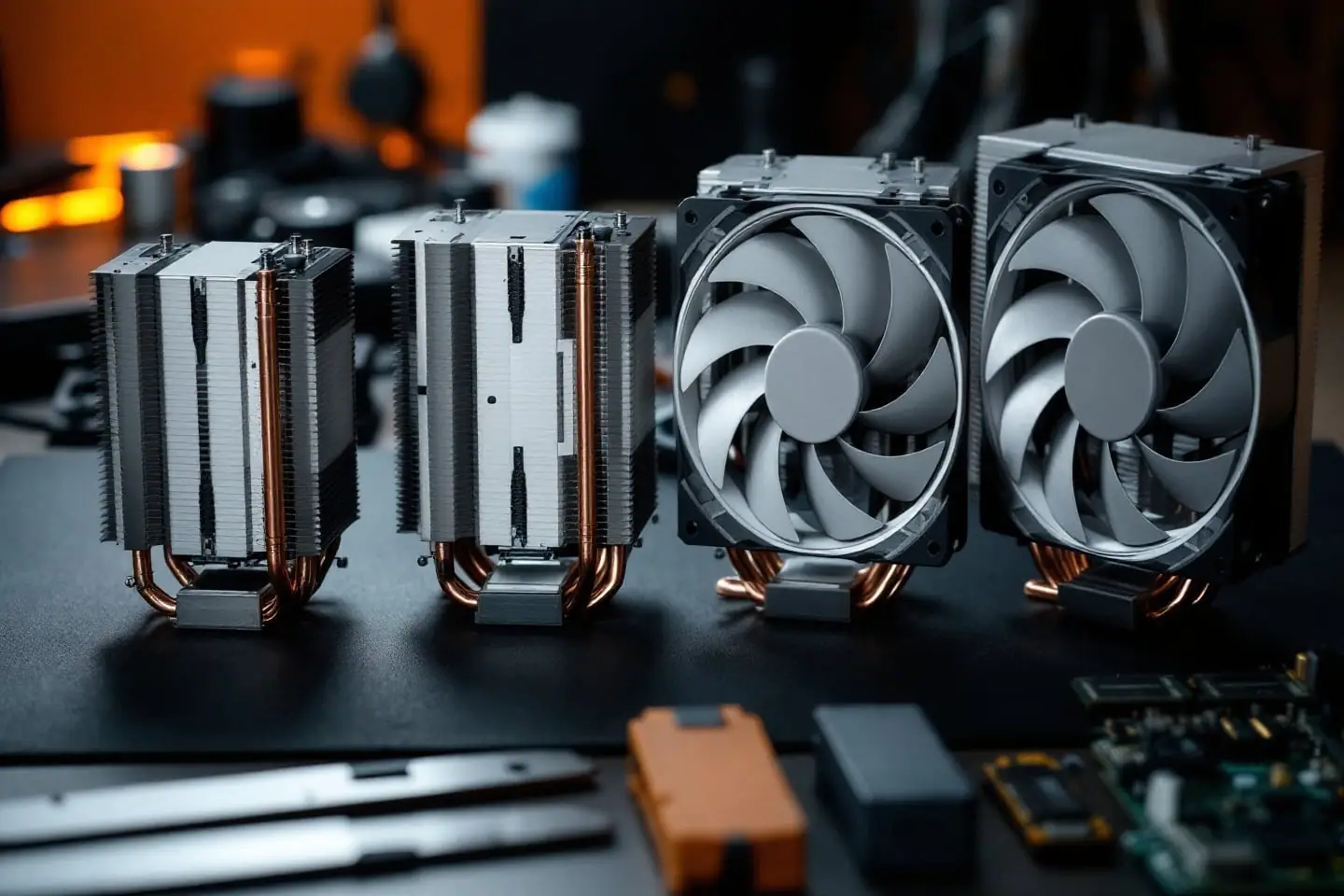
A dual tower does the same job with fewer things to go wrong. Thermalright lists the Peerless Assassin 120 SE at 125 x 110 x 155 mm and 730 g, with six 6 mm heat pipes, two 120 mm fans up to 1550 rpm, and mounts for LGA1851, 1700, 1200 and 115X plus AM5 and AM4. No pump wears out, and a dead fan still leaves a fin stack that sheds some heat on its own.
Pick the tower when the case clears 155 mm with a little to spare, the chip spends its life well below its maximum turbo power, or the PC gets moved or runs unattended for years. Pick an AIO when the tower will not fit, the chip holds its top power for long jobs, or you want the CPU's heat out through the roof instead of in the graphics card's air.
Side by side
| Cooler | Radiator or heatsink | Fans | Pump | Intel sockets listed | AMD | Contact frame |
|---|---|---|---|---|---|---|
| Liquid Freezer III Pro 360 A-RGB | 398 x 120 x 38 mm, 66 mm with fans | 3 x 120 mm, 600 to 3000 rpm | 800 to 2800 rpm | LGA1851, 1700 | AM5, AM4 | In the box |
| Liquid Freezer III Pro 240 A-RGB | 277 x 120 x 38 mm, 66 mm with fans | 2 x 120 mm | Same pump housing | LGA1851, 1700 | AM5, AM4 | In the box |
| Aqua Elite 240 V3 | 240 mm, aluminum | 2 x 120 mm, up to 1500 rpm | Up to 2800 rpm, 40,000 h MTTF | LGA1851, 1700, 1200, 115X | AM5, AM4 | Not mentioned |
| Peerless Assassin 120 SE (air) | 125 x 110 x 155 mm, 730 g | 2 x 120 mm, up to 1550 rpm | None | LGA1851, 1700, 1200, 115X | AM5, AM4 | Not needed |
A fitting order that saves rework
- Choose the board header the AIO's cable will use: CPU fan or pump.
- Mount the radiator first, fans exhausting on a roof mount, hoses free of kinks.
- Lift off the old cooler and clean the heat spreader with 99 percent isopropyl alcohol and lint-free wipes.
- Fit the contact frame or AMD brackets, tightening in a cross pattern a few turns at a time.
- Apply paste unless the block has it pre-applied, then seat the pump block and tighten it evenly.
- In the BIOS, confirm a pump speed, set a pump alarm and a fan curve, then watch temperatures through a long load.
Our repasting walk-through covers cleanup and paste, and the anti-static basics cover grounding.
Questions
Is a 360 mm AIO always better than a 240?
No. More radiator lets the fans run slower for the same heat. On a chip that rarely holds high power, the two land close together, and the 360 adds length, weight and a mount your case may not have.
Do I need a contact frame on LGA 1700 or LGA 1851?
No. Coolers without one, like the Aqua Elite V3, mount on the stock mechanism as designed.
Sources and further reading
- ARCTIC, Liquid Freezer III Pro 360 A-RGB spec sheet
- ARCTIC, Liquid Freezer III Pro 240 A-RGB documentation (2D drawing, Intel quick start guide, pump curve) and product page
- ARCTIC, Liquid Freezer III Pro launch notes and compatibility upgrade for Liquid Freezer III
- Thermalright, Aqua Elite 240 V3 and Peerless Assassin 120 SE
- Intel, Core Ultra 9 285K specifications
- NZXT, AIO radiator mounting guide
- HWBusters, Arctic Liquid Freezer III Pro 360 AIO review
- OCinside, Arctic Liquid Freezer III Pro 360 A-RGB review

Ananya writes about builds and upgrades: power supplies, storage, memory and the order to do things in. She has a soft spot for reviving family PCs and a firm view that the cheapest upgrade is the one you can return.