CH341A software and drivers on Windows and Linux
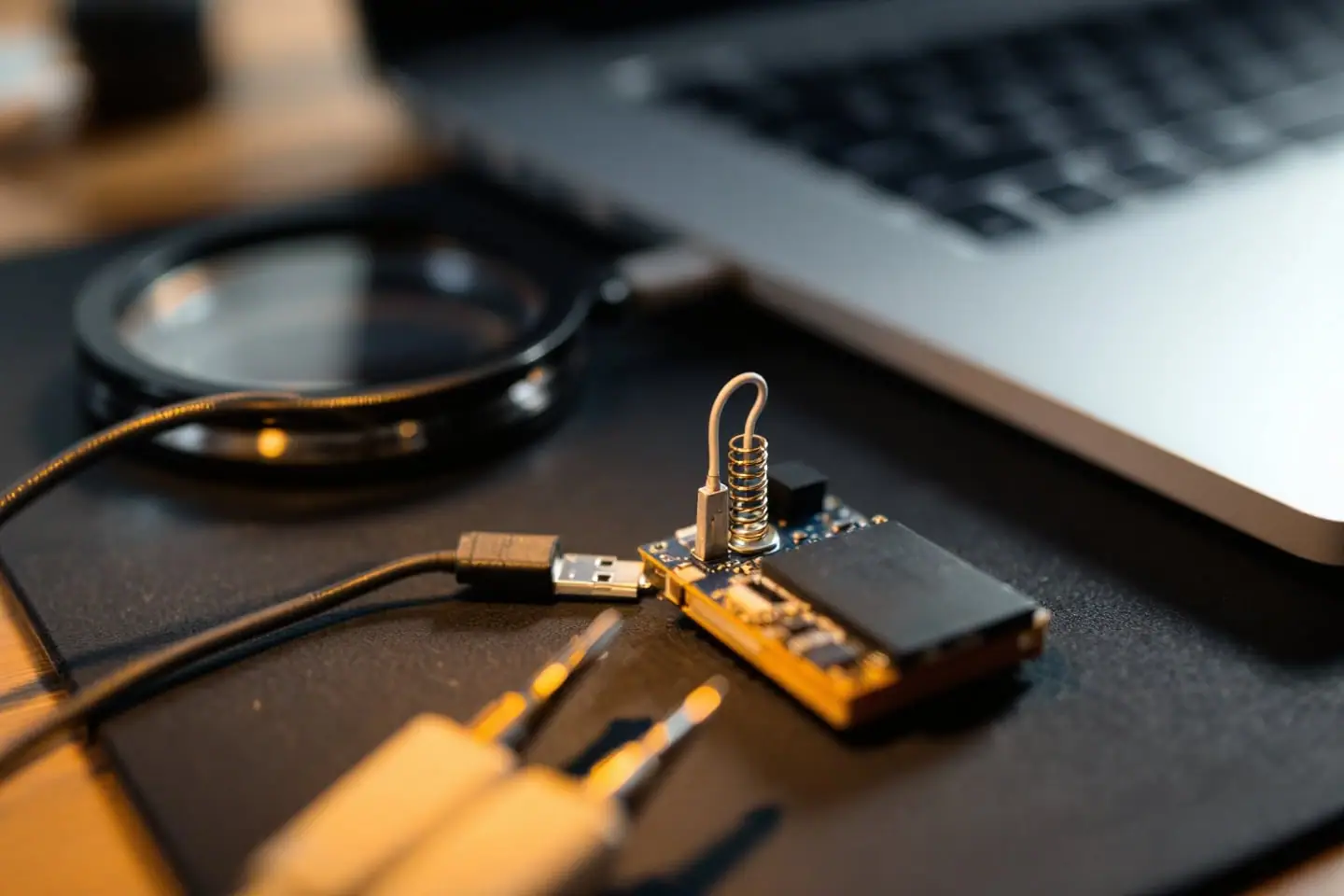
A CH341A programmer needs a driver only on Windows, and the right CH341A driver is WCH's CH341PAR package from the chip maker's own site, not the CH341SER serial driver that turns up first in most searches. On Linux and macOS you install flashrom and it talks to the programmer through libusb, with no vendor driver at all. The Windows programs people pair with the CH341A, such as the open-source AsProgrammer and the closed-source NeoProgrammer, are community software that sits on top of WCH's driver. Whatever you run, the routine is the same: detect the chip, read it twice, compare the two files, and only then think about writing.
One chip, several modes
The CH341A is a general USB interface chip from WCH (Nanjing Qinheng Microelectronics). Depending on how a board wires it, it shows up to the computer as one of several devices, each with its own USB product ID. The USB ID database that Linux uses lists them like this:
| USB ID | How the chip is running | Typical product |
|---|---|---|
1a86:5512 |
EPP, MEM and I2C mode | SPI and EEPROM programmers |
1a86:5523 |
Serial mode | USB to serial adapters |
1a86:5584 |
Parallel mode | USB to printer port adapters |
A programmer board runs the chip in the 5512 mode, and flashrom's udev rules list exactly that ID for CH341A based programmers. That is why the serial driver does not help: it is written for the 5523 mode.
You can check which one you have. On Linux, run lsusb and look for 1a86:5512. On Windows, open Device Manager,
find the device (it may sit under an unknown device entry before the driver is installed), open Properties, then
Details, and choose Hardware Ids. A programmer reads USB\VID_1A86&PID_5512.
CH341A drivers on Windows: the WCH package
WCH publishes two driver packages whose names are easy to confuse:
| Package | WCH's description | Use it for |
|---|---|---|
| CH341PAR.EXE | One-key installation driver for USB to JTAG, SPI, I2C, parallel and GPIO interfaces; covers CH341, CH347 and CH339 | CH341A programmers and CH347 programmers |
| CH341SER.EXE | One-key installation VCP (virtual COM port) driver for CH340 and CH341 USB to serial | Serial adapters, not programmers |
WCH lists CH341PAR for Windows 11, 10, 8.1, 8, 7, Vista, XP and 2000, plus server versions, in 32 and 64 bit, and says it is Microsoft WHQL certified. At the time of writing the page showed version 2.6, dated April 24, 2025.
To install it:
- Download CH341PAR.EXE from the Downloads section of wch-ic.com. Not from a seller's zip, not from a driver site.
- Run it and click its install button. It is a one-click installer.
- Plug in the programmer, without a chip or clip attached, and check Device Manager for a working device with the 5512 hardware ID.
The reason to be strict about the source: programmer kits often come with a bundle of drivers and tools of unknown origin. In the long-running Win-Raid thread on CH341A programmers, a later commenter reported a browser flagging the attached download as malware. The chip maker's own installer removes that question.
Community software for Windows
None of the common Windows programs comes from WCH. They are community projects, and they are labelled that way here.
AsProgrammer
AsProgrammer is open source under the MIT license, hosted on GitHub as nofeletru/UsbAsp-flash. Its README lists
support for SPI, I2C and MicroWire chips and for CH341, CH347, FT232H, USBasp, Arduino and AVRISP mkII programmers
(USBasp and AVRISP mkII after reflashing). On Windows it talks to the CH341A through WCH's DLL interface, which comes with the
CH341PAR driver, so install that first. At the time of writing the latest release on the project's page was 2.1.2,
from January 2025. Forks exist; the original repository is the reference.
NeoProgrammer with the CH341A
NeoProgrammer is a freeware Windows tool for CH341A and CH347 programmers that comes up often in repair forum threads. It is closed source, and we could not find an official home page or source repository for it. Copies circulate on forums and file hosts, and searching for it returns plenty of pages that only exist to offer a download. If you use it, take it from a long-standing forum thread, scan the archive, and treat it as an unverified binary. Install WCH's driver before you try it, and if it still cannot see the programmer, follow the notes in the thread you took it from.
The utility bundled with many kits
Many kits ship with a basic "CH341A Programmer" utility. The Win-Raid guide from 2015 walks through it: choose 25 SPI Flash as the type, press Detect, then Read and Save. It is an old program, so check that its chip list includes your part.
Whichever program you pick, do not trust its automatic chip detection blindly. Read the marking on the chip with a magnifier, look up the maker's datasheet and confirm the part number, size and voltage before you accept the tool's guess.
flashrom on Linux and macOS
flashrom is the reference open-source tool for SPI flash, and it supports the CH341A through its ch341a_spi
programmer. Install it from your package manager:
sudo apt install flashrom      # Debian, Ubuntu
sudo dnf install flashrom      # Fedora
sudo pacman -S flashrom        # Arch
brew install flashrom          # macOS with Homebrew
flashrom's manual says the CH341A driver needs access to the USB device through libusb 1.0 and can run as a normal
user if the device permissions are set. Without that, run it with sudo. To set the permissions once, flashrom's
repository ships a udev rules file; the CH341A line reads:
ATTRS{idVendor}=="1a86", ATTRS{idProduct}=="5512", MODE="664", GROUP="plugdev"
Save the file in /etc/udev/rules.d/, add your user to the plugdev group, reload the rules and replug the programmer.
The file's own comment notes that you may need to change plugdev to a group your distribution uses.
sudo udevadm control --reload-rules
sudo udevadm trigger
flashrom -p ch341a_spi
The last line only probes; it reads and writes nothing. The manual adds two facts worth knowing: the CH341A driver
takes no parameters, and its SPI clock is fixed at 2 MHz. CH347 programmers use a separate ch347_spi driver with an
adjustable speed.
On Windows, flashrom's documentation describes only partial support, built under MSYS2, and it reaches the programmer through libusb rather than WCH's driver. For most people a Linux live USB stick is the easier way to run flashrom on a Windows PC.
When the chip is not detected
| Symptom | Likely cause | What to try |
|---|---|---|
| Software says no programmer found | No driver, the serial driver, or (on Linux) no permission | Install CH341PAR; check for 5512; use the udev rule or sudo |
| Programmer found, no chip, or an ID of all FF or 00 | Clip not seated, clip reversed, or the board loading the chip in circuit | Reseat; match the red wire to pin 1; try the chip in the socket |
| A different chip, or different data, on each try | Poor contact, long wires, unstable supply | Shorten wiring; reseat; flashrom's notes suggest a capacitor near the chip |
| Several possible chips listed | Similar parts share an ID | Pick the exact name with -c, which is case sensitive, after checking the datasheet |
| Nothing works on a laptop board | The chip may be a 1.8 V part | Read the marking; use a 1.8 V adapter |
flashrom's notes on wiring are blunt: long wires and bad connections cause trouble, and leads of a few centimeters, under 20, work best. For the in-circuit problems, where the clip powers half the motherboard, the earlier guide to reading a BIOS chip with a CH341A covers the symptoms and the choice between clipping and desoldering.
Read twice, compare, then decide
Two reads that match byte for byte are the only proof that the connection is good. With flashrom:
flashrom -p ch341a_spi -r read1.bin
flashrom -p ch341a_spi -r read2.bin
cmp read1.bin read2.bin && echo identical
ls -l read1.bin
cmp prints nothing and the echo runs only when the files match. On macOS, shasum -a 256 read1.bin read2.bin gives
two hashes to compare. On Windows, after reading twice in your GUI tool, open a command prompt in that folder (the
command prompt guide shows the shortcuts) and run:
fc /b read1.bin read2.bin
It should answer "FC: no differences encountered". Then check the size against the chip: a 64 Mbit part holds 8,388,608 bytes, a 128 Mbit part 16,777,216. Keep the good read in two places off the machine.
Only after that is writing on the table. flashrom's -w erases the chip, writes the file and verifies it; the bundled
utility in the Win-Raid guide uses Erase, Program and Verify, in that order. A board maker's update file is not always a raw chip image, so
check its size too. If you are here because a normal update failed, the
safe flashing guide and the piece on
what a BIOS flashback button does cover the routes that do not need a clip.
Look for a programmer listing that states its I/O voltage, and use a multimeter to check it before the first clip goes on.
Sources and further reading
- WCH, CH341PAR.EXE driver download (description, supported systems, version 2.6)
- WCH, CH341SER.EXE driver download (USB to serial, for comparison)
- flashrom, manual page (
ch341a_spi,ch347_spi, permissions) - flashrom, udev rules file
- flashrom, Building from source (macOS and Windows notes)
- flashrom, Misc notes and advice (wiring and inconsistent reads)
- AsProgrammer (community), nofeletru/UsbAsp-flash on GitHub
- Win-Raid forum (community), Guide: using a CH341A based programmer to flash SPI EEPROM
- Linux USB project, USB ID database (the 1a86 entries)

Tessa covers BIOS images, microcode and firmware recovery. Her rule for every flash: two backups of the original image, a known recovery path, and nothing else running on that power strip.