Thermal pad vs thermal paste: which one each part of your PC needs
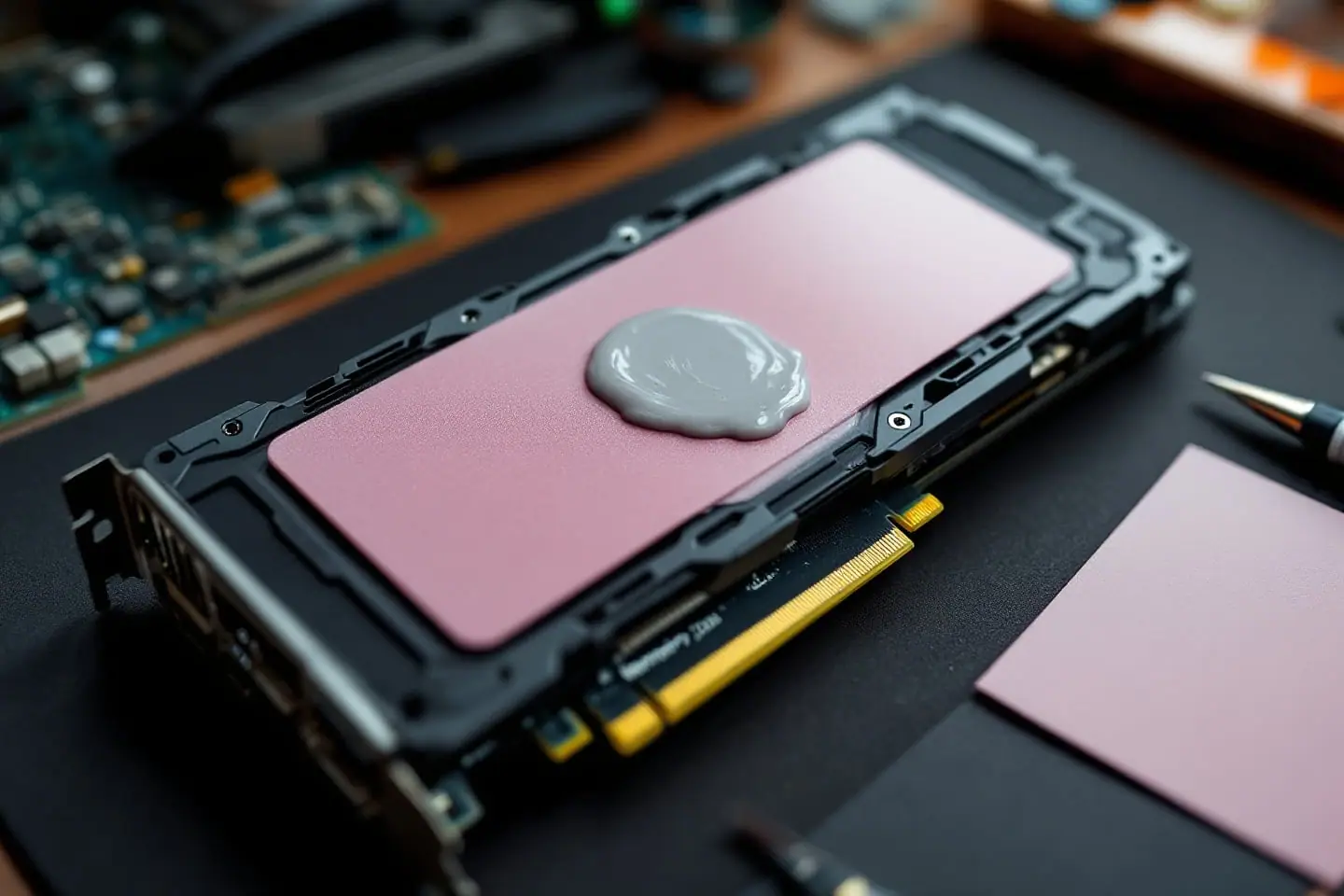
Thermal pad vs thermal paste is not really a contest, because the two fill different gaps. Paste belongs where a cooler presses straight onto a CPU heat spreader or a bare GPU die and the gap is close to nothing. Pads belong where the gap is a measurable fraction of a millimeter or more: graphics card memory, voltage regulators (VRMs, the power stages around a chip), M.2 SSDs under a heatsink and many chipset heatsinks. A CPU repaste needs only paste. A graphics card, laptop or M.2 heatsink job usually needs both.
For most people that means a 4 g syringe of an everyday non-conductive paste, a sheet of pads bought only after you know the thickness, and, for a machine you want to close and forget, a paste whose maker publishes a long usage period.
Thermal pad vs thermal paste: what each one does
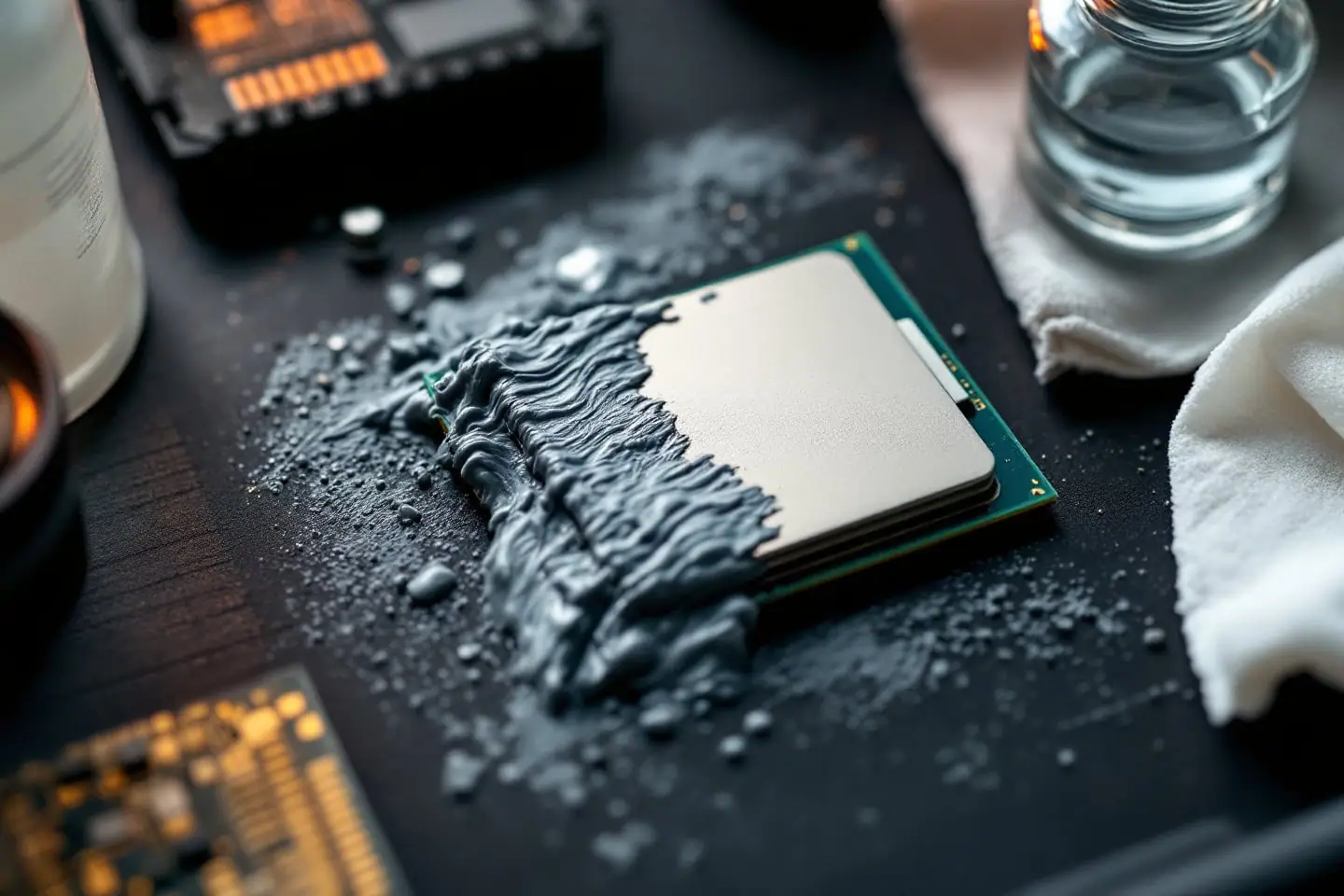
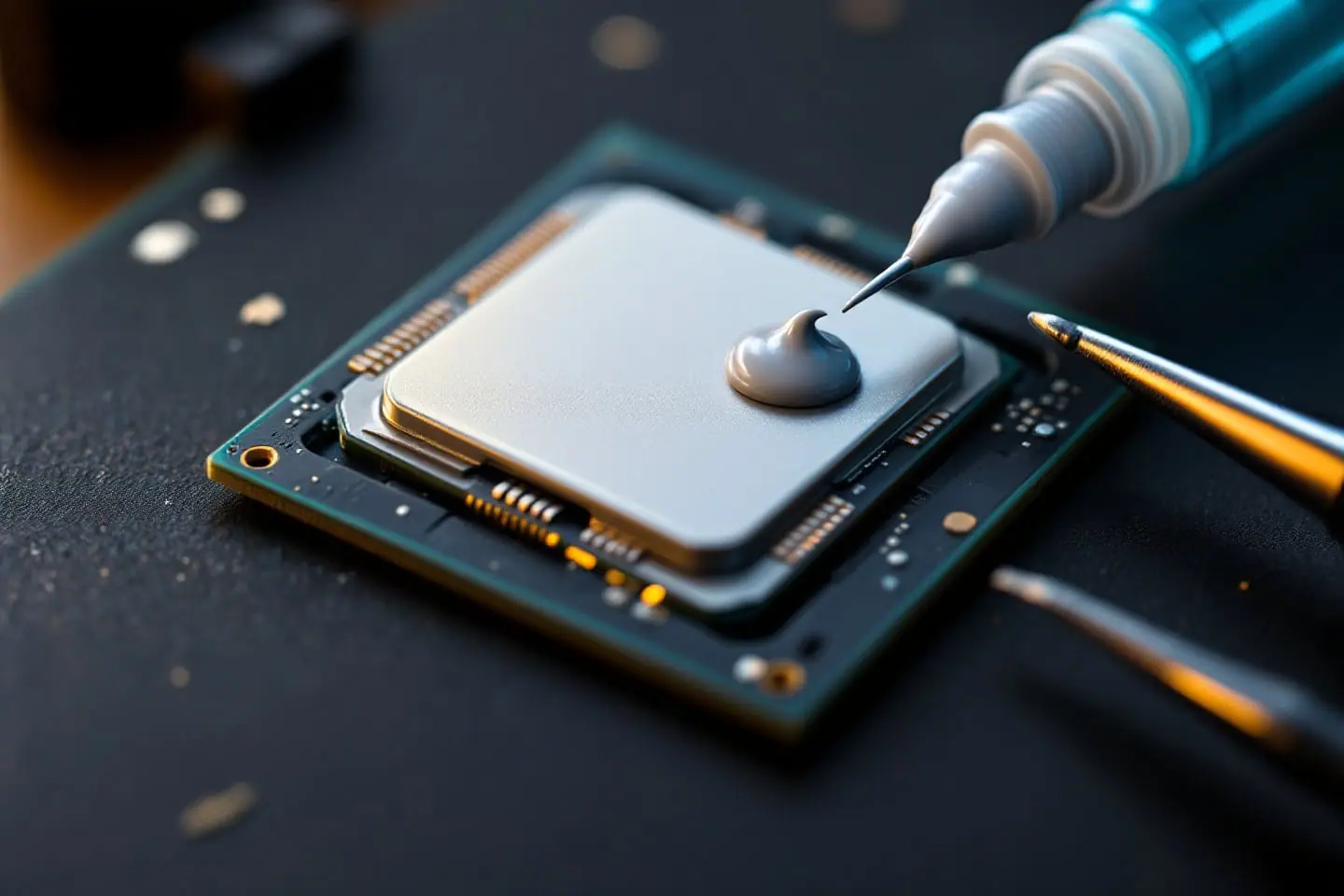
Thermal paste is a grease loaded with fine filler. Under the cooler's mounting force it squeezes out to a very thin layer and fills the microscopic valleys between two nearly flat metal faces. It cannot hold a gap open: Thermal Grizzly says its Kryonaut paste is not suitable for gaps larger than 0.2 mm, and that the bigger gaps around VRAM (graphics memory) and VRMs need pads or putty.
A thermal pad is a soft, solid sheet, typically silicone filled with ceramic particles, sold in fixed thicknesses. It compresses to bridge a known gap. Arctic's TP-3 pad manual draws the line: under 0.2 mm, use thermal grease instead; over 3 mm, review the design.
Thickness is why paste wins on a die. A layer's resistance to heat is roughly its thickness divided by its conductivity. Two made-up materials with round numbers, not any product's rating:
resistance per area  ~  thickness / conductivity

paste, 0.05 mm at 5 W/mK    0.05 / 5   = 0.01
pad,   1.0 mm  at 5 W/mK    1.0  / 5   = 0.20   (20 times the paste)
pad,   1.0 mm  at 10 W/mK   1.0  / 10  = 0.10   (10 times the paste)
Double the conductivity and the pad still loses badly. A pad earns its place only where a gap has to be bridged anyway.
Where each one belongs
| Part | Material | Why |
|---|---|---|
| CPU heat spreader | Paste | Flat on flat, almost no gap |
| Bare GPU die | Paste | Thinnest possible layer |
| Graphics card memory | Pads | Arctic names RAM chips and VRMs as pad areas |
| VRMs on cards and boards | Pads | Lower and less even than the die |
| M.2 SSD under a heatsink | Pad | Gap between the drive's chips and the cover |
| Chipset heatsink | What the factory used, usually a pad | Arctic: cut it to the chip's size |
| Laptop CPU or GPU die | Paste, pads around it | Bare die, memory and VRMs nearby |
| Under a delidded CPU's lid | Paste or liquid metal | Never a pad job |
From the Parts bin
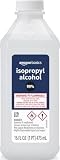 Amazon Basics 99% isopropyl alcoholCleanupGrab it on Amazon
 Thermalright Peerless Assassin 120 SECoolerGrab it on Amazon
 ARCTIC MX-4 thermal paste (4 g)TIMGrab it on Amazon
Parts links can earn us a commission. As an Amazon Associate I earn from qualifying purchases. See the whole bin.
The last row has its own guides: how to delid an Intel CPU and liquid metal vs thermal paste.
How to choose: four checks before you buy
1. Is there a gap at all?
Look at what came off. A grey smear under a cooler that sat flat means paste. A sheet with a crisp imprint of the chip means a pad, and the next three checks apply.
2. Thickness, with some compression
Arctic's pad FAQ says a pad should be thick enough to compress by 10 to 40 percent, for example a 1.0 mm pad for a 0.7 mm gap. Check it by hand: the pad loses 0.3 mm, and 0.3 divided by 1.0 is 30 percent. The TP-3 manual's example, 1.5 mm for a 1.2 mm gap, works out at 20 percent.
To find the gap, start with the card or cooler maker's pad guidance. Failing that, Arctic's TP-2 manual says to measure the old pad and buy the same thickness, or for memory sticks and small M.2 heatsinks, the next one up. Rounding up on a graphics card is riskier, since thick memory pads can lift the cooler off the die. A common check is a test mount without power: lift the cooler and see whether the paste on the die spread into an even, thin layer.
Stack pads only when tolerances demand it, Arctic says, and bridge a very large gap with a copper or aluminum plate and a thin pad on each face.
3. Hardness
Hardness is quoted on the Shore 00 scale, where lower is softer. Igor's Lab suggests roughly 25 to 50 Shore 00 for uneven parts and VRAM gaps over 1 mm, and roughly 50 to 70 for flat surfaces and gaps of 1 mm or less. A pad too hard for its gap can leave poor contact or press too hard.
4. Electrical behavior
Ordinary silicone pads and the pastes below are insulators. Graphite sheets are not: Thermal Grizzly marks its 0.2 mm KryoSheet as electrically conductive.
Why a pad on a CPU is a bad swap
The joint between a CPU's heat spreader and a cooler base is the almost-no-gap case in Arctic's rule, so a silicone pad there only adds thickness, and in the worked example a 1.0 mm pad carried 10 to 20 times the resistance of thin paste. If the drawer holds a pad but no paste, wait for the paste.
Two products blur the line, and neither is a gap pad. Graphite sheets such as KryoSheet stay at 0.2 mm, conduct electricity and, Thermal Grizzly advises, should not be reused. Phase-change pads are solid at room temperature and, Igor's Lab explains, soften from around 50 °C into a thin layer; they are meant for one application. On an ordinary desktop CPU, paste is simpler and easier to redo.
The three picks
We based these picks on makers' specifications, manuals and published reviews rather than on our own bench time.
Everyday paste: ARCTIC MX-4
The ARCTIC MX-4 is the default for a CPU repaste and for the GPU die during a pad job. Arctic lists it as metal-free and not electrically conductive, with a density of 2.50 g/cm³, a viscosity of 31,600 poise and a continuous use range of -50 to 150 °C, in 2, 4, 8, 20 and 45 g tubes. A 4 g syringe holds 4 divided by 2.50, or 1.6 ml.
It suits a family PC, a first build, an old LGA 775 board or a modded Xeon. The trade-off: Arctic publishes no thermal conductivity figure and no lifetime number, only a non-drying claim. For an overclocked chip with a cooler that has room to spare, a stiffer paste such as Thermal Grizzly Kryonaut is the step up; spread it slowly into a thin layer, as Thermal Grizzly advises.
Pads for memory, VRMs and M.2: Thermal Grizzly Minus Pad 8
Thermal Grizzly Minus Pad 8 is a ceramic and silicone pad with nano aluminum oxide filler. Thermal Grizzly sells it in 0.5, 1, 1.5, 2 and 3 mm thicknesses and 30 x 30, 120 x 20 and 100 x 100 mm sheets, rates it at 60 on the Shore 00 scale and from -100 to 250 °C, and lists it as electrically insulating to 8 kV/mm (ASTM D149). The linked pack is 1.0 mm.
It suits a graphics card re-pad, a laptop's memory and VRMs, or a board's M.2 heatsink. Hardware Busters used 1.5 mm Minus Pad 8 on the primary slot of an MSI EZ M.2 Shield Frozr II heatsink and noted a secondary slot may need 1.0 mm. One board, two thicknesses: measure.
The trade-offs: a pack is one thickness, and Igor's Lab counts up to four thicknesses on a single graphics card. At 60 Shore 00 it sits in the harder band, better for flat parts and gaps around 1 mm than tall, uneven ones. Thermal Grizzly prints no numeric conductivity, which matters less than it sounds: Igor's Lab calls W/mK ratings for pads misleading.
Long-life paste: Noctua NT-H1
Noctua NT-H1 is for the office machine, the home server or the PC in the spare room. Noctua's datasheet for the 3.5 g tube (1.4 ml) gives a recommended usage time on the CPU of up to 5 years, storage before use of up to 3 years, no burn-in and an operating range of -50 to 110 °C. It is not electrically conductive and non-corroding, safe on copper or aluminum coolers. One tube covers about 3 jobs on a large TR4 Threadripper or about 20 on a small LGA 1151 chip.
The trade-offs: five years is the maker's claim, not an independent aging test, and 3.5 g runs short if you also repaste graphics cards. Noctua says it wipes off with a dry tissue and then a moist one.
Side by side
| ARCTIC MX-4 | Thermal Grizzly Minus Pad 8 | Noctua NT-H1 | |
|---|---|---|---|
| Type | Paste | Silicone gap pad | Hybrid paste |
| Goes on | CPU lid, GPU die | VRAM, VRMs, M.2, chipset | CPU lid, GPU die |
| Sizes | 2 to 45 g tubes | 0.5 to 3 mm sheets | 3.5 g (1.4 ml) |
| Electrical | Not conductive | Insulating, 8 kV/mm | Not conductive |
| Rated temperature | -50 to 150 °C | -100 to 250 °C | -50 to 110 °C |
| Maker's life figure | Non-drying, no number | None stated | Up to 5 years on the CPU |
| Gap, by Arctic's rule | Under 0.2 mm | About 0.2 to 3 mm | Under 0.2 mm |
Reusing pads and cleaning up
Arctic's TP-3 manual allows reuse "as long as it does not appear degraded (hardened, dirty, oily, etc.)." Aged pads often fail that test: Igor's Lab described graphics card memory pads whose silicone base squeezed out over time, leaving filler that hardens and can crack. If a pad tears, splits between chip and heatsink or looks oily, replace it. Graphite sheets and phase-change pads are single use regardless.
- Wipe old paste off with a dry lint-free cloth, then clean with isopropyl alcohol, as Thermal Grizzly recommends.
- Lift old pads with a plastic tool and clear every remnant with alcohol; Hardware Busters warns that leftovers make a heatsink sit unevenly.
- Cut replacement pads with both films on, then peel both films before fitting.
- Press each pad down from one end to the other, as Arctic suggests, so no air is trapped.
99 percent isopropyl alcohol and lint-free wipes cover every step. The CPU sequence is in repasting a CPU step by step, and grounding in anti-static basics for home builders.
Questions
Can I use a thermal pad instead of thermal paste on a CPU?
Not a silicone gap pad. If fresh paste still leaves the chip hot, the cooler may be the limit; the cooler TDP headroom check tells you.
Do thermal pads dry out?
Not the way old paste can, but the silicone can bleed out over years and leave a hard, brittle pad. Replace it, and keep a spare sheet of the right thickness in the parts bin.
Sources and further reading
- Arctic, TP-3 thermal pad manual (gap limits, reuse, fitting)
- Arctic, TP-2 thermal pad manual (pad locations, measuring the old pad)
- Arctic, What should you watch out for when using the thermal pads? (compression, layering, plates)
- Arctic, MX-4
- Thermal Grizzly, Minus Pad 8, Kryonaut and KryoSheet
- Noctua, NT-H1 3.5g datasheet
- Igor Wallossek, Igor's Lab, Selecting, using and assessing thermal pads correctly (February 11, 2025)
- Igor Wallossek, Igor's Lab, Can you stack thermal pads to achieve thicker layers? (July 8, 2025)
- Igor Wallossek, Igor's Lab, Defective pads and too hot GDDR6X memory (August 6, 2021)
- Igor Wallossek, Igor's Lab, How to use phase change pads like the PTM7950 correctly (April 24, 2025)
- JimCKD, Hardware Busters, Replace Thermal Pads On MSI EZ M.2 Shield Frozr II Heatsink (August 31, 2026)

Corey handles cooling: thermal paste, pads, delidding and liquid metal. He explains where the heat goes in plain numbers and is suspicious of any cooler box that prints a wattage without saying how it was measured.