Best thermal paste for a CPU: how to choose, and four sensible picks
For almost every desktop and laptop, the best thermal paste is a non-conductive paste that needs no curing, comes from a maker that publishes honest specifications, and is sold in a tube sized for the jobs you actually have. Past that point, the gaps between good pastes are small, and a careful mount matters as much as the tube. This guide covers the criteria in the order we weigh them, why the conductivity figure on the box tells you little, four picks described by what they are and who they suit, and liquid metal, which is not a paste at all and belongs only in experienced hands.
What to look for when choosing the best thermal paste
Electrically non-conductive, ideally non-capacitive
Paste ends up where you did not plan: over the lid edge, in the side notches of an AM5 chip, on the tiny components around a bare laptop die. With a non-conductive paste, that is a cleanup. With a conductive one it can be a short, and Gamers Nexus, after deliberately overloading a CPU with paste, singled out conductive compounds as the case where excess can short small components.
Makers state this plainly when it is true. Arctic lists its MX-6 as neither electrically conductive nor capacitive and its MX-4 as metal-free and not conductive. Thermal Grizzly gives Kryonaut's electrical conductivity as 0 pS/m, while noting it is not a certified high-voltage insulator. Older silver-filled pastes are the gray area: Arctic Silver says its Arctic Silver 5 is formulated to conduct heat rather than electricity, yet is very slightly capacitive and should be kept away from traces, pins and leads. That is fine for a careful builder and a poor choice for a first-timer.
Viscosity and how it goes on
Thick pastes and thin pastes both work; they just ask for different handling. Arctic gives MX-6 a viscosity of 45,000 poise against 31,600 for MX-4, and says MX-6 cannot be spread with a spatula at all, relying on the cooler's pressure. Thermal Grizzly lists Kryonaut at 130 to 170 Pa·s, says the thick consistency is intentional, tells you to spread it slowly with the supplied spatula, and suggests warming the tube with a hair dryer to make it easier.
Compare those figures within one brand, not across brands. One Pa·s is 10 poise, so on paper Kryonaut sits far below MX-6, yet both are described by their makers as thick. The product pages do not say at what temperature or shear rate they were measured, and for a paste those details change the answer.
Cure time
Most current pastes need none. Arctic says MX-6 reaches full performance directly after application without burn-in, and Thermal Grizzly lists Kryonaut as no curing. Some older formulas are different: Arctic Silver says its Arctic Silver 5 needs up to 200 hours and several thermal cycles to reach its best. If you use a paste like that, judge your temperatures after a few days of normal use, not in the first hour.
Tube size and shelf life
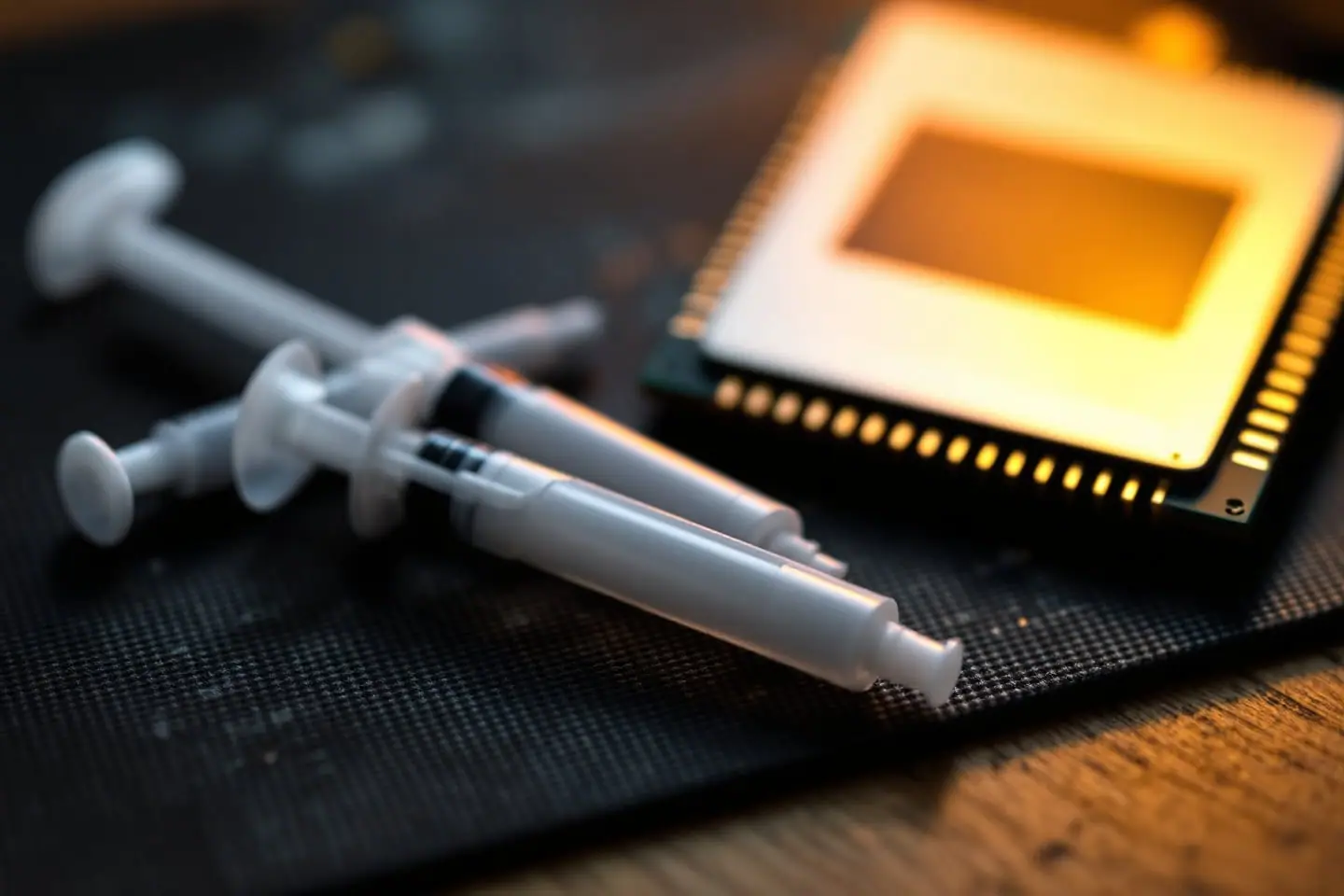
Density lets you turn grams into jobs. Arctic lists MX-6 at 2.6 g/cm³, so a 4 g syringe holds 4 divided by 2.6, about 1.5 ml. The usual desktop dose, a bead about 4 mm across, is 0.033 ml (our guide to how much thermal paste to use on a CPU shows the arithmetic). That is roughly 46 doses on paper. Lose half of it to imprint checks, the tip and the syringe walls and you still have 20 or more repastes.
Kryonaut is denser at 3.7 g/cm³, so its 1 g tube holds about 0.27 ml, or eight desktop doses: enough for one or two careful jobs. Thermal Grizzly says an unopened tube can be used for up to 10 years and an opened one for up to 5, after checking for contamination or an odd consistency. Not every maker publishes a figure like that, so a giant tube for a PC you repaste every few years is rarely a saving. Big lids and graphics cards are the exception; they use far more per job.
Longevity and pump-out
Makers of current pastes sell them as non-drying; the failure they warn about instead is pump-out. Thermal Grizzly describes pump-out as temperature changes gradually displacing paste from the contact area, and says a thin, even layer and a correct mount reduce the risk without removing it. Its page adds that Kryonaut can be particularly susceptible to pump-out on direct-die setups and points to its Duronaut line for long-term stability. Arctic, for its part, says MX-6's viscosity prevents pump-out and calls it non-bleeding. Neither maker gives a universal replacement interval: Thermal Grizzly says to replace paste when temperatures show a confirmed rise or the cooler has come off, and Intel suggests no more than every few years.
What it cannot do
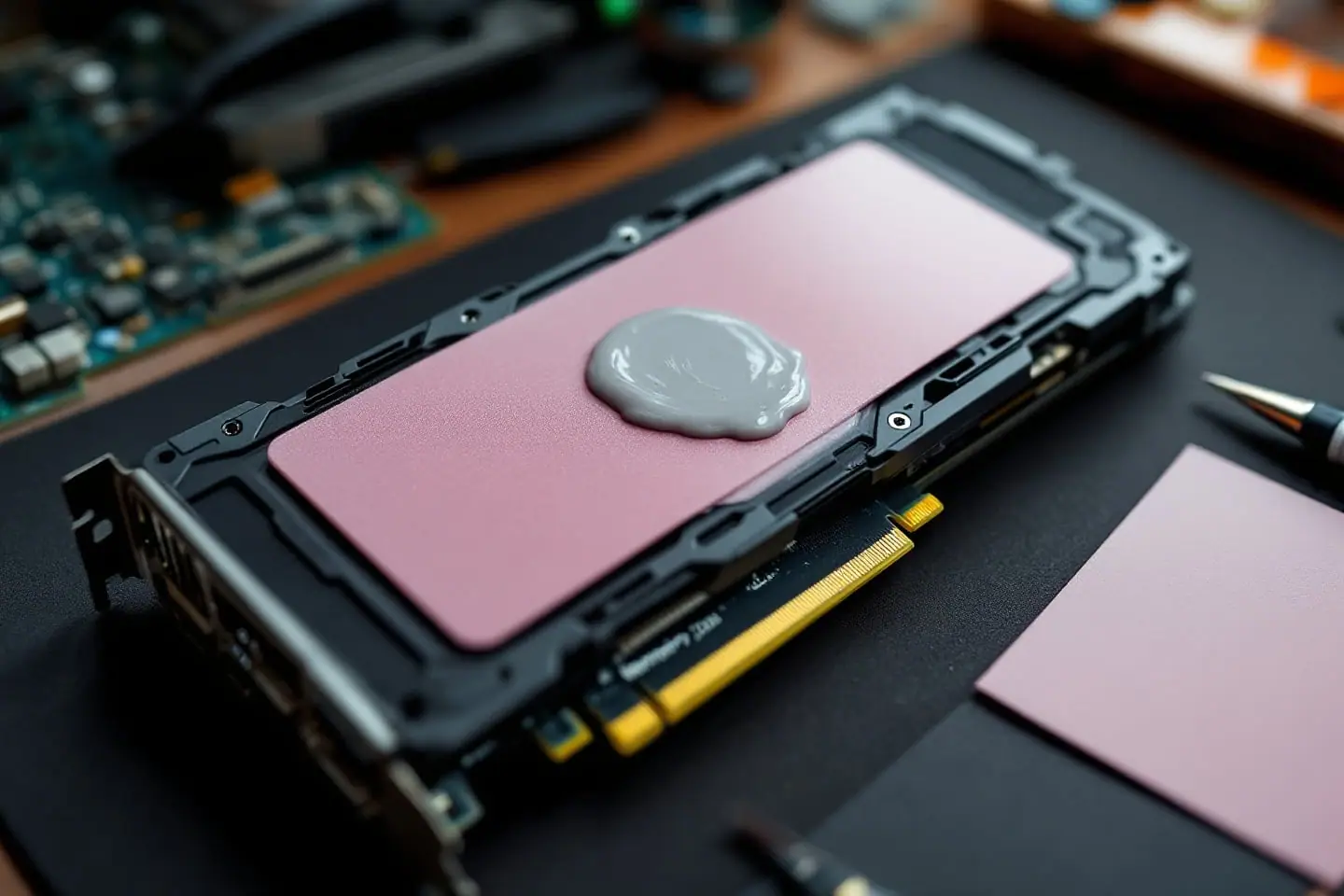
Paste is for thin joints. Thermal Grizzly says Kryonaut is not suitable for gaps larger than 0.2 mm, and that the gaps over memory chips and voltage regulators need thermal pads or putty. A graphics card or laptop job therefore often needs pads of the right thickness as well as paste.
Why maker conductivity numbers are not comparable
Thermal conductivity in watts per meter-kelvin (W/mK) is the number printed largest on many boxes, and it is the least useful. Arctic no longer publishes it, saying many makers "invent, artificially inflate or embellish" these values, and puts typical thermal paste at 1 to 4 W/mK. Thermal Grizzly has not published general W/(m·K) ratings since the end of 2020, explaining that test method, temperature, mounting pressure and contact surfaces all change the result, so a single figure cannot rank pastes reliably. Our liquid metal vs thermal paste comparison traces how one liquid metal figure appeared and then vanished from a spec sheet.
There is a second reason the number misleads: the layer matters as much as the material. Heat crossing a layer of paste meets a resistance proportional to its thickness divided by its conductivity. Work it through by hand. A 0.05 mm layer of a 4 W/mK paste gives 0.05 divided by 4, or 0.0125. A 0.1 mm layer of a paste claiming 8 W/mK gives 0.1 divided by 8, also 0.0125. Twice the claimed conductivity, the same result, because the layer was twice as thick. Coverage, mounting pressure and how thin the paste squeezes out all sit in that sum.
The figures worth trusting come from independent tests that run several pastes on the same CPU, the same cooler and the same mounting, report temperature above room temperature, and repeat each mount more than once. Thermal Grizzly itself points buyers to independent tests.
Four sensible picks, by use
These are described by what they are and who they suit.
An everyday non-conductive paste in a 4 g syringe
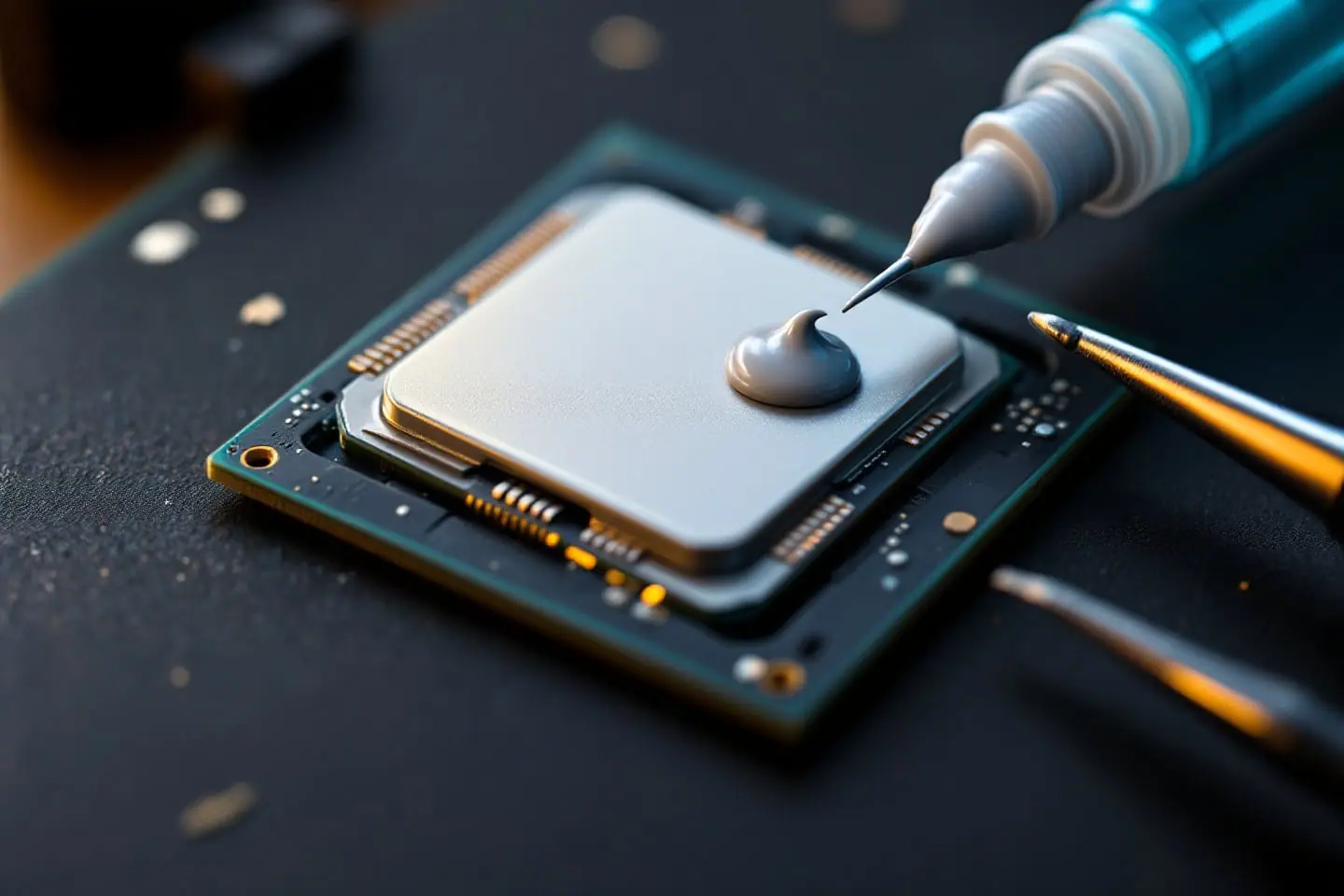
For repasting a family PC, reviving a Core 2 or modded Xeon box, a first build, or any chip running at stock settings. Look for a paste that is non-conductive, needs no curing and spreads under the cooler's pressure, so a single bead and a straight-down mount do the work. A 4 g syringe covers years of repasting for one or two machines.
A high-performance non-conductive paste for hot, overclocked chips
For chips pushed past their stock limits, enthusiasts chasing the last degree, and delidded chips relidded with paste instead of liquid metal. Look for strong showings in independent comparisons and a maker that explains its application method. Some come only in small tubes and are stiffer than everyday pastes, so follow the spreading instructions exactly. Any gain over a good everyday paste only shows when the cooler itself has headroom; the cooler TDP headroom check tells you whether yours does.
A long-life non-conductive paste for a PC you will not open for years
For an office machine, a home server or the PC in the spare room. Look for a paste whose maker states that it is non-drying and stable over the long term, ideally with a published usage period or shelf life, and a consistency that resists pump-out. You trade a fraction of peak performance for not having to think about it again.
A thick paste rated for bare dies, graphics cards and consoles
For a GPU repaste, a console, or a laptop whose cooler sits on bare silicon. Look for a maker that explicitly rates the paste for direct-die use, enough of it for a large die, and a matching set of pads in the right thicknesses for the memory and voltage regulators.
Liquid metal: for experts only
Liquid metal is a gallium-based alloy that is liquid at room temperature. It moves heat far better than any paste, and it conducts electricity, flows, and attacks aluminium. Thermal Grizzly says its Conductonaut must not be used with aluminium coolers, recommends nickel-plated copper bases, and pitches it at experienced users.
It earns its place in two situations: under the lid of a paste-era Intel chip after delidding, and on a bare die with proper containment. On top of an ordinary heat spreader the gain is small and the risk is all yours. If that still describes your build, buy liquid metal along with polyimide tape, and read the full safety steps in the comparison linked above before the syringe comes out of its box.
Matching the paste to the machine
| Machine | What to buy | Why |
|---|---|---|
| Core 2 or LGA 775 Xeon revival | Everyday paste, 4 g | The cooler is the limit, and many old coolers have aluminium bases |
| Mainstream desktop at stock | Everyday or long-life paste | A stock chip rarely needs more |
| Overclocked desktop | High-performance paste | Only after confirming the cooler has headroom |
| Delidded Intel chip, under the lid | Liquid metal (experts) or high-performance paste | Gap is tiny and sits right on the hot die |
| Laptop | Paste rated for direct die, plus correct pads | Bare die, mixed gaps around it |
| Graphics card or console | Thick direct-die paste, larger tube, pads | Large die, pads on memory and regulators |
The two things to buy with it
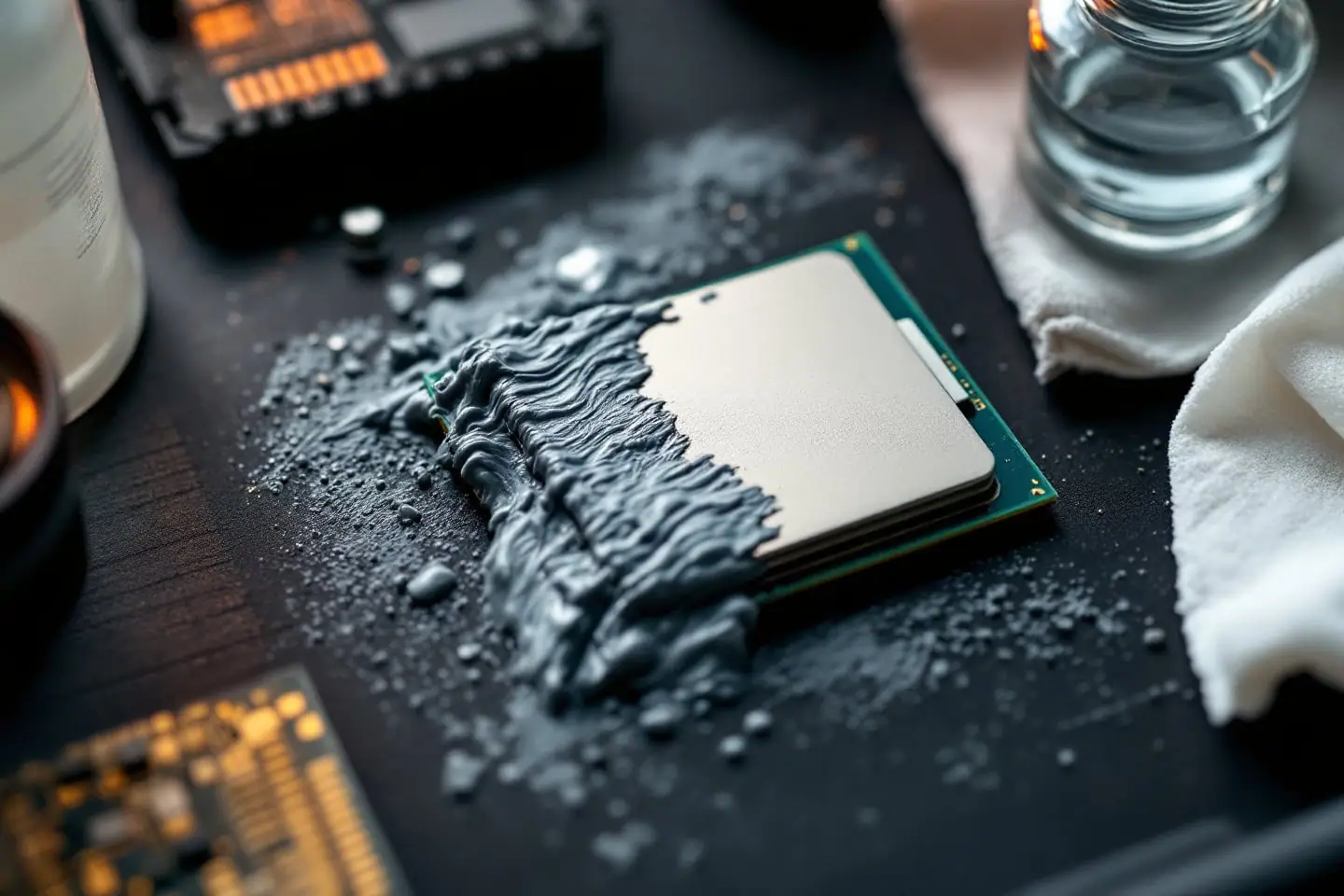
Whatever paste you choose, the old layer has to come off cleanly first. 99 percent isopropyl alcohol and lint-free wipes do that job, and our guide to cleaning thermal paste with isopropyl alcohol covers lids, cooler bases and paste that has strayed into the socket. The repasting walkthrough puts it all in order.
Buy the everyday syringe, a bottle of 99 percent alcohol and a pack of wipes. That combination handles nearly every CPU on this site, and the time you save on choosing is better spent on a straight, even mount.
Sources and further reading
- Arctic, MX-6 product page (density, viscosity, electrical properties, no burn-in, direct-die use, pump-out)
- Arctic, MX-4 product page (viscosity, electrical properties, sizes)
- Arctic, Why doesn't ARCTIC communicate thermal conductivity values?
- Thermal Grizzly, Kryonaut product page and FAQ (viscosity, conductivity, shelf life, pump-out, 0.2 mm gap limit, no W/(m·K) ratings since 2020)
- Thermal Grizzly, Conductonaut product page (aluminium warning, nickel-plated bases, intended users)
- Arctic Silver, Arctic Silver 5 (capacitance, break-in time)
- Patrick Lathan and Steve Burke, Gamers Nexus, Too Much Thermal Paste: Benchmark of Thermal Paste Application and Quantity (July 27, 2018; excess conductive paste)
- Intel, How to Apply Thermal Paste and How It Works (replacement interval)

Corey handles cooling: thermal paste, pads, delidding and liquid metal. He explains where the heat goes in plain numbers and is suspicious of any cooler box that prints a wattage without saying how it was measured.